SoundCloud to MP3 Converter: Free Download on Phone and PC (2026)

On this page
SoundCloud is home to underground music, exclusive remixes, and DJ sets you can’t find on Spotify or Apple Music. But the free app doesn’t allow offline listening, and SoundCloud Go+ costs $4.99-$10.99 per month. So if you want to keep a track for a gig or just for the subway, you need a SoundCloud downloader that actually still works, because a lot of last year’s converter sites are dead or now push malware.
According to Statista’s music streaming data, SoundCloud hosts over 320 million tracks from 30 million creators, making it the largest open audio platform. Whether you need to download SoundCloud songs on iPhone, convert SoundCloud to MP3 on Android, or grab high-quality 320kbps files for Rekordbox, this guide covers the working methods in 2026.
Most of this guide is about getting the file. Once you have the audio, ScreenApp can do more with it: convert audio to text, translate a track into another language, or pull the audio out of a video.
A few things worth knowing before you download SoundCloud tracks:
- Personal use only. Downloading copyrighted music to redistribute or sell without permission breaks copyright law.
- Creative Commons. Plenty of SoundCloud artists release tracks under licenses that allow free downloads with attribution. Look for the “Free Download” button the artist turned on.
- Support artists. If a track is worth keeping, buy it on Bandcamp or Beatport.
- Safety first. Skip the converter sites with pop-up storms. Every method below is one you can run without that risk.
Per the U.S. Copyright Office guidelines, downloading copyrighted material without permission is illegal. This guide is for personal archival use.
Best SoundCloud Downloader Methods 2026
| Method | Tool Name | Best For | Platform | Quality | Price |
|---|---|---|---|---|---|
| iPhone | iOS Shortcuts | iPhone and iPad users | iOS | 128-256kbps | Free |
| Android | Telegram Bots | Mobile users | Any | 256-320kbps | Free |
| PC/Mac | Browser Extensions | Desktop users | Chrome, Firefox, Edge | Up to 320kbps | Free |
| DJs | Desktop Software | Audiophiles, producers | Windows, Mac | 320kbps, WAV | Free or paid |
| Advanced | Command Line (scdl) | Power users | Windows, Mac, Linux | Original quality | Free |
Quick picks
- iPhone or iPad. iOS Shortcuts. Native, nothing to install, free.
- Android. A Telegram bot like @scdlbot. Paste a link, get the file back in the chat, free.
- PC or Mac. A browser extension that adds a download button to the SoundCloud player, free.
- DJs and producers. Desktop software or the scdl command line for 320kbps and WAV.
Why Most SoundCloud Converters Are Dangerous
Before diving into safe methods, understand why random “SoundCloud to MP3 converter” websites are risky. According to CISA’s cybersecurity guidelines, converter sites frequently contain:
Malware
Fake "Download" buttons that install a browser hijacker or a trojan instead of the track.
Data harvesting
Tracking scripts that scrape your browsing history and email for ad networks.
Bad quality
Most cap the output at 128kbps, which is useless for DJs or anyone on real speakers.
The methods in this guide use verified tools with active communities, avoiding the risks associated with sketchy converter websites.
Best Free SoundCloud Downloaders 2026
Method 1: Telegram Bots (Best for Android Quick Downloads)
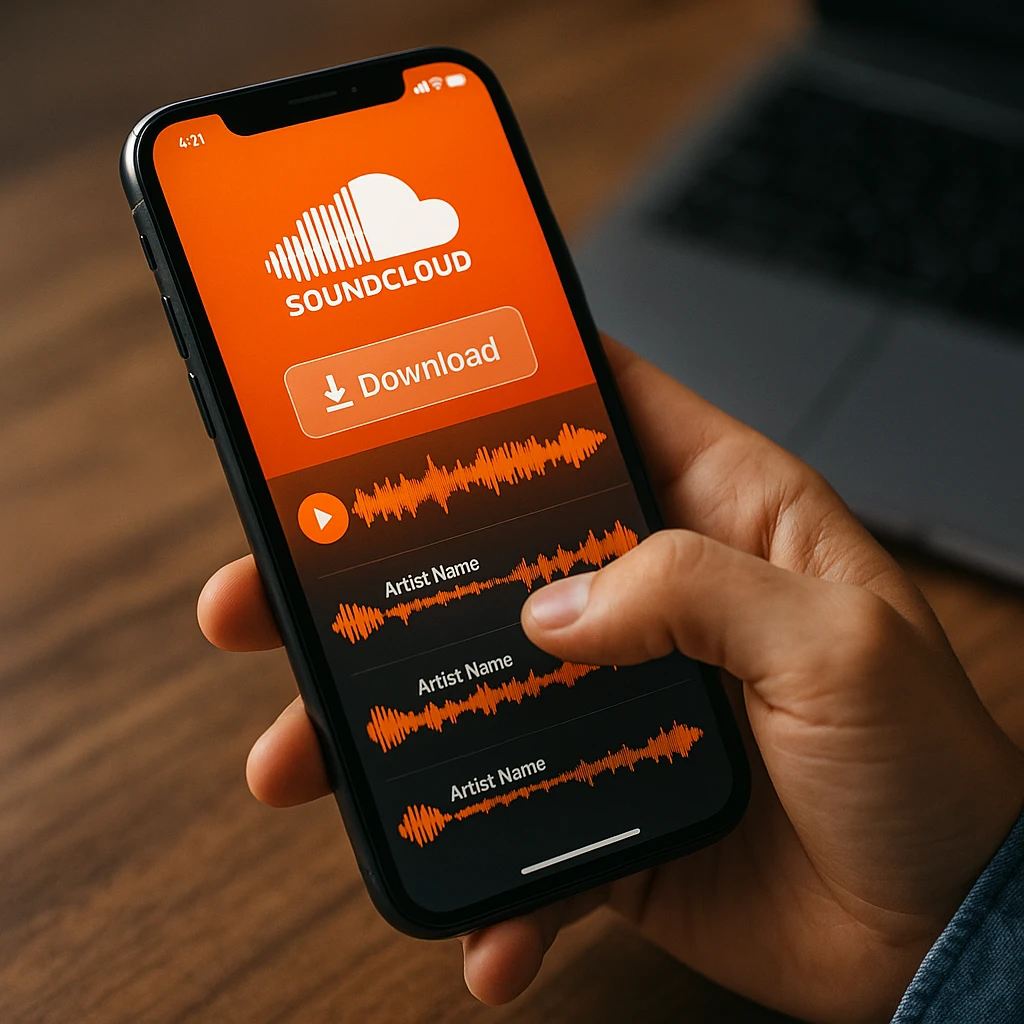
Telegram bots are the fastest way to download a SoundCloud song on Android. No app, no ads, and the file lands in your chat with the cover art and artist name already attached. Two that work right now:
How to Download SoundCloud Songs Using Telegram Bots
- Open Telegram and search the bot. Search for
@scdlbotor@GetMediaBotand tap to open the chat. - Copy the track link. In the SoundCloud app, tap Share, then Copy Link on any track or playlist.
- Paste the link and send. Drop the URL into the bot chat and hit send. It replies with an audio file, usually in 10 to 30 seconds.
- Save it. Tap the file, then Save to Music on Android or Save to Files on iPhone. The track shows up in your player with its artwork.
Method 2: iOS Shortcuts (Best for iPhone & iPad)
iOS Shortcuts is Apple’s built-in automation tool, and it runs natively on iPhone and iPad. It is safer than a random App Store app because a shortcut can’t touch your data beyond what you hand it, and it runs in a sandbox. Per Apple’s Shortcuts documentation, that sandboxing is the whole security model.
The one to get is the “SoundCloud Downloader” shortcut on RoutineHub. It reads the URL straight from the Share Sheet, saves to the Files app as M4A or MP3, and works on private tracks you already have access to.
Good
- No third-party app
- Runs from SoundCloud's own Share menu
- Processing stays on the phone
- No ads, no tracking
Trade-offs
- Quality tops out at 128-256kbps
- One track at a time, no full playlists
- Needs iOS 14 or newer
How to Download SoundCloud Songs on iPhone Using Shortcuts
- Install the shortcut. In Safari, open RoutineHub, search “SoundCloud Downloader”, and tap Get Shortcut. To add it you’ll need untrusted shortcuts turned on under Settings, then Shortcuts, then Advanced.
- Find your track. Open the SoundCloud app and go to the track. Wi-Fi makes this quicker.
- Share to the shortcut. Tap Share, scroll down, and pick “SoundCloud Downloader”. It grabs the audio URL and starts downloading.
- Open it in Files. Go to Files, then On My iPhone, then Downloads. The track is there as M4A or MP3, ready to import into Apple Music or any player.
Method 3: Browser Extensions (Best for PC and Mac)
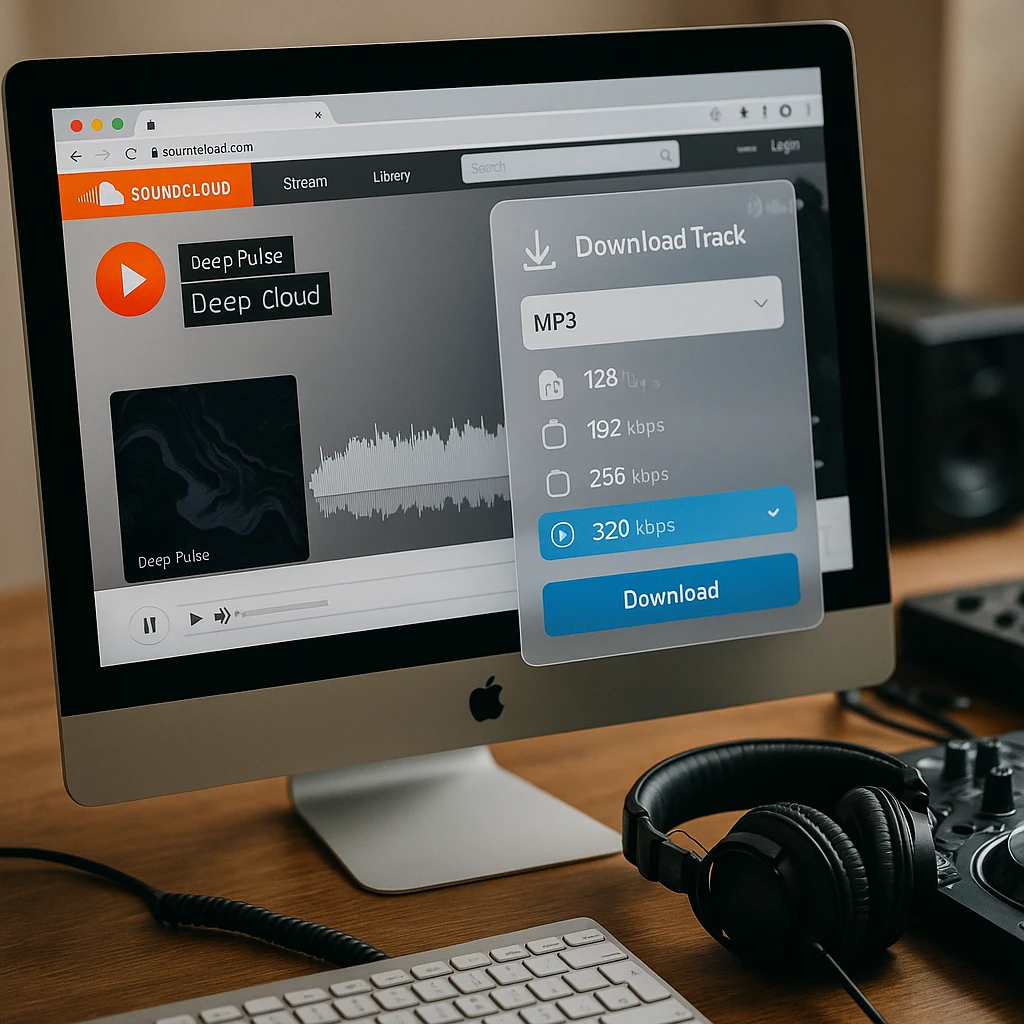
A browser extension puts a Download button right on the SoundCloud player, so it feels like a built-in feature. It is the cleanest desktop option if you’re on SoundCloud a lot.
Addoncrop SoundCloud Music Downloader
The most reliable one for Chrome. Adds a Download button next to every track with a quality picker from 128 to 320kbps.
SaveFrom.net Helper
A universal downloader that covers 40+ sites including SoundCloud. Reliable, but a bit more ad-heavy than Addoncrop.
Method 4: Android Apps (Alternative to Bots)
For Android users who prefer standalone apps over Telegram bots:
SoundLoader for Android
SoundLoader is a dedicated SoundCloud downloader on the Play Store. Clean interface, none of the aggressive ads you get on converter sites. It does direct downloads, keeps the metadata, and can save to an SD card.
Copy any SoundCloud link, open SoundLoader, paste the URL, pick a quality between 128 and 320kbps, and it saves straight to your device or SD card.
How to Download High-Quality SoundCloud (320kbps & WAV)
Standard online converters typically rip at 128kbps, which sounds muddy on professional sound systems. DJs, producers, and audiophiles need higher quality for Rekordbox, Serato, or studio use.
Free: the artist’s own download
The cleanest and most legal option. A lot of producers turn on a “Free Download” button that hands you a WAV or 320kbps MP3 directly. To find them:
- Add “Free Download” to your SoundCloud search.
- Look for the “Free Download” button under the waveform.
- Click it for the original quality, often WAV or 320kbps.
Per Creative Commons, many SoundCloud artists release under licenses that explicitly allow free downloads with attribution.
Paid: desktop software
For studio work, desktop tools can capture the stream at a higher bitrate or convert to a lossless format.
- ViWizard SoundCloud Music Converter. Records at 320kbps, exports WAV or FLAC. Windows and macOS, $39.95 one-time.
- TuneFab SoundCloud Downloader. Batch downloads with metadata intact, 320kbps MP3 or M4A, $39.95/year.
These are meant for archival and building a Rekordbox library, not for piracy.
Download SoundCloud to Rekordbox (DJ Guide)
The DJ workflow
- Download at the highest quality. Use a browser extension or desktop software for 320kbps minimum. Skip 128kbps, it falls apart on a club system.
- Organize the files. Drop them in one folder (“SoundCloud Downloads”) and clean up the filenames, since Rekordbox chokes on some special characters.
- Import to Rekordbox. File, then Import Folder, then pick that folder. Rekordbox analyzes the waveforms, reads the BPM, and adds everything to your Collection.
- Check the bitrate. Look at the Bit Rate column. Anything below 256kbps, re-download from a better source.
Pro tip: If a SoundCloud upload is a DJ mix or a production tutorial, run it through ScreenApp's audio to text converter to pull the tracklist or the steps out of the talk.
Command Line Method: SCDL for Power Users
For technical users who need to download entire artist discographies or automate SoundCloud archiving, scdl is the most powerful SoundCloud downloader on GitHub.
scdl (the command line tool)
scdl is a Python command-line tool that pulls tracks, playlists, likes, and whole user profiles at the original quality. Per the Python Software Foundation, a CLI gives you the most control and is easy to automate.
pip install scdlscdl -l https://soundcloud.com/artist/trackIt downloads whole playlists or your likes, keeps the original upload quality, tags metadata automatically, and batch-processes for archiving. A few commands worth knowing:
| Command | What it does |
|---|---|
scdl -l [URL] | Download a track or playlist |
scdl -l [URL] -c | Continue an interrupted download |
scdl -me | Download your own likes (needs auth) |
Is SoundCloud Downloader Safe?
Safety depends on the method you choose. Here’s a breakdown of safety considerations:
Safest
- iOS Shortcuts: runs on your device, no external server.
- Telegram bots: Telegram's own infrastructure, no browser exposure.
- Browser extensions: only the verified ones from official stores.
- scdl: open-source, community-audited code on GitHub.
Use with care
- Android apps: Play Store only, never a third-party APK.
- Desktop software: check reviews first, some bundle adware.
- Web converters: keep an ad blocker on, never click a pop-up "Download".
Always avoid
- Random converter sites: most carry malware or phishing.
- "Cracked" software: pirated builds often hide trojans.
- Sites asking you to log in: never hand your SoundCloud password to a third party.
According to FTC’s phishing guidelines, fake converter sites are a common vector for malware distribution. Stick to verified methods from official sources.
How to Download SoundCloud Playlist to MP3
Downloading entire playlists requires tools that support batch processing. Here are the working methods:
scdl command line (best for big playlists)
Run scdl -l [PLAYLIST_URL]. It pulls every track with metadata and sorts them into folders by artist and playlist. Ideal for archiving a DJ set or a label showcase.
Telegram bot (works on your phone)
Send the playlist URL to @scdlbot. It processes each track and sends them one by one, up to 50. Slower, but it all happens on the phone.
Browser extension with playlist support
Addoncrop can detect a playlist and offer a batch option, though in most cases you still click each track.
Troubleshooting Common SoundCloud Download Issues
This happens when downloaders fail to fetch SoundCloud's metadata API correctly. The audio is fine, but the MP3 file is missing embedded artwork.
Solution: Use a Telegram bot like @scdlbot or desktop software like scdl, which fetch and embed the album art for you. Or add it by hand in iTunes (Mac) or Windows Media Player: right-click the file, then Properties, then Add Album Art.
This error appears when:
- The track is region-locked or set to private by the artist
- SoundCloud has removed the track due to copyright claims
- The downloader tool is using outdated API endpoints
Solution: Try a different method (if Telegram bot fails, try browser extension). For private tracks, you can only download them if you have direct access through your SoundCloud account and use tools that support authentication (iOS Shortcuts or SCDL with auth token).
Many artists upload tracks at 128kbps to SoundCloud's free tier, so even "working" downloaders can only grab what's available on the platform. SoundCloud compresses all uploads, and free-tier artists are limited to 128kbps.
Solution:
- Look for tracks with the "Free Download" button these are often higher quality WAV or 320kbps files
- Check if the artist sells the track on Bandcamp, Beatport, or Juno Download for lossless versions
- Use desktop software like ViWizard that can capture the stream at maximum available quality
iOS Shortcuts can fail when SoundCloud updates its API or when you're on a restricted network (school/work Wi-Fi often blocks media downloads).
Solution: Update to the latest version of the shortcut from RoutineHub. Switch to cellular data if Wi-Fi is restricted. If the shortcut is truly broken, use Telegram bots as a backup method they work independently of iOS restrictions.
How to Download Private SoundCloud Tracks
Private tracks are only visible to users the artist has granted access to. Standard downloaders cannot access them without authentication.
scdl with an auth token
scdl can reach a private track if you give it your SoundCloud auth token, which lets it open anything you already have permission to see.
scdl -l [PRIVATE_TRACK_URL] --auth-token [YOUR_TOKEN]To find the token: log in to SoundCloud on desktop, press F12 for Developer Tools, open the Application tab, then Cookies, and copy the oauth_token value. This one is for people comfortable with a bit of technical work, and only for tracks you legitimately have access to.
Alternative: Convert SoundCloud to Text for Podcasts
Beyond music, SoundCloud hosts podcasts, interviews, and educational audio. If you need to analyze or transcribe SoundCloud audio content:
ScreenApp: turn that audio into text
A download saves the file. If the SoundCloud track is a podcast, an interview, or a production tutorial, ScreenApp’s audio to text converter writes out a full transcript with timestamps and speaker labels, so you can search it, quote it, or summarize it.
- Transcribe a podcast episode and jump straight to the part you wanted.
- Turn an interview into a clean transcript with the speakers separated.
- Pull the tracklist or the technique out of a long DJ mix or tutorial.
For the tools behind it, see our guide to the best AI transcription tools.
FAQ
Is downloading from SoundCloud legal?
Downloading copyrighted music without permission for commercial use or redistribution is illegal. However, many SoundCloud artists use Creative Commons licenses that allow free downloads with attribution. Look for tracks with the official “Free Download” button enabled by the artist these are 100% legal. For personal archival use of music you intend to purchase, downloading falls into a gray area. According to EFF’s fair use guidelines, always respect artist rights and support creators by purchasing music when possible.
How do I download SoundCloud songs on iPhone?
The best method on iPhone is iOS Shortcuts. Install a SoundCloud downloader shortcut from RoutineHub (search “SoundCloud Downloader”), then in the SoundCloud app tap Share on any track, pick the shortcut from the Share Sheet, and the file saves to your Files app. A Telegram bot like @scdlbot also works on iPhone.
What is the best SoundCloud to MP3 converter for 320kbps quality?
For 320kbps downloads, use browser extensions like Addoncrop SoundCloud Music Downloader which offers quality selection up to 320kbps. For WAV or FLAC lossless quality, you need desktop software like ViWizard SoundCloud Music Converter or the command-line tool SCDL. Important: The maximum quality depends on the artist’s upload. If they uploaded at 128kbps, no tool can improve the quality you’re limited to the source file’s bitrate.
Can I download SoundCloud tracks directly to Apple Music or Spotify?
Not directly, but there is a workaround. Download the track with iOS Shortcuts or a Telegram bot, save it to the Files app, then in Apple Music go to Library, Add Files, and select the track. It shows up as a local file. Spotify needs Premium and the desktop app’s “Local Files” feature, and you can’t do it from mobile alone. Either way these stay local files and won’t sync across devices unless you put them in cloud storage.
How do I get my SoundCloud downloads into Rekordbox?
Download to your computer with a browser extension or scdl, put everything in one folder, then in Rekordbox choose File, Import Folder, and pick that folder. Rekordbox analyzes the waveforms, reads the BPM, and adds the tracks to your Collection. Keep downloads at 256kbps or higher (check the Bit Rate column), because 128kbps files sound poor on a real system and are best kept off a live set.
Can I download entire playlists at once?
Yes, but it depends on your tool. SCDL (command-line tool) is the best for bulk playlist downloads use scdl -l [PLAYLIST_URL] to download all tracks with metadata. Telegram bots like @scdlbot can process playlists but send tracks individually (up to 50 tracks). Browser extensions typically require clicking each track separately. For archiving large collections, SCDL is the most efficient option.
Is using a SoundCloud downloader against their Terms of Service?
According to SoundCloud’s Terms of Service, users should not download content unless the artist has enabled the “Download” button. However, many artists upload to SoundCloud specifically to share music freely. For personal archival use of tracks you intend to support financially, the practice is tolerated. Commercial use, redistribution, or claiming others’ work as your own clearly violates TOS and copyright law. Always respect artist rights and purchase tracks when possible on platforms like Bandcamp or Beatport.
What’s the difference between SoundCloud Go+ and downloading?
SoundCloud Go+ ($10.99/month) provides: (1) Offline listening within the SoundCloud app, (2) No ads, (3) Access to major label music. However, you don’t own the files they’re DRM-protected and only playable in the SoundCloud app. Downloading gives you MP3/WAV files you can use in any player, DJ software, or audio editor. For DJs and producers, downloading is essential since Rekordbox and Serato require actual audio files. For casual listeners who only use SoundCloud, Go+ might be more convenient.
Can I convert SoundCloud links to MP3 on Android without apps?
Yes, with a Telegram bot, which needs nothing installed beyond Telegram itself. Open Telegram, search for @scdlbot, send your SoundCloud link, and the bot replies with the audio file to save. It all stays inside Telegram, so you skip the sketchy Android apps and converter sites.
How do I avoid malware when using SoundCloud converters?
Follow these safety rules: (1) Never use random converter websites stick to methods in this guide (Telegram bots, iOS Shortcuts, verified browser extensions), (2) Install browser extensions only from official Chrome Web Store or Firefox Add-ons, (3) Use ad blockers when accessing any converter site, (4) Never download .exe files from converter sites (legitimate downloads are .mp3 or .m4a only), (5) Keep antivirus software active. According to FTC guidelines, if a site asks for credit card info for “free” downloads, it’s a scam legitimate tools never require payment information.
Choose Your SoundCloud Download Method
The best SoundCloud to MP3 converter for you depends on your device and quality needs. For iPhone users, iOS Shortcuts offer the safest native solution without third-party apps. Android users get instant results with Telegram bots like @scdlbot. Desktop users benefit from browser extensions that add download buttons directly to SoundCloud’s interface. DJs and producers need desktop software or SCDL for 320kbps and WAV quality suitable for Rekordbox or professional use.
All methods in this guide are actively maintained and working as of mid-2026. Avoid random converter websites that pose malware risks and deliver poor quality. Whether you need to download SoundCloud songs for offline listening, build a DJ library, or archive favorite remixes, these verified tools provide safe, reliable solutions.
Remember to support artists: If you love a track, purchase it on Bandcamp, Beatport, or directly from the artist. SoundCloud is a platform built on community support downloading should complement purchases, not replace them.
Related guides:
- YouTube to MP3 converter for grabbing audio off YouTube the same way
- Top YouTube downloaders if you also pull full videos, not just audio
- Best audio notetakers for turning long audio into notes
- Best AI transcription tools for converting speech to text
FAQ
Is downloading from SoundCloud legal?
Downloading copyrighted music without permission for commercial use or redistribution is illegal. However, many SoundCloud artists use Creative Commons licenses that allow free downloads with attribution. Look for tracks with the official "Free Download" button enabled by the artist these are 100% legal. For personal archival use of music you intend to purchase, downloading falls into a gray area. According to EFF's fair use guidelines, always respect artist rights and support creators by purcha
How do I download SoundCloud songs on iPhone?
The best method on iPhone is iOS Shortcuts. Install a SoundCloud downloader shortcut from RoutineHub (search "SoundCloud Downloader"), then in the SoundCloud app tap Share on any track, pick the shortcut from the Share Sheet, and the file saves to your Files app. A Telegram bot like `@scdlbot` also works on iPhone.
What is the best SoundCloud to MP3 converter for 320kbps quality?
For 320kbps downloads, use browser extensions like Addoncrop SoundCloud Music Downloader which offers quality selection up to 320kbps. For WAV or FLAC lossless quality, you need desktop software like ViWizard SoundCloud Music Converter or the command-line tool SCDL. Important: The maximum quality depends on the artist's upload. If they uploaded at 128kbps, no tool can improve the quality you're limited to the source file's bitrate.
Can I download SoundCloud tracks directly to Apple Music or Spotify?
Not directly, but there is a workaround. Download the track with iOS Shortcuts or a Telegram bot, save it to the Files app, then in Apple Music go to Library, Add Files, and select the track. It shows up as a local file. Spotify needs Premium and the desktop app's "Local Files" feature, and you can't do it from mobile alone. Either way these stay local files and won't sync across devices unless you put them in cloud storage.
How do I get my SoundCloud downloads into Rekordbox?
Download to your computer with a browser extension or scdl, put everything in one folder, then in Rekordbox choose File, Import Folder, and pick that folder. Rekordbox analyzes the waveforms, reads the BPM, and adds the tracks to your Collection. Keep downloads at 256kbps or higher (check the Bit Rate column), because 128kbps files sound poor on a real system and are best kept off a live set.
Can I download entire playlists at once?
Yes, but it depends on your tool. SCDL (command-line tool) is the best for bulk playlist downloads use `scdl -l [PLAYLIST_URL]` to download all tracks with metadata. Telegram bots like @scdlbot can process playlists but send tracks individually (up to 50 tracks). Browser extensions typically require clicking each track separately. For archiving large collections, SCDL is the most efficient option.
Is using a SoundCloud downloader against their Terms of Service?
According to SoundCloud's Terms of Service, users should not download content unless the artist has enabled the "Download" button. However, many artists upload to SoundCloud specifically to share music freely. For personal archival use of tracks you intend to support financially, the practice is tolerated. Commercial use, redistribution, or claiming others' work as your own clearly violates TOS and copyright law. Always respect artist rights and purchase tracks when possible on platforms like Ba
What's the difference between SoundCloud Go+ and downloading?
SoundCloud Go+ ($10.99/month) provides: (1) Offline listening within the SoundCloud app, (2) No ads, (3) Access to major label music. However, you don't own the files they're DRM-protected and only playable in the SoundCloud app. Downloading gives you MP3/WAV files you can use in any player, DJ software, or audio editor. For DJs and producers, downloading is essential since Rekordbox and Serato require actual audio files. For casual listeners who only use SoundCloud, Go+ might be more convenient
Can I convert SoundCloud links to MP3 on Android without apps?
Yes, with a Telegram bot, which needs nothing installed beyond Telegram itself. Open Telegram, search for `@scdlbot`, send your SoundCloud link, and the bot replies with the audio file to save. It all stays inside Telegram, so you skip the sketchy Android apps and converter sites.
How do I avoid malware when using SoundCloud converters?
Follow these safety rules: (1) Never use random converter websites stick to methods in this guide (Telegram bots, iOS Shortcuts, verified browser extensions), (2) Install browser extensions only from official Chrome Web Store or Firefox Add-ons, (3) Use ad blockers when accessing any converter site, (4) Never download .exe files from converter sites (legitimate downloads are .mp3 or .m4a only), (5) Keep antivirus software active. According to FTC guidelines, if a site asks for credit card info f