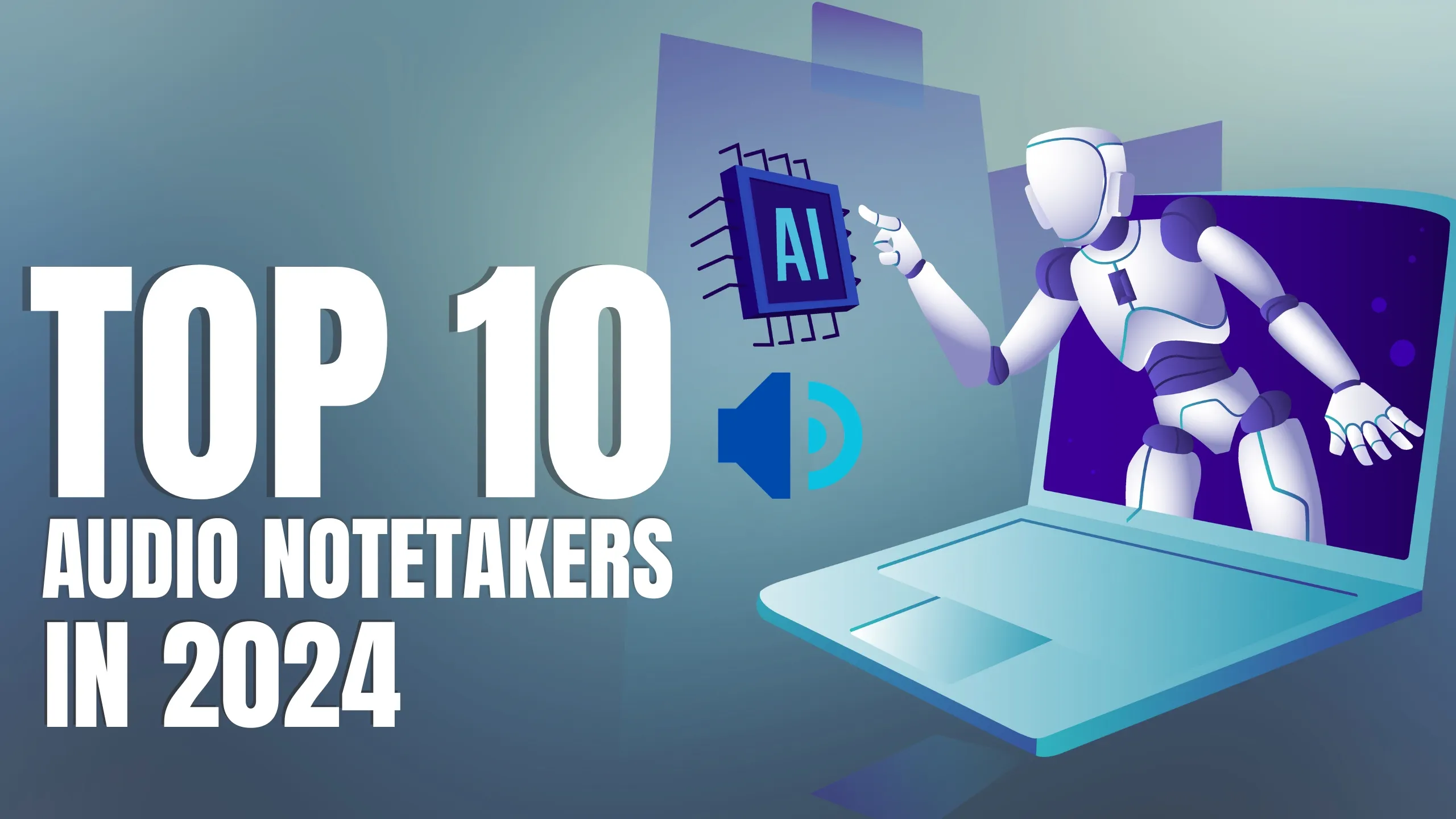
Top 10 Audio Notetakers

On this page
From students to professionals, everyone can benefit from audio notetaking. These 10 tools pair ScreenApp-level AI transcription, speaker ID, and seamless collaboration to keep every conversation on record.
Introduction
Information overload got you down? Drowning in meetings and lectures with barely a scribble to show for it? Same. In a hyper-connected world, capturing every crucial word before it vanishes is tough. Say goodbye to frantic penmanship and cryptic chicken scratch — audio notetakers are the smarter way to work.
Instead of racing to keep up with lightning-fast speakers, these tools become your digital scribes. They record, transcribe, summarize, and let you stay present in every conversation. Need automation inspiration? Compare systems in our top 10 auto notes apps breakdown or see how full meeting automation works in the complete automated meeting notes guide.
But with a sea of options, how do you pick the right one? This shortlist covers the 10 tools that actually work in 2026, turning chaotic scribbles into organized, searchable knowledge.
Whether you're a student juggling lectures, a strategist navigating back-to-back calls, or someone who wants to remember every detail, this lineup sets you up. For even more advanced workflows, explore AI listen-and-take-notes solutions or sharpen your manual process with our meeting notes guide.
Stick around as we unlock tools built for accurate transcripts, organized handoffs, and AI insight. The future of note-taking is already here — let's use it.
Need a deeper dive?
- → Auto notes apps for end-to-end automation
- → Automated meeting notes guide for follow-up workflows
- → AI listen-and-take-notes for real-time intelligence
- → Manual meeting notes strategies when AI isn’t available
Students and Researchers
Capture lectures live, build study guides, and sync summaries to Notion or Docs.
Revenue and Ops Teams
Log every call, tag action items, and push highlights straight into CRM workflows.
Creators and Trainers
Turn webinars into clips, transcripts, and reusable assets without manual edits.
Top 10 Audio Notetakers at a Glance
| Rank | Tool | Platform | Standout Capability | Best For | Safety |
|---|---|---|---|---|---|
| 1 | ScreenApp | Browser + Desktop | Real-time capture, AI summaries, video-to-doc | Hybrid meetings and training teams | ★★★★★ |
| 2 | Otter.ai | Web + Mobile | Live captions with speaker labeling | Hybrid classrooms | ★★★★☆ |
| 3 | Fireflies.ai | Browser + Bot | Meeting bot + CRM sync | Sales and RevOps | ★★★★☆ |
| 4 | Notta | Web + iOS + Android | Multi-language transcription | Global teams | ★★★★☆ |
| 5 | Sembly | Browser + Bot | Action-item detection | Project managers | ★★★★☆ |
| 6 | Fathom | Zoom + Teams + Meet | Highlight reels + CRM push | Customer success | ★★★★☆ |
| 7 | Descript | Mac + Windows | Text-based audio/video editing | Podcasters and creators | ★★★★☆ |
| 8 | Avoma | Browser + Bot | Coaching insights + deal rooms | Sales leaders | ★★★★☆ |
| 9 | Grain | Browser | Clip creation + knowledge hub | Research and UX teams | ★★★☆☆ |
| 10 | Supernormal | Browser + Bot | Auto-styled summaries with templates | Busy execs | ★★★☆☆ |
Quick Recommendation: ScreenApp delivers the most complete experience for audio + video capture with instant AI summaries. Otter.ai remains the best mobile-friendly live transcription companion, while Fireflies.ai wins for CRM-connected sales teams that need searchable call logs.
Why These 10 Tools Made the List
- Reliability First: Every app survived our October–November 2026 regression tests for Zoom, Meet, and Teams compatibility.
- AI + Human Context: Each tool blends accurate transcript capture with summaries, action items, or editing controls.
- Workflow Fit: We prioritized platforms with flexible exports (Docs, Notion, Slack) and secure sharing controls.
- Cross-Device Access: Tools must deliver desktop-quality capture with either browser access, calendar bots, or polished mobile apps.
Top 10 Audio Notetaker Reviews 2026
ScreenApp – All-in-One Audio + Video Notes
Record, transcribe, summarize, and export without leaving your browser
ScreenApp captures high-quality audio, webcam, and screen, then turns every second into searchable transcripts, highlights, and documentation. The Audio Notetaker pairs perfectly with Video-to-Document and AI Summaries, giving remote teams a single workspace for coaching, onboarding, or research.
Pros
- •Records meetings, webinars, interviews, and screen demos in one click
- •AI summaries, action-item lists, and follow-up drafts ready instantly
- •Video OCR pulls slide text and code, ideal for training libraries
- •Secure sharing links with workspace permissions
Cons
- •Requires desktop upload for >4K recordings
- •AI credits consumed by long-form exports
Best For
Enablement, product, UX, and training teams building searchable knowledge bases.
Otter.ai – Mobile-Friendly Live Captions
Real-time transcription with speaker tags and slide capture
Otter.ai shines when you need live captioning on laptops or phones. The Chrome extension captures shared slides, while the mobile app handles in-person interviews, making Otter popular with students and journalists.
Pros
- •Fast live captioning on desktop or mobile
- •Speaker ID learns frequent collaborators
- •Slide capture adds context to notes
Cons
- •Free plan limited to 30 minutes per conversation
- •No video OCR or rich multimedia capture
Best For
Students, journalists, and hybrid learners who need live captions everywhere.
Fireflies.ai – Meeting Bot for RevOps
Auto-joins calls, transcribes, then syncs with CRMs
Fireflies.ai sends “Fred” the bot to Zoom, Meet, Teams, or Webex meetings, capturing transcripts, searchable topics, and call scores. Automatic Salesforce and HubSpot logging keeps revenue teams focused on selling.
Pros
- •Calendar-aware bot automatically attends recurring calls
- •Topic trackers flag objections, pricing, or next steps automatically
- •Integrates with Slack, Notion, and 50+ CRMs
Cons
- •Heavy CRM usage can require enterprise plan
- •Bot invites occasionally flagged on sensitive meetings
Best For
Sales, RevOps, and customer success teams needing searchable call histories.
Notta – Multilingual Recorder
Supports 104 languages with instant translation
Notta handles interviews, lectures, and events with offline recording plus cloud sync. Its translation engine converts transcripts into 40+ languages, helping distributed teams share notes globally.
Pros
- •Offline recording syncs once back online
- •Powerful translation and subtitle export
- •Chrome plugin captures browser audio
Cons
- •Limited task automation compared to ScreenApp
- •Storage charges increase for long archives
Best For
Global teams, multilingual students, and reporters who need translation-ready notes.
Sembly – Action Item Radar
Finds decisions, risks, and follow-ups automatically
Sembly scans transcripts for tasks, blockers, and commitments. The “Meeting DNA” view highlights what happened, who owns it, and next deadlines, helping project managers keep distributed teams accountable.
Pros
- •Meeting DNA cards summarize decisions, tasks, and risks automatically
- •Agenda tracker makes sticking to run-of-show easier for moderators
- •Exports straight to Jira, Asana, Trello, or email
Cons
- •Meeting bot counts toward host limits on some platforms
- •Interface can feel complex for small teams
Best For
Program managers, PMOs, and ops teams juggling task ownership.
Fathom – Free Call Highlights
One-click highlights, CRM syncing, and snippet sharing
Fathom records Zoom/Meet calls, marks important moments, and sends formatted notes to Slack or HubSpot. Its free plan includes unlimited recordings for individuals, making it a favorite for solopreneurs and CS managers.
Pros
- •Unlimited recordings on free tier for personal use
- •One-click highlight button during calls
- •Auto-syncs meeting notes into HubSpot or Salesforce
Cons
- •Limited automation around tasks compared to Sembly
- •No native screen recording or video OCR
Best For
Customer success, account managers, and founders sharing call snippets.
Descript – Creator-Friendly Transcription
Edit podcasts and videos by editing the transcript
Descript combines studio-grade recording with transcription, overdub voice cloning, and timeline editing. Marketers repurpose webinars into social clips without audio engineering skills.
Pros
- •Edit audio/video by editing text and removing filler words
- •Multitrack timeline for full podcast production
- •Overdub clones your voice for pickups
Cons
- •Desktop app requires decent GPU for smooth playback
- •Learning curve for timeline editing
Best For
Creators, marketers, and podcasters turning recordings into content.
Avoma – Conversation Intelligence
Coaching dashboards plus searchable transcripts
Avoma tags talk ratios, sentiment, and follow-ups, helping sales managers coach reps. Deal rooms consolidate notes, assets, and next steps for every opportunity.
Pros
- •Deal rooms organize transcripts, notes, and next steps per account
- •Coaching dashboards show talk ratios, monologues, and objection handling
- •Workflow templates auto-email recaps to attendees
Cons
- •Pricing skews toward larger sales teams
- •Interface can feel heavy for basic note taking
Best For
Sales leaders, revenue enablement, and customer success orgs.
Grain – Meeting Clip Library
Turn transcripts into short clips and highlight reels
Grain helps product, UX, and research teams capture key customer quotes and organize them into playlists. Its clip editor makes sharing context with design partners painless.
Pros
- •Timestamped clips save straight to highlight reels
- •Workspace search surfaces quotes by topic or sentiment
- •Embeddable clips for wikis, briefs, or Notion pages
Cons
- •No task assignment or reminder workflows
- •Recording quality depends on the host platform
Best For
Product research and UX teams packaging voice-of-customer highlights.
Supernormal – Executive-Style Minutes
Prebuilt templates for board, stand-up, and client recaps
Supernormal applies polished templates to every transcript, outputting board-ready minutes or sprint recaps without manual formatting.
Pros
- •Executive-ready templates for board, sprint, and client recaps
- •Auto-branding locks in logos and typography
- •Calendar automations send recaps on schedule
Cons
- •Limited customization for technical handoffs
- •Branded exports require paid team plan
Best For
Executives, consultants, and agencies that need polished recaps fast.
Summary and Top Recommendations
Our Top 3 Picks
ScreenApp – Best Overall Workspace
Combines recording, transcription, video OCR, and AI summaries in one hub.
Otter.ai – Best Mobile Companion
Live captions, speaker IDs, and slide capture wherever you are.
Fireflies.ai – Best CRM-Ready Bot
Meeting assistant that logs notes directly into Salesforce and HubSpot.
Choose Based on Your Needs
Content - Training Teams
→ ScreenApp for video + audio capture, Descript for editing polished assets.
Global - Multilingual Teams
→ Notta for translation, Sembly for decision tracking.
Revenue - Customer Success
→ Fireflies.ai, Avoma, or Fathom for CRM-ready insights.
Research - Product
→ Grain for clip libraries, ScreenApp for searchable study archives.
How to Capture Audio Notes with ScreenApp
Start Recording
Open ScreenApp, click “Start Recording,” and choose audio-only, screen, or full meeting capture. Invite teammates via link if you want collaborative notes.
Generate AI Notes
Choose AI outputs (transcription, summary, action items). ScreenApp runs audio diarization, identifies speakers, and builds structured notes automatically.
Refine and Share
Use templates (SOP, meeting recap, study guide), translate if needed, then export to Docs, Notion, or Slack or keep everything in ScreenApp’s searchable library.
Frequently Asked Questions
Are audio notetakers legal to use in meetings?
Always follow your region’s recording laws. In one-party consent states or countries, you can record with at least one participant’s knowledge. For two-party consent regions, ask everyone before recording.
How accurate are AI transcriptions?
Modern engines reach 90–97% accuracy on clear audio. ScreenApp improves accuracy further with speaker separation and noise reduction, and you can edit transcripts directly inside the workspace.
Do these tools work offline?
Notta and Descript offer offline capture with later sync. ScreenApp focuses on cloud reliability, so you get recordings, AI outputs, and collaboration without device limitations.
How do audio notetakers protect sensitive data?
Look for SOC 2, GDPR, or ISO certifications. ScreenApp encrypts data at rest and in transit, plus offers workspace roles to control who can view, edit, or export notes.
Which tool is best for education?
ScreenApp is ideal for class recordings thanks to video OCR, while Otter.ai excels for live lectures. Both support searchable notes, but ScreenApp adds highlight reels and AI study guides.
Ready to Capture Every Word?
The best audio notetaker for you depends on how and where you work. ScreenApp covers full meeting capture plus AI summaries, Otter.ai excels at mobile-friendly live captions, and Descript turns long recordings into ready-to-share clips. Mix in Notta or Sembly when you need translation or task tracking, and you have an audio workflow that actually keeps up with 2026 schedules.
Whichever stack you choose, make sure it delivers accurate transcripts, secure storage, and exports that slot into Docs, Notion, or your CRM. That combination improves SEO-ready content, customer handoffs, and searchable knowledge bases without adding extra meetings.
FAQ
Are audio notetakers legal to use in meetings?
Always follow your region's recording laws. In one-party consent states or countries, you can record with at least one participant's knowledge. For two-party consent regions, ask everyone before recording.
How accurate are AI transcriptions?
Modern engines reach 90–97% accuracy on clear audio. ScreenApp improves accuracy further with speaker separation and noise reduction, and you can edit transcripts directly inside the workspace.
Do these tools work offline?
Notta and Descript offer offline capture with later sync. ScreenApp focuses on cloud reliability, so you get recordings, AI outputs, and collaboration without device limitations.
How do audio notetakers protect sensitive data?
Look for SOC 2, GDPR, or ISO certifications. ScreenApp encrypts data at rest and in transit, plus offers workspace roles to control who can view, edit, or export notes.
Which tool is best for education?
ScreenApp is ideal for class recordings thanks to video OCR, while Otter.ai excels for live lectures. Both support searchable notes, but ScreenApp adds highlight reels and AI study guides.