This video OCR tool scans uploaded videos and YouTube URLs frame by frame to pull visible on-screen text from presentations, slides, tutorials, and captions. ChatGPT and other text-based chatbots cannot read continuous video, so you need a dedicated tool to do this.
Upload a video or paste a URL and get searchable, timestamped text back in seconds:
- Accepts MP4, MOV, AVI, WebM, MKV, FLV, and WMV files up to 4K
- Pulls text from YouTube and Vimeo URLs without downloads
- Reads 30+ languages with strong accuracy
- Exports TXT, SRT, or searchable document with timestamps
- Free 7-day trial, no watermarks, no registration
How Video OCR to Text Works
Optical character recognition reads text that appears on screen, which is different from transcription (which captures spoken audio). The tool analyzes each frame of your video, detects text regions, and outputs the result as editable text with the timestamp showing where the text appeared.
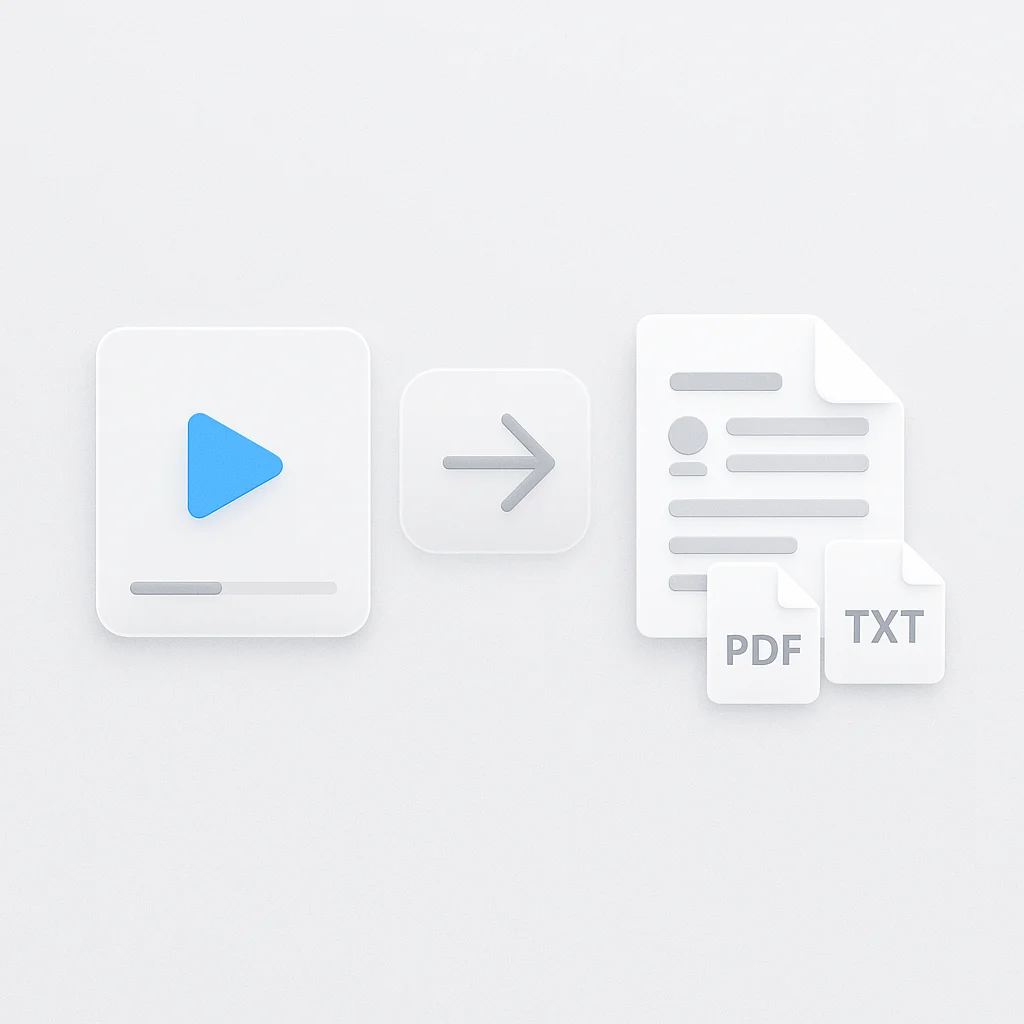
- Upload a video file or paste a YouTube/Vimeo URL
- The tool scans the frames and extracts text
- Download the results as TXT, SRT, or DOC
Runs in the browser with no install. Works on Chrome, Firefox, Safari, and Edge across Windows, Mac, and Linux.
Video OCR Online vs Other Tools
| Feature | ScreenApp | Google Cloud Vision | Amazon Textract | Tesseract OCR | Adobe Acrobat Pro |
|---|---|---|---|---|---|
| Free tier | 7-day trial (unlimited) | 1,000 pages/month | 1,000 pages/month | Unlimited (open source) | No free tier |
| Video support | Native video upload | Image frames only | Image frames only | Image frames only | PDF/image only |
| Browser-based | Yes | API only | API only | No (desktop) | Desktop app |
| YouTube URL support | Yes | No | No | No | No |
| Pricing (paid) | $19/month annual | $1.50/1,000 pages | $1.50/1,000 pages | Free forever | $19.99/month |
| Unlimited processing | Business: $34/month | Pay per use | Pay per use | Yes (local) | Subscription based |
| Languages supported | 30+ | 50+ | 50+ | 100+ | 35+ |
| Timestamp output | Yes | No | No | No | No |
| No signup required | 7-day trial | Requires API | Requires API | Yes (local) | No |
| Export formats | TXT, SRT, DOC | JSON | JSON | TXT | PDF, DOC |
Pricing verified for 2026
Google Cloud Vision and Amazon Textract both charge $1.50 per 1,000 pages and only accept static images, so you have to pull video frames out yourself before sending them to the API. Tesseract is free but needs local install, FFmpeg for frame extraction, and command-line work. Adobe Acrobat Pro handles PDFs and images, not video. ScreenApp takes the video directly, handles frame extraction automatically, supports YouTube and Vimeo URLs, and outputs timestamps so you can jump back to where each piece of text appeared.
Who Uses Video OCR
Students pull slide text out of recorded lectures without pausing to type. A 45-minute class becomes a timestamped set of notes in about a minute.
Content marketers paste competitor YouTube URLs to grab captions, on-screen text, and hashtags for strategy work.
Sales teams process product demo recordings to extract feature copy and pricing shown on screen, building a searchable reference library without rewatching hours of footage.
Researchers run large video archives through the tool to pull chyrons from news broadcasts or on-screen text from interview footage for content analysis.
Accessibility and compliance teams use it to capture visible warnings, disclaimers, and graphics from video ads and training material.
FAQ
What is video OCR?
Video OCR uses optical character recognition to pull visible text out of video frames automatically. It reads what shows up on screen - signs, captions, slides, graphics, subtitles - rather than transcribing the audio. Upload a file or paste a URL and the tool scans each frame.
How does OCR video to text work?
The tool analyzes every frame, finds the text regions, runs character recognition across 30+ languages, and outputs searchable text with timestamps. You can export as TXT, SRT, or DOC. Accuracy runs above 95% on videos with clear text.
Is video OCR free?
The 7-day trial includes unlimited video OCR with full features and. After that, plans start at $19/month annual, or $34/month annual on the Business plan for unlimited processing.
Does it work without installing software?
Yes. Everything runs in the browser. Upload MP4, MOV, AVI, or WebM, or paste a YouTube or Vimeo URL. Works on Chrome, Firefox, Safari, and Edge.
What languages are supported?
30+ languages including English, Spanish, French, German, Chinese (Simplified and Traditional), Japanese, Korean, Arabic, Russian, Portuguese, Italian, Dutch, Polish, and Turkish. Language detection is automatic and multi-language videos work fine.
How accurate is it?
Above 95% for videos with clear, readable text. Quality depends on resolution (higher is better), text contrast, font choice (simple fonts work best), and frame stability. 1080p and 4K give the best results. Text smaller than 14pt drops in accuracy.
Can I extract text from YouTube videos?
Yes. Paste the URL and the tool pulls text from the frames. Works with Vimeo, Dailymotion, and direct video URLs too. No need to download the video first.
Does it work with handwritten text?
It is built for printed text. Handwriting accuracy is lower (60-75%) and works best when the writing is clear and print-like.
Do I get timestamps?
Yes. The export includes timestamps for each text segment, which makes it easy to build searchable indexes, subtitle files, or jump to a specific point in the video.
What video formats are supported?
MP4, MOV, AVI, WebM, MKV, FLV, and WMV. Max file size is 2GB on the trial and 10GB on paid plans. Resolution up to 4K.
How long does processing take?
A 5-minute 1080p video takes 30-60 seconds. A 30-minute 1080p video takes a few minutes. A 1-hour 4K video takes 10-15 minutes. You get an email when it finishes.