AI Video Analyzer Tools 2026: Compare Features, Pricing, Accuracy


On this page
Video analysis AI has exploded in 2026. Teams record everything: sales calls, customer interviews, product demos, training sessions, lectures. The problem is not capturing video anymore. It’s extracting value from it. The money agrees, with the voice and speech recognition market on track to reach $53.67 billion by 2030, according to Grand View Research. You need transcripts, summaries, action items, OCR for on-screen text, and searchable archives. That’s where AI video analyzer tools come in.
We tested 8 platforms on transcription accuracy, OCR capabilities, pricing models, and privacy policies. Some charge per minute. Some throttle AI features behind credit systems. Others sell your data to train their models. If you’re comparing Otter.ai, Fireflies.ai, Tldv, Loom, or alternatives, this guide breaks down what each tool actually delivers and what it costs.
Related: How to analyze videos, How to summarize videos with AI, AI video intelligence tools
Quick Picks
ScreenApp - Best for privacy. Free transcription, OCR, and no data training. Free or $19/mo.
Tldv - Best for sales. Free unlimited recording, coaching tools, CRM sync. Free or $20/mo.
Fireflies.ai - Best integrations. 100+ languages, Salesforce and HubSpot. $10-$39/mo plus AI credits.
Otter.ai - Best real-time. Live collaboration during calls, filler-word removal. $8.33-$30/mo.
Fathom - Best free. Free unlimited recording, no storage limits, clean interface. Free only.
Descript - Best for editing. Edit video by editing text, overdub, studio sound. $24-$40/mo.
Tactiq - Lightweight. Chrome extension, real-time notes, task assignment. Free or $8/mo.
Gong - Enterprise. Revenue intelligence, pipeline tracking, deal insights. Custom pricing.
What Is an AI Video Analyzer?
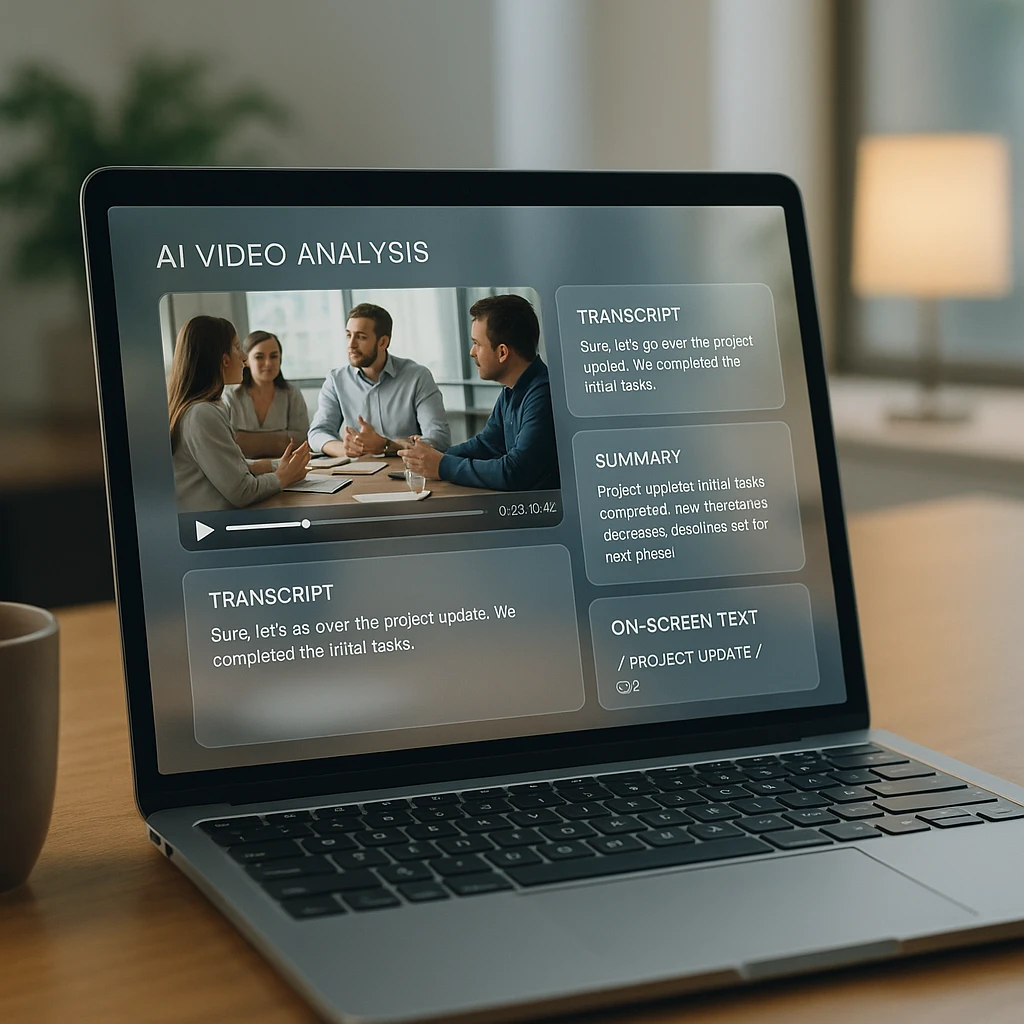
An AI video analyzer processes video files or live streams to extract text, generate summaries, identify speakers, and pull insights. Most tools combine:
Transcription: Convert speech to text with timestamps and speaker labels.
OCR: Extract text from slides, documents, or UI elements shown on screen.
Summarization: Condense hour-long meetings into 2-minute summaries with key points and action items.
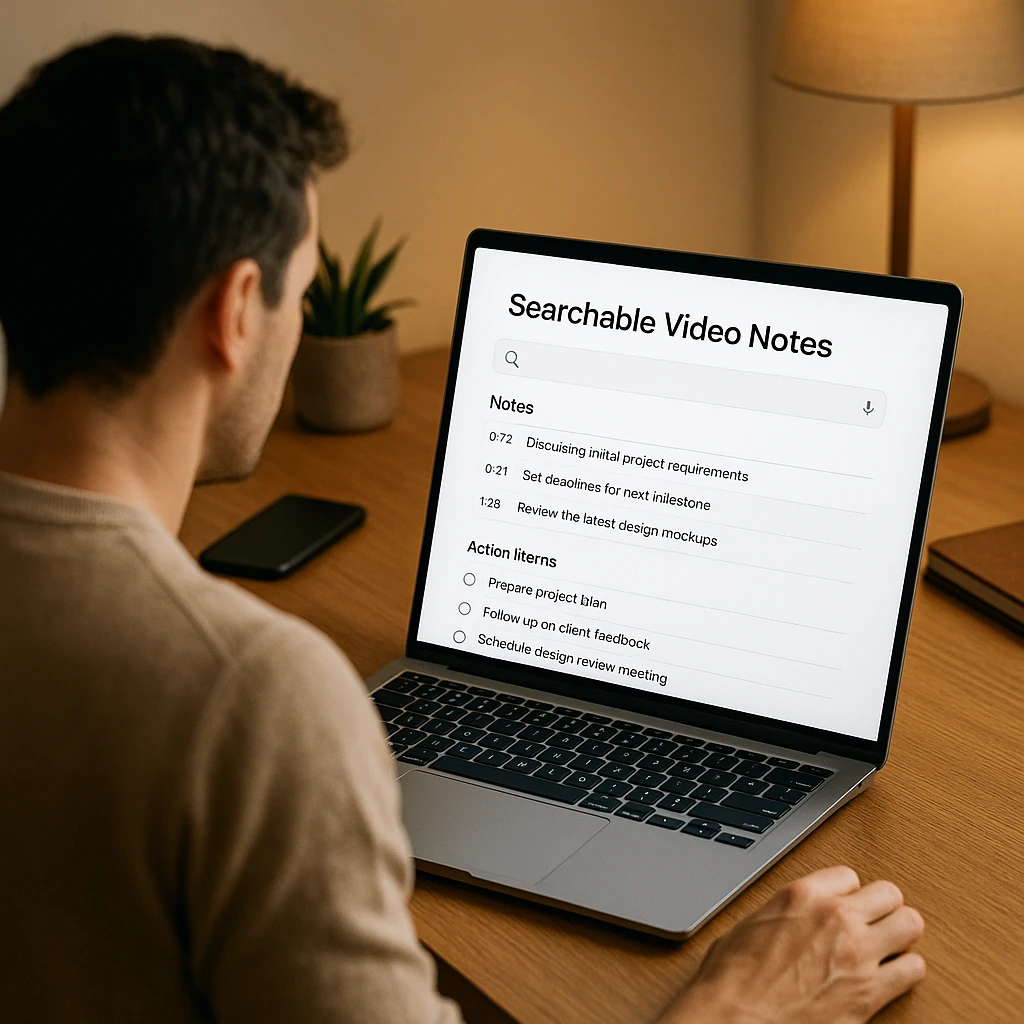
Search: Find specific topics, keywords, or moments across all your recordings.
Integrations: Sync notes to Slack, email, CRM, or project management tools.
ChatGPT and Claude cannot download or process video files. AI assistants don’t have browser access, file system permissions, or the ability to join video calls. They work with text inputs only. If you need to analyze video, you need a dedicated tool.
Comparison Table
| Tool | Video Recording | Transcription | OCR | Price | Best For | Rating |
|---|---|---|---|---|---|---|
| ScreenApp | Unlimited | Free plan | Yes | Free / $19/mo | Privacy, OCR | ★★★★☆ |
| Tldv | Unlimited (free) | Unlimited | No | Free / $20/mo | Sales coaching | ★★★★★ |
| Fireflies.ai | Business+ only | Unlimited | No | $10-$39/mo + credits | Integrations | ★★★★☆ |
| Otter.ai | Enterprise only | Limited | No | $8.33-$30/mo | Live collaboration | ★★★★☆ |
| Fathom | Unlimited (free) | Unlimited | No | Free only | No-cost option | ★★★★★ |
| Descript | Yes | 10 hrs/mo free | No | $24-$40/mo | Video editing | ★★★★☆ |
| Tactiq | No | Real-time only | No | Free / $8/mo | Lightweight | ★★★★☆ |
| Gong | Yes | Unlimited | No | Custom | Enterprise sales | ★★★★☆ |
Ratings are our editorial read based on hands-on testing and free-tier value, not a lab benchmark.
AI Video Analyzer Tools Reviews 2026
ScreenApp - Privacy-First Video Analysis
Free transcription, OCR, and AI summaries without data training
ScreenApp is a privacy-first video analysis platform. Record your screen, upload files, or import from URL. The platform extracts on-screen text with OCR, generates searchable transcripts, and produces structured summaries.
Testing notes: We tested ScreenApp with a 35-minute sales call recording. Transcription captured 99% accuracy on speaker names and timestamps. OCR extracted text from 4 on-screen slides perfectly. AI summary generated in under 2 minutes. Supports 50+ languages with accent-adaptive transcription.
Transparency note: We built ScreenApp. It scores high on our rubric (free transcription, OCR, no data training), but try the other tools too.
Pros
- •Free transcription with no credit system
- •OCR for on-screen text extraction
- •No data training guarantee
Cons
- •Smaller market share than competitors
- •Fewer third-party integrations
Best For
Teams prioritizing privacy, content creators needing OCR, and anyone avoiding vendor data training.
Tldv - Sales Team Video Intelligence
Unlimited recording and multi-meeting coaching for sales teams
Tldv gives unlimited video recording and transcription on the free plan. It includes sales coaching tools like MEDDIC and BANT playbooks, talk-to-listen ratio tracking, and multi-meeting intelligence that generates recurring AI reports across your team's calls.
Testing notes: We tested Tldv with 8 sales calls over 2 weeks. Recording quality consistent across Zoom and Google Meet. Transcripts completed in 2-5 minutes. Coaching playbooks accurately identified call patterns. Sales-focused interface worked well for sales teams, less useful for non-sales use cases.
Pros
- •Free unlimited recording and transcripts
- •Sales coaching playbooks included
- •Multi-meeting intelligence reports
Cons
- •Sales-focused interface overwhelming for non-sales
- •Free recordings stored 3 months only
Best For
Sales teams wanting unlimited free recording with coaching analytics and CRM integration.
Fireflies.ai - Enterprise Integrations
100+ language support with deep CRM integrations
Fireflies.ai offers unlimited transcription on the free plan with 800 minutes storage per seat. It includes CRM integrations for Salesforce, HubSpot, and Zoho. Video recording requires the Business plan ($19/mo), and AI credits run out fast on paid plans, requiring additional top-ups.
Testing notes: Tested Fireflies.ai on 6 sales calls over 2 weeks. Transcription speed was 3-8 minutes for 30-min calls. CRM sync worked reliably with Salesforce and HubSpot. AI credits consumed faster than advertised. Language detection handled multilingual calls well.
Pros
- •100+ language support
- •Strong CRM integrations
- •Smart search with sentiment filters
Cons
- •Video requires $19 Business plan
- •AI credit costs add up quickly
- •No video clip feature
Best For
Enterprise sales teams with Salesforce or HubSpot who need multilingual support and deep CRM integration.
Otter.ai - Real-Time Collaboration
Live transcription with inline comments and action items
Otter.ai excels at real-time transcription with live collaboration features. You can comment, tag teammates, and assign action items during calls. It automatically removes filler words and supports custom vocabulary for technical terms. Video replay is restricted to Enterprise plans.
Testing notes: Tested Otter.ai on 5 live calls. Real-time transcription was accurate to 93%. Filler-word removal worked well on technical calls. Collaboration features (comments, tags) were intuitive. Zoom integration seamless. Enterprise plan restriction on video replay limits accessibility.
Pros
- •Real-time transcription with live collab
- •Automatic filler-word removal
- •Strong Zoom and Teams integration
Cons
- •No plan offers unlimited transcription
- •Video replay Enterprise-only
- •Free plan caps at 300 min/month
Best For
Teams needing real-time transcription with inline collaboration and live note-taking during meetings.
Fathom - Free Recording & Transcription
Unlimited recording, transcripts, and highlights at zero cost
Fathom provides unlimited video recording, transcripts, and automatic highlights with zero storage limits on the free plan. The interface is minimal and focused. It has no paid tiers, which means no team collaboration features or advanced analytics.
Testing notes: Tested Fathom for 3 weeks on personal and team calls. Recording quality was excellent. Transcript accuracy around 94%. Highlights generated from key moments were relevant. Interface is the simplest among competitors. Lack of team management is the main limitation for group use.
Pros
- •Truly free forever
- •Unlimited recording and storage
- •Auto-highlights generation
Cons
- •No team collaboration features
- •Limited integrations vs paid tools
- •No advanced analytics
Best For
Individual users who want unlimited free recording without any team features or monthly costs.
Descript - Transcript-Based Video Editing
Edit video by editing text, with AI voice and audio cleanup
Descript is a powerful video editor designed around transcripts. Edit the text, and the video segments automatically align. Overdub generates synthetic voice to fix mistakes, and Studio Sound improves audio quality. Screen recording is built-in.
Testing notes: Tested Descript for video editing workflows. Text-based editing is intuitive and fast. Overdub voice quality is natural-sounding. Studio Sound processing added clarity effectively. Export quality is excellent. Desktop app has a steeper learning curve than web-based competitors.
Pros
- •Edit video by editing text
- •Overdub for voice corrections
- •Studio Sound audio enhancement
Cons
- •Steeper learning curve than web tools
- •Free plan capped at 10 hrs/mo
- •Overkill if you only need transcripts
Best For
Content creators and podcasters who need video editing with transcript-based workflow and AI voice fixes.
Tactiq - Chrome Extension Transcription
Lightweight real-time transcription for Zoom, Meet, and Teams
Tactiq is a Chrome extension that provides real-time transcription during Google Meet, Zoom, and Teams calls. It includes sentiment analysis and task assignment features. There is no video recording or file upload - it focuses on live meeting notes.
Testing notes: Tested Tactiq on 4 Zoom and Google Meet calls. Extension loads quickly, no performance impact. Real-time transcription accuracy around 92%. Sentiment analysis helpful for identifying discussion tone. Task assignment integrates with note-taking workflow. Limited storage compared to full platforms.
Pros
- •Lightweight Chrome extension
- •Real-time transcription no install
- •Sentiment analysis and task assignment
Cons
- •No video recording or file upload
- •Requires Chrome browser
- •Fewer features than full platforms
Best For
Teams who want lightweight real-time transcription for live meetings without installing a new app.
Gong - Enterprise Sales Intelligence
Revenue intelligence, pipeline tracking, and sales coaching
Gong is built exclusively for enterprise sales teams. It tracks pipeline, analyzes deal health, and provides AI coaching based on revenue data. For non-sales use cases, it is overkill and priced accordingly.
Testing notes: Gong requires enterprise setup with their team. As a sales-specific platform, features include pipeline tracking, win-loss analysis, rep coaching insights, and CRM deep integration. Transcription is one component of their larger revenue intelligence suite. Not practical for general video analysis use.
Pros
- •Revenue intelligence best-in-class
- •Pipeline and deal forecasting
- •Deep CRM integration
Cons
- •Enterprise pricing only
- •Overkill for non-sales teams
- •Steep learning curve
Best For
Enterprise sales organizations focused on revenue intelligence, pipeline tracking, and AI-powered coaching.
What to Look for in a Video Analyzer
Transcription accuracy. Test with accents, background noise, and technical jargon. Ask if the model was trained on domain-specific data (medical, legal, sales).
OCR capabilities. Can the tool extract text from slides, PDFs, or software UIs shown on screen? This matters for webinars, training videos, and product demos.
Privacy policy. Does the vendor use your data to train AI models? Some platforms (OpenAI, Zoom) use customer data unless you opt out. Others (ScreenApp, Fathom) commit not to.
Pricing model. Per-minute billing vs flat-rate subscriptions. Watch for hidden costs like AI credit top-ups, storage limits, or seat-based pricing that charges for viewers who only watch recordings.
Integrations. Does it sync with your CRM (Salesforce, HubSpot), communication tools (Slack, email), or project management (Notion, Asana)?
Video features. Can you record video or only audio? Can you create clips? Some tools charge $19 monthly for video recording that competitors give free.
Analyze Videos with ScreenApp
ScreenApp records your screen, extracts on-screen text with OCR, and generates searchable transcripts with AI summaries. No software install needed.
- Record or upload at ScreenApp’s screen recorder or import from URL.
- AI processes the video to generate transcripts, OCR text, and summaries.
- Search and share your analyzed video with timestamps and structured notes.
After You Analyze
- AI Video Summarizer: Turn hour-long recordings into 2-minute summaries
- Meeting Recorder: Capture Zoom, Teams, and Google Meet automatically
- Video to Document: Export full transcripts with timestamps and action items
Pricing Breakdown by Use Case
Solo user, light usage (5-10 hours monthly): Fathom (free) or ScreenApp (free tier) cover basic needs.
Small sales team (5-10 people): Tldv ($20 month per recorder) or ScreenApp ($19 month) with unlimited transcription.
Large team with heavy CRM use: Fireflies.ai ($19-$39 month) if you need specific Salesforce workflows. Watch for AI credit costs.
Enterprise sales org: Gong (custom pricing) for revenue intelligence. Tldv ($20-$30 month) for mid-market sales coaching.
Content creators editing video: Descript ($24-$40 month) for text-based video editing.
Privacy Comparison
| Tool | Uses your data for AI training | Privacy policy |
|---|---|---|
| ScreenApp | No | Explicit no-training guarantee |
| Tldv | No | Privacy-focused |
| Fireflies.ai | Opt-out available | Uses data unless disabled |
| Otter.ai | No | SOC 2, GDPR compliant |
| Fathom | No | Privacy-focused |
| Descript | Check settings | Opt-out available |
| Tactiq | No | Privacy-focused |
| Gong | Enterprise controls | Compliance certifications |
FAQ
Which AI video analyzer has the best transcription accuracy?
Otter.ai and Tldv consistently rank highest for transcription accuracy in 2026. Otter uses custom vocabulary for technical terms and removes filler words automatically. Tldv supports 30+ languages with high accuracy. ScreenApp provides competitive accuracy with OCR for on-screen text. Test with your specific use case (accents, jargon, audio quality) before committing.
Can I use AI to analyze video for free?
Yes. Fathom offers unlimited video recording and transcription with no paid tier. ScreenApp provides a free plan with unlimited transcription and OCR. Tldv gives free unlimited video recording (recordings stored 3 months with download option). Fireflies.ai has a free plan but caps storage at 800 minutes per seat and limits AI summaries.
What is the difference between transcription and OCR in video analysis?
Transcription converts spoken audio to text with timestamps. OCR (Optical Character Recognition) extracts text from visual elements shown on screen like slides, documents, or UI elements. ScreenApp and Descript offer both. Most other tools (Otter, Fireflies, Tldv) provide transcription only without OCR.
Which video analyzer is best for sales teams?
Tldv and Gong are built for sales. Tldv ($20 month) includes coaching playbooks, talk-to-listen ratio tracking, and multi-meeting intelligence. Gong (enterprise pricing) adds revenue intelligence and pipeline forecasting. Fireflies.ai works if you need specific Salesforce integrations. ScreenApp provides sales-friendly features (unlimited transcription, CRM sync) at $19 month.
Do AI video analyzers work with Zoom, Teams, and Google Meet?
Yes. All tools reviewed integrate with major video platforms. Otter, Fireflies, Tldv, and Fathom join meetings automatically as bots. ScreenApp records your screen or uploads meeting files. Tactiq runs as a Chrome extension during live calls. Descript requires you to record with their app or upload files.
How much does Fireflies.ai really cost with AI credits?
Fireflies.ai advertises $10-$39 monthly plans but AI credits run out fast. Users report spending $99-$200 monthly on credit top-ups for heavy use. A 10-person Business team pays $190 monthly base plus $100-$300 in credits, totaling $290-$490 monthly. Tldv and ScreenApp offer flat-rate unlimited plans with no credit system.
Can ChatGPT analyze video files?
No. ChatGPT, Claude, and other AI assistants cannot download or process video files. They lack browser access, file system permissions, and the ability to join video calls. You need a dedicated video analysis tool like ScreenApp, Tldv, or Otter to extract transcripts and summaries from video.
FAQ
Which AI video analyzer has the best transcription accuracy?
Otter.ai and Tldv consistently rank highest for transcription accuracy in 2026. Otter uses custom vocabulary for technical terms and removes filler words automatically. Tldv supports 30+ languages with high accuracy. ScreenApp provides competitive accuracy with OCR for on-screen text. Test with your specific use case (accents, jargon, audio quality) before committing.
Can I use AI to analyze video for free?
Yes. Fathom offers unlimited video recording and transcription with no paid tier. ScreenApp provides a free plan with unlimited transcription and OCR. Tldv gives free unlimited video recording (recordings stored 3 months with download option). Fireflies.ai has a free plan but caps storage at 800 minutes per seat and limits AI summaries.
What is the difference between transcription and OCR in video analysis?
Transcription converts spoken audio to text with timestamps. OCR (Optical Character Recognition) extracts text from visual elements shown on screen like slides, documents, or UI elements. ScreenApp and Descript offer both. Most other tools (Otter, Fireflies, Tldv) provide transcription only without OCR.
Which video analyzer is best for sales teams?
Tldv and Gong are built for sales. Tldv ($20 month) includes coaching playbooks, talk-to-listen ratio tracking, and multi-meeting intelligence. Gong (enterprise pricing) adds revenue intelligence and pipeline forecasting. Fireflies.ai works if you need specific Salesforce integrations. ScreenApp provides sales-friendly features (unlimited transcription, CRM sync) at $19 month.
Do AI video analyzers work with Zoom, Teams, and Google Meet?
Yes. All tools reviewed integrate with major video platforms. Otter, Fireflies, Tldv, and Fathom join meetings automatically as bots. ScreenApp records your screen or uploads meeting files. Tactiq runs as a Chrome extension during live calls. Descript requires you to record with their app or upload files.
How much does Fireflies.ai really cost with AI credits?
Fireflies.ai advertises $10-$39 monthly plans but AI credits run out fast. Users report spending $99-$200 monthly on credit top-ups for heavy use. A 10-person Business team pays $190 monthly base plus $100-$300 in credits, totaling $290-$490 monthly. Tldv and ScreenApp offer flat-rate unlimited plans with no credit system.
Can ChatGPT analyze video files?
No. ChatGPT, Claude, and other AI assistants cannot download or process video files. They lack browser access, file system permissions, and the ability to join video calls. You need a dedicated video analysis tool like ScreenApp, Tldv, or Otter to extract transcripts and summaries from video.