Turn any video into flashcards
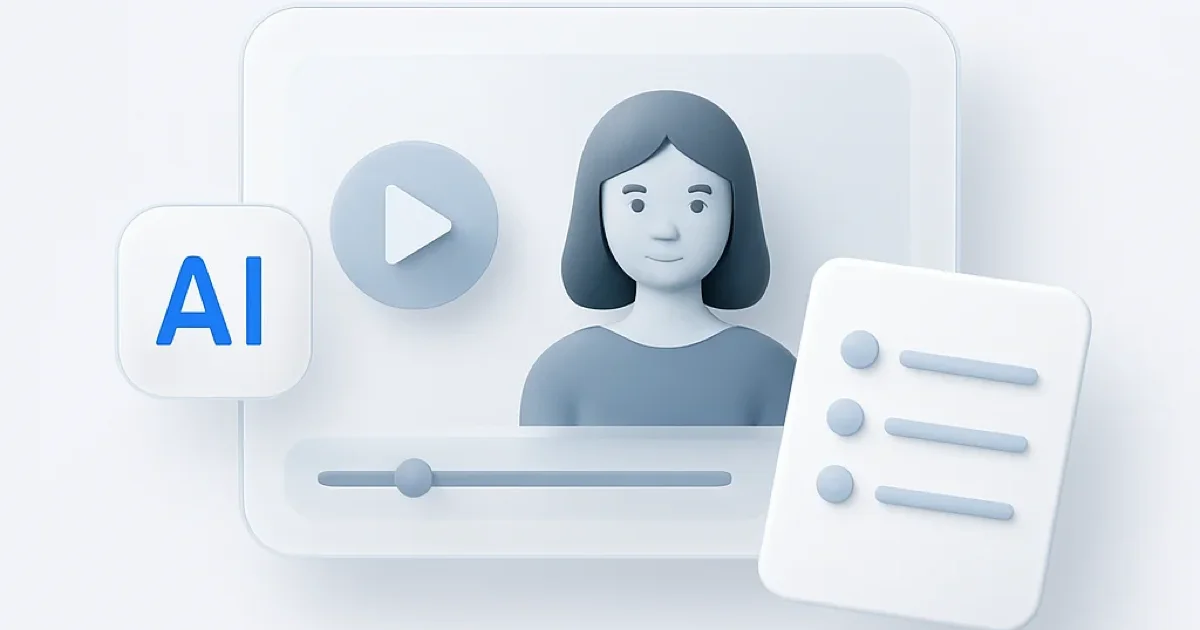
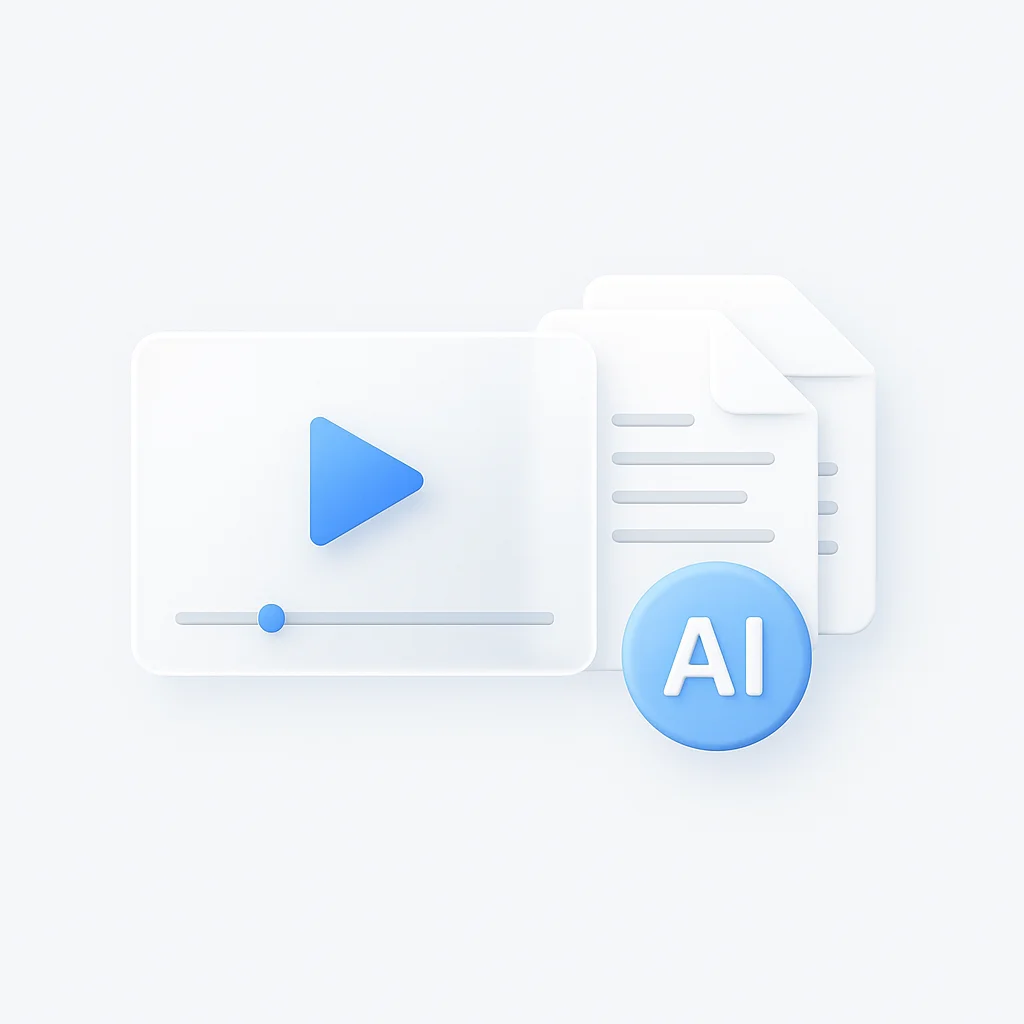
Paste a YouTube link or upload a lecture recording, and this AI flashcard maker transcribes it, finds the key terms and definitions, and builds a study deck you can review right away. No manual typing, no pausing the video every ten seconds to copy a definition.
ChatGPT cannot do this on its own. It does not accept a video file or a long lecture recording and turn it into flashcards. This tool handles the upload, the transcription, and the card generation in one pass.
How it works
- Paste a video URL or upload a file (video, audio, PDF, or slides)
- The AI transcribes the audio and reads the text, then pulls out the terms worth remembering
- You get a flashcard deck of term-and-definition pairs
- Study on your phone or laptop, and export the deck when you want to keep it
A 40-minute lecture finishes in a few minutes, and the cards stay tied to the source so you can jump back to the exact moment a concept was explained.
Flashcards from PDFs, notes, and lectures
Video is not the only source. Drop in a PDF textbook chapter, your own typed notes, a slide deck, or a recorded class, and you get the same term-and-definition cards. For turning a full class into a study set, the lecture note taker records and builds cards from live audio, and the AI study guide maker adds summaries and practice questions alongside the flashcards. Need questions to test yourself instead of cards? The quiz generator turns the same sources into multiple-choice and short-answer quizzes.
What you can turn into flashcards
- YouTube videos and any pasted video URL
- Lecture recordings from Zoom, Meet, or Teams
- Uploaded video and audio files (MP4, MOV, MP3, M4A, WAV)
- PDF chapters, lecture slides, and typed notes
FAQ
How do I turn a video into flashcards?
Paste the video URL or upload the file, and the AI transcribes it and generates term-and-definition cards automatically. A short lecture is ready in a few minutes. You do not edit the video or type the cards yourself.
Can I make flashcards from a YouTube video?
Yes. Paste any YouTube link and you get a flashcard deck from the spoken content. It works for lectures, tutorials, and recorded classes posted on YouTube.
Can I make flashcards from a PDF or my notes?
Yes. Upload a PDF chapter, a slide deck, or your own typed notes, and the AI pulls the key terms into cards, the same way it does from a video.
Can I make flashcards from a lecture recording?
Yes. Upload a recording from Zoom, Google Meet, or Teams, or record the class live with the lecture note taker. The cards link back to the moment each term came up.
Is the flashcard maker free?
Yes. The free tier makes flashcards from videos, audio, PDFs, and notes. Heavy users can upgrade for more monthly processing.
Does it work on iPhone and Android?
Yes. Upload or paste a link from a phone browser or the iOS app, and study the deck on any device since everything syncs to your account.
Can I get quizzes instead of flashcards?
Yes. The quiz generator turns the same video, audio, or PDF into multiple-choice and short-answer questions to test yourself.
Summaries and AI analysis use Google Gemini on top of Whisper Large-v3 transcription, hosted on Groq for 20x faster end-to-end processing. Not powered by GPT-4 or ChatGPT.