YouTube to FLAC: 7 Free Converters and Downloaders, Tested

On this page
Here is the thing every “YouTube to FLAC” guide dances around: FLAC cannot make YouTube audio better than YouTube gave you.
YouTube serves AAC, somewhere between 128 and 256 kbps. That is lossy. It threw data away before you ever pressed download, and no codec on earth puts it back. Wrap that stream in FLAC and you get a bit-perfect copy of a lossy file. Bigger, sure. Lossless, technically. Better sounding? No.
So why do people search yt to flac at all, and why does this page still exist? Because FLAC is genuinely useful for two things that have nothing to do with rescuing quality. It compresses losslessly, so you get 50 to 70% off the size of the equivalent WAV with identical audio, which is why it wins for archiving. And it carries proper tags, which WAV handles badly. If you are filing away a live set or a podcast you want to keep and label, FLAC is the right container. If you are hoping for audiophile sound out of a YouTube rip, no tool below will deliver it and the honest answer is to buy the record.
For uncompressed lossless audio, see our YouTube to WAV converter guide. If the files are already sitting on your machine, you can extract audio from videos and skip the URL step entirely.
Below: seven free YT to FLAC downloaders and converters, what each is actually good at, and the ones we would not install on a work laptop.
What FLAC does and does not do
FLAC stands for Free Lossless Audio Codec. It compresses without discarding data, which is the whole point and the only reason to prefer it over MP3.
Two numbers worth carrying around. A FLAC file runs roughly half the size of the same audio as WAV, with nothing lost. And it is still several times larger than the MP3 you would have got instead. That is the trade you are making: storage for fidelity you may or may not be able to hear, on a source that was already compressed before it reached you.
Where this bites people: they convert a 128 kbps YouTube stream to FLAC, see the file balloon, and assume the size means quality. It does not. The size is just the cost of storing lossy audio in a lossless wrapper.
The Criteria for a Good YouTube to FLAC Converter
Now that we understand why FLAC is used and its benefits, it’s important to know what makes a good YouTube-to-FLAC converter. Here are some key considerations:
- Ease of Use: The converter should have a user-friendly interface, making it easy for even non-tech-savvy users to navigate and convert files.
- Speed of Conversion and Download: An efficient converter should perform the conversion and download quickly, saving the user’s time.
- Quality of Audio Output: The primary purpose of using FLAC is to maintain high audio quality. The converter must retain the original audio’s integrity and produce high-quality FLAC output.
- Safety and Privacy Considerations: It’s important that the tool is safe to use, without the risk of downloading malware or viruses. It should also respect the user’s privacy and not require unnecessary access to personal data.
- Compatibility with Different Operating Systems: The converter should be compatible with various operating systems, including Windows, macOS, and Linux, and also work efficiently on mobile platforms like Android and iOS.
The seven tools
The internet is full of tools claiming to be the best YouTube to FLAC converter. Most are the same website with a different logo. These seven are the ones worth knowing about, and they sort into two piles: one thing you install, and six websites you paste a URL into.
Install this one: VLC
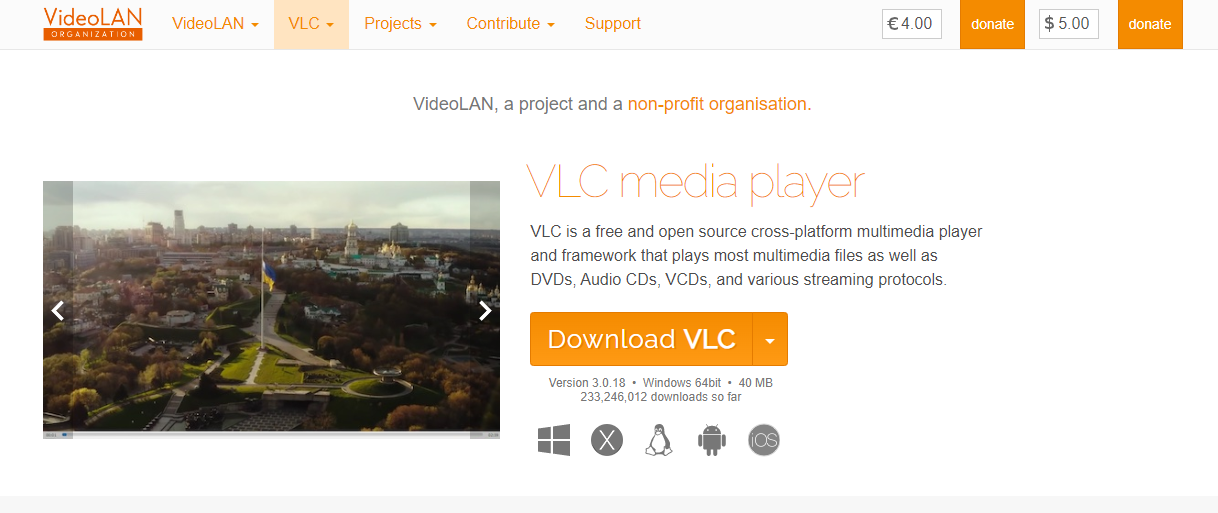
VLC is the pick, and it is not close.
It is free, open source, runs on Windows, macOS, Linux and mobile, and it has no ads because nobody is monetising you. Everything happens on your machine, so there is no upload, no file size ceiling, and no waiting behind someone else’s queue. It also plays every format ever made, which you knew.
The catch is real though: converting a YouTube URL to FLAC in VLC means Media, then Open Network Stream, then Convert/Save, then picking a profile, and it is genuinely unintuitive the first time. Set aside ten minutes and a browser tab with the steps open. It does not do batches either, so a playlist means doing it one at a time, which gets old fast.
Use it anyway if you convert more than occasionally. The setup annoyance is one-off. The ads and file limits on every site below are forever.
The six websites
They differ less than their marketing suggests. All of them need an internet connection, all of them upload your job to someone else’s server, and all but one carry ads.
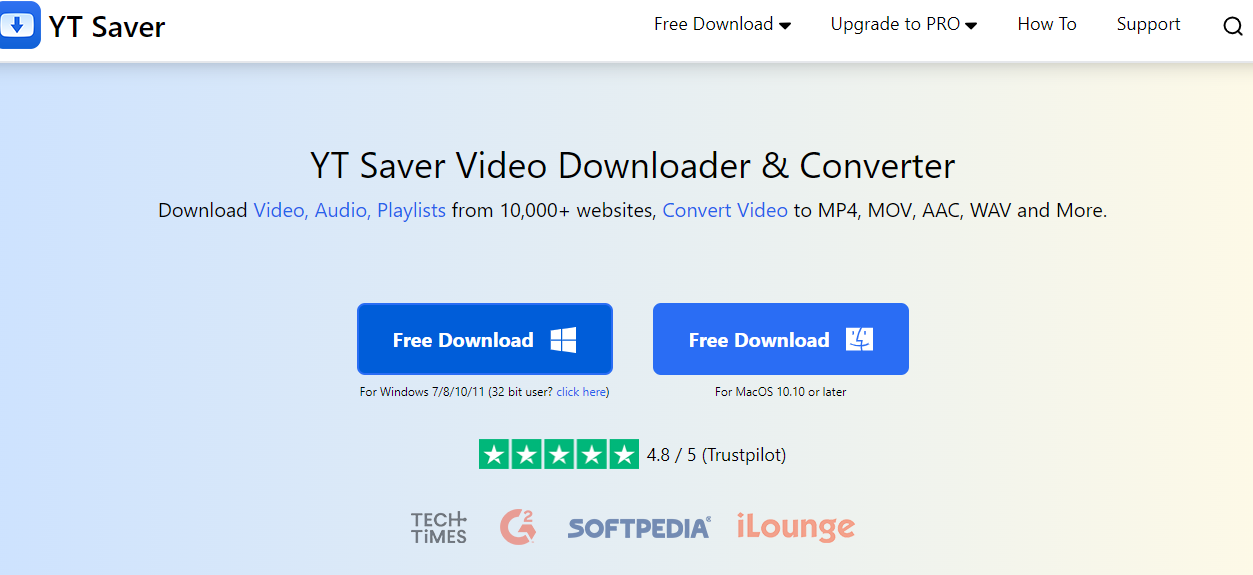
YT Saver is the best of them for a one-off. Clean interface, no registration, converts to FLAC, MP3, WAV and more, and the output holds up. It is ad-supported, and it does one video at a time.
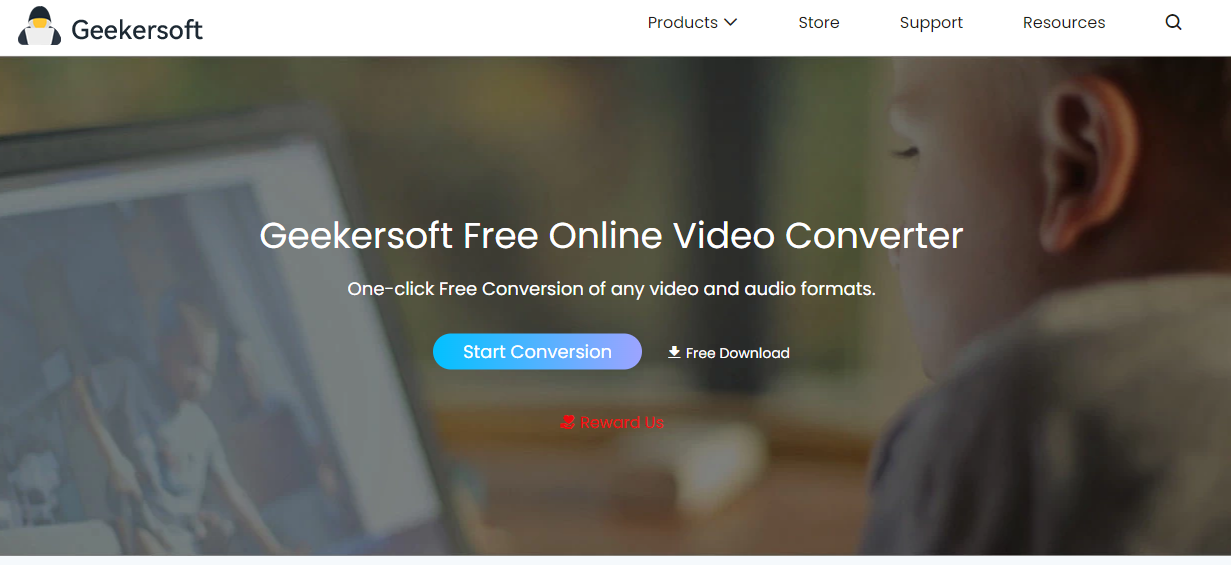
Geekersoft is the fastest of the six, noticeably so on longer videos, and it does not want an install or an account. Same single-video limitation. If YT Saver is being slow, use this.
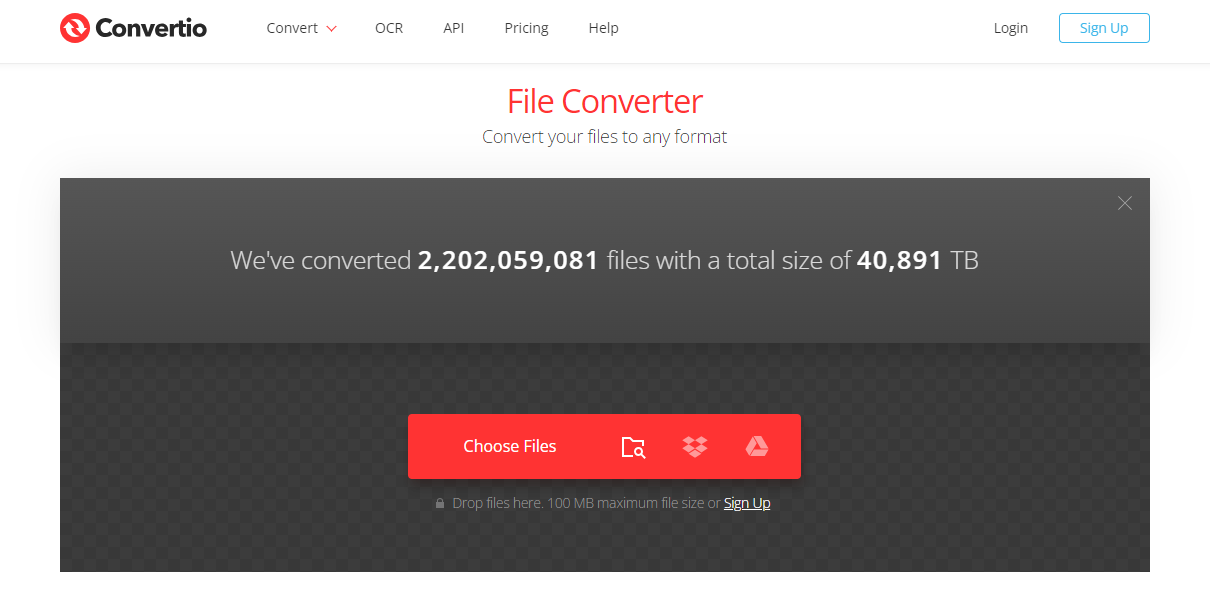
Convertio has the cleanest interface of the lot and the strictest free file size cap, which you will hit on anything long. Good for a short track, wrong for a live set.
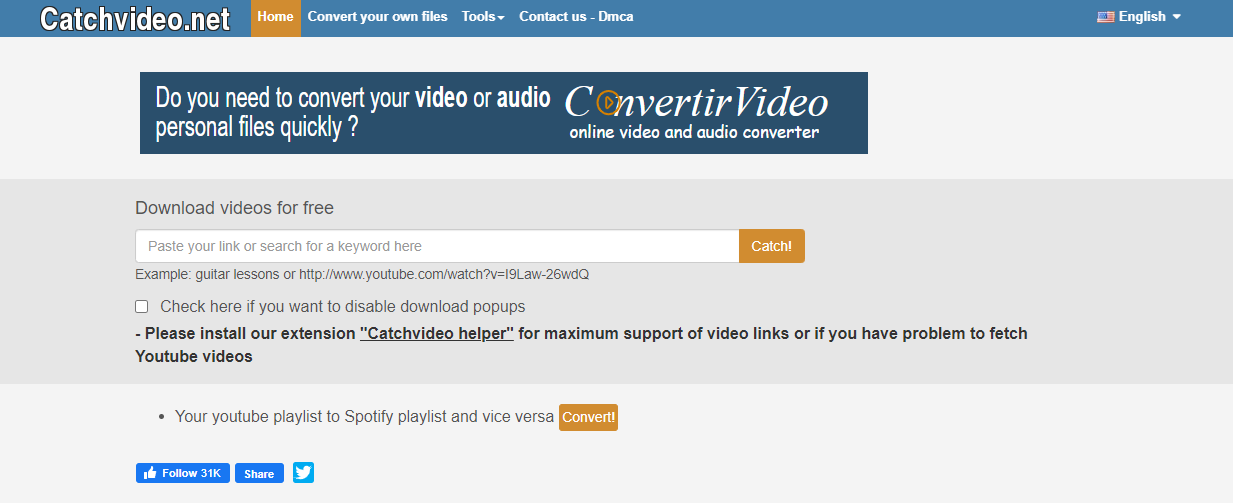
Catchvideo.net works and supports plenty of formats. It also has pop-ups. Bring an ad blocker or do not bother.
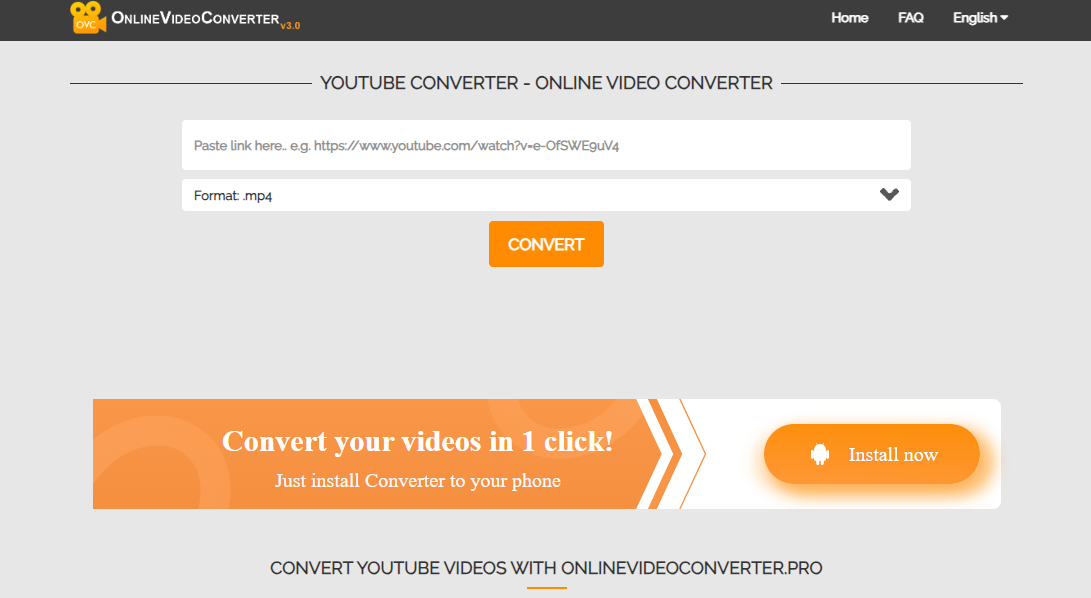
YouTube Converter is fine. Straightforward, decent speed, ads. There is nothing here that YT Saver does not do slightly better, and nothing wrong with it either.
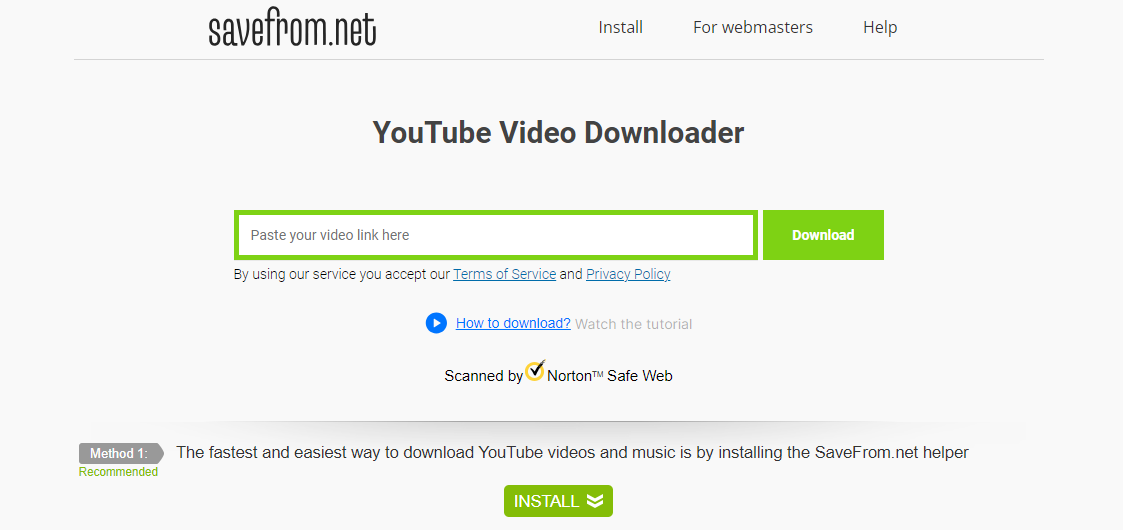
Download YouTube Video is the most basic of the group. It converts, the audio is fine, and that is the whole review. Use it if the others are down.
When you want the words, not the audio
A chunk of people converting YouTube to FLAC are not chasing audio at all. They want what was said, and audio is just the format they assumed they had to go through. Lectures, interviews, podcasts. If that is the job, converting to FLAC is the long way round.
Paste the URL and ask for the transcript instead. Where the video already publishes captions, ScreenApp reads that caption track straight from YouTube instead of pulling the audio and running speech recognition over it. The text comes back in about 15 seconds: the median across 1,774 production imports in July 2026 was 14.7 seconds, with nine in ten inside 29 seconds. No captions on the video means the slow route, AI transcription of the audio, and a longer wait.
One catch worth knowing. Captions lifted from YouTube are YouTube’s own writing, mistakes included, and our published word error rates describe the AI transcription route rather than that one. If you are quoting someone in print, take the slow route. If you are hunting for the timestamp where they said the thing, the fast one is fine.
On pricing, plainly: there is no recurring free allowance and no no-credit-card trial. You get 1 free recording and a 7-day Growth trial, then it is $19/mo annual. For one FLAC file, that is a bad trade and VLC is free. Start with the free recording if the transcript side is what you are after.
Step-by-Step Guide on How to Use a YouTube to FLAC Converter
In this section, let’s consider using the Convertio online tool for converting YouTube videos to FLAC:
- Open your web browser and navigate to the YouTube video you want to convert. Copy the video’s URL from the address bar.
- Go to Convertio’s website (make sure you’re on the ‘YouTube to FLAC’ page).
- Paste the copied URL into the input field on Convertio.
- Select FLAC as the output format from the dropdown menu.
- Click the ‘Convert’ button to start the conversion process.
- Once the conversion is complete, download your FLAC file by clicking ‘Download’.
Remember, steps might vary slightly depending on the converter you are using. Always refer to the specific instructions provided by the tool.
Tips and Tricks for Successful Conversion
To ensure a smooth and successful conversion process, consider the following best practices:
- Verify the Source: Always ensure that the YouTube video’s audio quality is good before converting it to FLAC. The conversion process cannot improve poor source audio.
- Choose the Right Tool: Different converters offer varying audio quality. Always choose a converter known for maintaining high audio fidelity.
- Be Patient: The conversion process can take time, especially for longer videos. Allow the tool enough time to complete the conversion to ensure the best results.
Common issues that may arise during the conversion process include:
- Slow Conversion: This could be due to a slow internet connection or high server load on the converter’s side. If the conversion is taking too long, try refreshing the page or using a different converter.
- Failed Conversion: This could be due to an issue with the source video or the converter. Make sure the YouTube video is playable and try using a different converter if necessary.
- Poor Quality Output: This could be due to the source video’s poor audio quality or a low-quality converter. Always ensure the source audio is of good quality, and choose a reputable converter.
Understanding Audio Quality and File Sizes
When dealing with digital audio, two terms often come up: bit rate and sample rate. Understanding these can help you appreciate the difference in audio quality and file sizes between FLAC and MP3.
- Bit Rate: This refers to the amount of data processed per unit of time, measured in kilobits per second (kbps). Higher bit rates generally produce better sound quality but also larger file sizes.
- Sample Rate: This is the number of samples of audio carried per second, measured in kilohertz (kHz). A higher sample rate leads to a more accurate representation of the sound but also larger file sizes.
- FLAC vs. MP3: FLAC, being a lossless format, preserves all the audio data from the original file, resulting in superior sound quality. This, however, leads to larger file sizes compared to MP3. On the other hand, MP3 is a lossy format, which means it discards some audio data to achieve smaller file sizes. This results in somewhat lower sound quality compared to FLAC.
Legal and Ethical Considerations
The legality and ethics of converting and downloading YouTube videos. While it’s technically possible to download and convert these videos, it may violate YouTube’s Terms of Service. And unauthorized downloading and conversion may infringe on the content creators’ copyrights.
To stay within the bounds of legality and respect intellectual property, follow these tips:
- Always use the content for personal, non-commercial use.
- Do not distribute the downloaded content.
- Where possible, seek permission from the content creator before downloading and converting their content.
Future Trends in Audio Conversion
The world of digital audio is constantly evolving, with emerging trends, technologies, and tools. For example, advancements in artificial intelligence and machine learning are paving the way for smarter, more efficient audio converters. These tools can potentially provide higher-quality conversions, faster processing speeds, and a more user-friendly experience.
In addition, the rising popularity of high-resolution audio might lead to an increased demand for lossless formats like FLAC. As technology evolves and internet speeds increase, the trade-off between file size and audio quality may become less significant, making formats like FLAC more widely adopted.
Case Study: Real-Life User Experiences
To bring more perspective into the process of converting YouTube videos to FLAC, let’s explore the story of Alex, a music enthusiast.
Alex, an avid listener and creator of music, often found himself needing to download YouTube videos for offline listening and study. He was particularly interested in obtaining high-quality audio and hence chose to convert the videos to FLAC format.
Alex initially faced several challenges. Finding the right tool that provided quality conversions without a complicated process was difficult. He tested several converters but was either confronted with poor audio quality or an overly complex user interface.
Eventually, Alex discovered the Geekersoft Free Online Video Converter. He found this tool user-friendly and appreciated its fast conversion speed. Most importantly, it offered high-quality FLAC output, meeting his primary need.
Alex’s tip to others venturing into converting YouTube videos to FLAC is to remain patient and invest time in finding the right tool. It may take some trial and error, but the result of high-quality audio is well worth it.
Additional Resources
For readers who want to dig deeper into audio conversion, here are some additional resources:
- Digital Trends Guide on Audio Formats: This comprehensive guide explains different audio formats and their characteristics.
- Audio Conversion Forum on Reddit: A community of audio conversion enthusiasts where you can ask questions, share experiences, and learn from others.
- FLAC’s Official Website: For more information about FLAC files, including technical details and its advantages over other formats.
In terms of handling FLAC files, there are numerous software available that can play this format. Some of the recommended FLAC players include VLC Media Player, Foobar2000, and Winamp. Choose the one that best suits your operating system and personal preferences.
No.
Converter Name
Pros
Cons
1
YT Saver
User-friendly interface, High-quality conversion, No registration required
Contains ads, No batch downloads
2
Geekersoft Free Online Video Converter
High-quality conversion, Fast conversion speed, Easy-to-use interface, Supports various formats
Internet dependent, Limited batch download
3
VLC Media Player
High-quality conversion, Local conversion, Versatile, No ads
Slightly complex setup, No batch conversion
4
Convertio
High-quality conversion, Fast conversion speed, Easy to use
File size limitation, Internet dependent
5
Catchvideo.net
User-friendly, Versatile
Contains pop-up ads, Internet dependent
6
YouTube Converter
Easy to use, Good conversion speed
Contains ads, Internet dependent
7
Download YouTube Video
Simple to use, Quality conversion
Limited features, Internet dependent
So which one
VLC, for most people. It is free, it is open source, nobody is monetising your attention while you wait, and it does the job. The interface is genuinely awkward the first time and the Convert/Save dialog will not make sense until you have used it twice. Accept that, and you never think about it again.
Use Convertio when you cannot install anything, and watch the file size cap. Use YT Saver if you are doing batches often enough that the desktop app earns its keep.
And keep the expectation straight. You are making a lossless copy of a lossy source. FLAC is the right container for archiving and tagging it. It is not a way to get the master back.
Best Youtube to Flac Converter and Downloader online Free FAQs
Is “yt to flac” different from YouTube to FLAC?
No. Same thing, fewer keystrokes. People type yt to flac, yt flac, or youtube flac downloader depending on habit, and every tool on this page handles all of them identically because they all just take a YouTube URL. If a site implies “yt” is some separate faster service, close the tab.
1. What is the best free YouTube to FLAC converter?
YT Saver and Geekersoft Free Online Video Converter are the top free options for converting YouTube videos to FLAC format. YT Saver offers a user-friendly interface with high-quality conversion, while Geekersoft provides faster processing speeds. For professional needs, ScreenApp offers AI-powered transcription alongside FLAC conversion.
2. Is it legal to convert YouTube videos to FLAC format?
Converting YouTube videos to FLAC may violate YouTube’s Terms of Service and copyright laws. It’s legal only for:
- Content you own or created
- Videos with Creative Commons licenses
- Personal use of non-copyrighted material
- Content where you have explicit permission from the creator
Always respect intellectual property rights and use downloads responsibly.
3. How does FLAC compare to MP3 for YouTube audio downloads?
FLAC (Free Lossless Audio Codec):
- Preserves 100% of original audio quality
- Larger file sizes (typically 2-8x bigger than MP3)
- No data loss during compression
- Preferred by audiophiles and music professionals
MP3:
- Smaller file sizes but compressed quality
- Loses some audio data during conversion
- More compatible with all devices
- Faster downloads and less storage needed
4. Can I convert YouTube playlists to FLAC in batch?
Most free YouTube to FLAC converters, including YT Saver and Geekersoft, don’t support batch playlist conversion. You’ll need to convert videos individually. VLC Media Player also lacks batch conversion features. For bulk processing, consider professional tools like ScreenApp which offers automated batch conversion with AI analysis.
5. What’s the maximum video length I can convert to FLAC for free?
Free tool limitations:
- YT Saver: No specific length limit but may timeout on very long videos
- Geekersoft: Generally handles videos up to 2-3 hours
- Convertio: 100MB file size limit for free users
- VLC Media Player: No restrictions as it’s desktop software
For longer videos or higher limits, premium services or professional tools like ScreenApp offer better reliability.
6. Why do some YouTube to FLAC converters fail to work?
Common reasons for converter failures:
- Video restrictions: Age-restricted, private, or region-blocked content
- Copyright protection: Some videos have enhanced protection
- Server overload: Free services often have capacity limits
- Outdated software: YouTube frequently changes its systems
- Internet connectivity: Unstable connections interrupt downloads
Solution: Try multiple converters or use reliable alternatives like ScreenApp.
7. Can I convert YouTube videos to FLAC on mobile devices?
Android: Some apps support FLAC conversion, but be cautious of unofficial APKs that may contain malware. Browser-based tools like YT Saver work on mobile browsers.
iPhone/iOS: Limited native options due to App Store restrictions. Use web-based converters through Safari or consider ScreenApp’s mobile-optimized interface.
Best practice: Use reputable web-based converters rather than downloading unknown mobile apps.
8. What audio quality should I expect from YouTube to FLAC conversion?
YouTube audio quality limitations:
- Maximum source quality: 128-160 kbps AAC (not true CD quality)
- FLAC conversion: Preserves whatever quality exists in the source
- Reality check: Converting YouTube audio to FLAC won’t improve quality beyond the original compressed audio
Professional tip: Use ScreenApp to analyze audio quality and get detailed transcripts alongside your FLAC files.
9. Are there any risks in using free YouTube to FLAC converters?
Potential risks:
- Malware: Suspicious downloads or pop-up ads
- Privacy concerns: Some sites may track personal data
- Legal issues: Copyright infringement
- Poor quality: Unreliable conversion results
- Account safety: Never enter YouTube credentials on third-party sites
Safe practices: Use reputable converters, avoid suspicious pop-ups, and consider professional alternatives like ScreenApp for enhanced security.
10. How can I organize and manage my converted FLAC files?
Basic organization:
- Create folders by artist, album, or genre
- Use consistent naming conventions
- Tag files with metadata (artist, title, year)
- Consider dedicated music library software
Professional solution: ScreenApp automatically organizes FLAC files with AI-powered categorization, searchable transcripts, and intelligent tagging. It can identify speakers, extract lyrics, and create searchable archives of your entire audio collection.
FAQ
Is "yt to flac" different from YouTube to FLAC?
No. Same thing, fewer keystrokes. People type yt to flac, yt flac, or youtube flac downloader depending on habit, and every tool on this page handles all of them identically because they all just take a YouTube URL. If a site implies "yt" is some separate faster service, close the tab.
1. What is the best free YouTube to FLAC converter?
YT Saver and Geekersoft Free Online Video Converter are the top free options for converting YouTube videos to FLAC format. YT Saver offers a user-friendly interface with high-quality conversion, while Geekersoft provides faster processing speeds. For professional needs, ScreenApp offers AI-powered transcription alongside FLAC conversion.
2. Is it legal to convert YouTube videos to FLAC format?
Converting YouTube videos to FLAC may violate YouTube's Terms of Service and copyright laws. It's legal only for: - Content you own or created - Videos with Creative Commons licenses - Personal use of non-copyrighted material - Content where you have explicit permission from the creator Always respect intellectual property rights and use downloads responsibly.
3. How does FLAC compare to MP3 for YouTube audio downloads?
FLAC (Free Lossless Audio Codec): - Preserves 100% of original audio quality - Larger file sizes (typically 2-8x bigger than MP3) - No data loss during compression - Preferred by audiophiles and music professionals MP3: - Smaller file sizes but compressed quality - Loses some audio data during conversion - More compatible with all devices - Faster downloads and less storage needed
4. Can I convert YouTube playlists to FLAC in batch?
Most free YouTube to FLAC converters, including YT Saver and Geekersoft, don't support batch playlist conversion. You'll need to convert videos individually. VLC Media Player also lacks batch conversion features. For bulk processing, consider professional tools like ScreenApp which offers automated batch conversion with AI analysis.
5. What's the maximum video length I can convert to FLAC for free?
Free tool limitations: - YT Saver: No specific length limit but may timeout on very long videos - Geekersoft: Generally handles videos up to 2-3 hours - Convertio: 100MB file size limit for free users - VLC Media Player: No restrictions as it's desktop software For longer videos or higher limits, premium services or professional tools like ScreenApp offer better reliability.
6. Why do some YouTube to FLAC converters fail to work?
Common reasons for converter failures: - Video restrictions: Age-restricted, private, or region-blocked content - Copyright protection: Some videos have enhanced protection - Server overload: Free services often have capacity limits - Outdated software: YouTube frequently changes its systems - Internet connectivity: Unstable connections interrupt downloads Solution: Try multiple converters or use reliable alternatives like ScreenApp.
7. Can I convert YouTube videos to FLAC on mobile devices?
Android: Some apps support FLAC conversion, but be cautious of unofficial APKs that may contain malware. Browser-based tools like YT Saver work on mobile browsers. iPhone/iOS: Limited native options due to App Store restrictions. Use web-based converters through Safari or consider ScreenApp's mobile-optimized interface. Best practice: Use reputable web-based converters rather than downloading unknown mobile apps.
8. What audio quality should I expect from YouTube to FLAC conversion?
YouTube audio quality limitations: - Maximum source quality: 128-160 kbps AAC (not true CD quality) - FLAC conversion: Preserves whatever quality exists in the source - Reality check: Converting YouTube audio to FLAC won't improve quality beyond the original compressed audio Professional tip: Use ScreenApp to analyze audio quality and get detailed transcripts alongside your FLAC files.
9. Are there any risks in using free YouTube to FLAC converters?
Potential risks: - Malware: Suspicious downloads or pop-up ads - Privacy concerns: Some sites may track personal data - Legal issues: Copyright infringement - Poor quality: Unreliable conversion results - Account safety: Never enter YouTube credentials on third-party sites Safe practices: Use reputable converters, avoid suspicious pop-ups, and consider professional alternatives like ScreenApp for enhanced security.
10. How can I organize and manage my converted FLAC files?
Basic organization: - Create folders by artist, album, or genre - Use consistent naming conventions - Tag files with metadata (artist, title, year) - Consider dedicated music library software Professional solution: ScreenApp automatically organizes FLAC files with AI-powered categorization, searchable transcripts, and intelligent tagging. It can identify speakers, extract lyrics, and create searchable archives of your entire audio collection.