What Is Ask YouTube? Google's Gemini Video Search, Explained

On this page
Google spent Google I/O 2026 talking about Ask YouTube, and the coverage made it sound like a chatbot bolted onto every video. It is not quite that. Ask YouTube is a Gemini-powered search layer: you type a real question, like how to teach a kid to ride a bike or which reviewers actually liked a game, and it pulls the most relevant clips from across YouTube’s whole catalogue, long-form and Shorts, into one answer you can keep questioning. Google introduced it on stage in May, and TechCrunch covered the rollout the same week.
That distinction matters more than it sounds. Ask YouTube is about finding the right videos. It is not built to sit inside one two-hour lecture and answer “where does she explain the pricing model at minute 74.” Those are two different jobs, and if you came here trying to do the second one, the feature you actually want works differently. I will get to that.
First, the honest state of it: as of the middle of 2026 Ask YouTube is a limited test, not a button everyone has. It is US-only, Premium-only, 18 and up, and it started on desktop before reaching smart TVs, consoles, and streaming devices. So if you have been hunting for the Ask button and cannot find it, you are probably not doing anything wrong. You are just not in the rollout yet.
Quick answer
Ask YouTube is a conversational search feature Google announced at I/O 2026. You ask a question in plain language and Gemini gathers the most relevant videos from across YouTube, including Shorts, into a single answer you can follow up on. It is for discovering videos, not for deep Q and A inside one long video you are already watching. It is currently a US, Premium, 18-plus test that began on desktop. To question a single specific video instead, a tool like ScreenApp reads that one video end to end and answers with clickable timestamps.
Related reading: how to actually chat with a single YouTube video, our roundup of AI tools that watch videos for you, the best AI YouTube summarizers, and what really happens when you paste a video into ChatGPT.
How Ask YouTube actually works
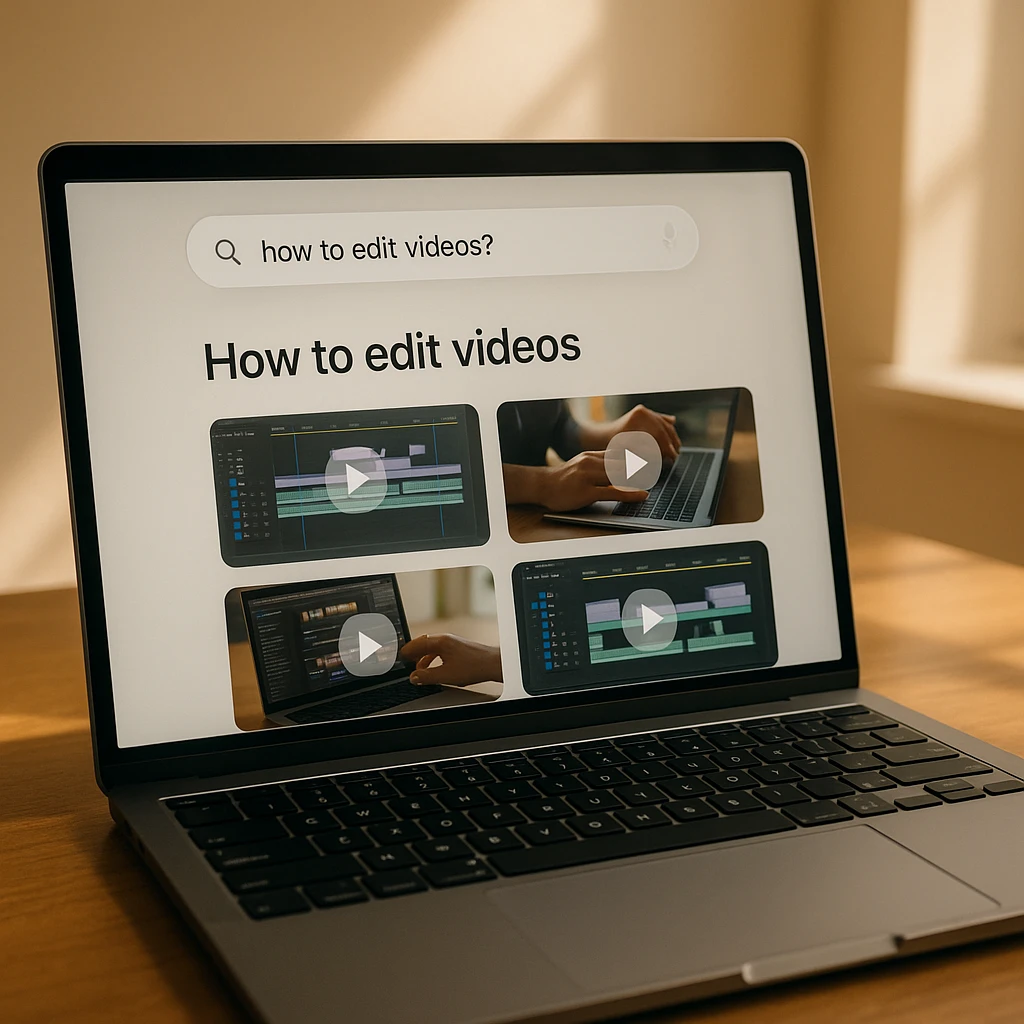
Under the marketing, the loop is straightforward. You type a question the way you would ask a knowledgeable friend, not the way you would type a search query. Gemini interprets what you mean, looks across YouTube’s catalogue, and assembles an answer built from the clips it judges most relevant, with the videos laid out so you can jump straight in. Then you can narrow it: ask a follow-up and it refines the set instead of making you start a fresh search.
The important word is catalogue. Ask YouTube reasons over many videos to answer one question. That is genuinely useful for the messy, human questions plain search handles badly, the ones where you do not know the right keywords and a ranked list of ten thumbnails is not really an answer. “Which of these budget mics do creators say is quiet enough for a shared apartment” is a question, not a keyword, and that gap is the whole reason this exists.
What it is not doing is transcribing a single video and letting you interrogate that transcript. When you are inside one video and want the specific claim, the exact code snippet, the moment the numbers get mentioned, that is a different pipeline, and Ask YouTube is not it.
Using it, if you have it
There is not much of a manual, which is the point. If Ask YouTube is live on your account, you will see an Ask entry near YouTube’s search, open it, and start typing questions instead of keywords. A few things that make the answers better in practice:
Ask the messy question, not the keyword
Regular search rewards keywords. This rewards context. "Beginner deadlift form for a bad lower back" beats "deadlift tutorial", because the whole advantage is handling the qualifiers a keyword box makes you drop.
Follow up instead of restarting
The value is in the second and third question. "Only ones under ten minutes." "Something more recent." Each follow-up refines the set, so treat it as a conversation rather than a one-shot search.
Still open the video for anything that matters
Gemini points you at clips; it does not free you from checking them. For a recipe or a repair or a medical topic, use the answer to find the right video fast, then watch the part that counts. The AI is the index, not the authority.
Why you might not see the Ask button
This is the question filling up help forums, and the answer is usually boring: you are not in the test group. Ask YouTube rolled out narrowly on purpose. To have it right now you generally need to be a YouTube Premium member, in the United States, 18 or older, and Google started the rollout on desktop before extending it to smart TVs, consoles, and streaming devices. Broader US availability was slated for later in 2026.
So the checklist for “where is it” is short. No Premium, no Ask. Outside the US, not yet. On a device or a region that has not been switched on, not yet. None of the usual fixes (clearing cache, updating the app, signing out and back in) will conjure a feature your account was not granted, and chasing them just wastes an afternoon. If you meet every condition and still do not see it, it is a staged rollout, so it lands when it lands.
There is a real reason to care beyond impatience. If the reason you wanted Ask YouTube was to pull answers out of videos you already have, a Premium-gated US search test does not solve your problem even once you get in. That is worth separating out, which is the next section.
Ask YouTube vs asking one video directly
These get lumped together and they should not be. One helps you find a video. The other helps you finish one. Picking the wrong one is why people come away thinking “AI video search is overrated” when they were just holding the wrong tool.
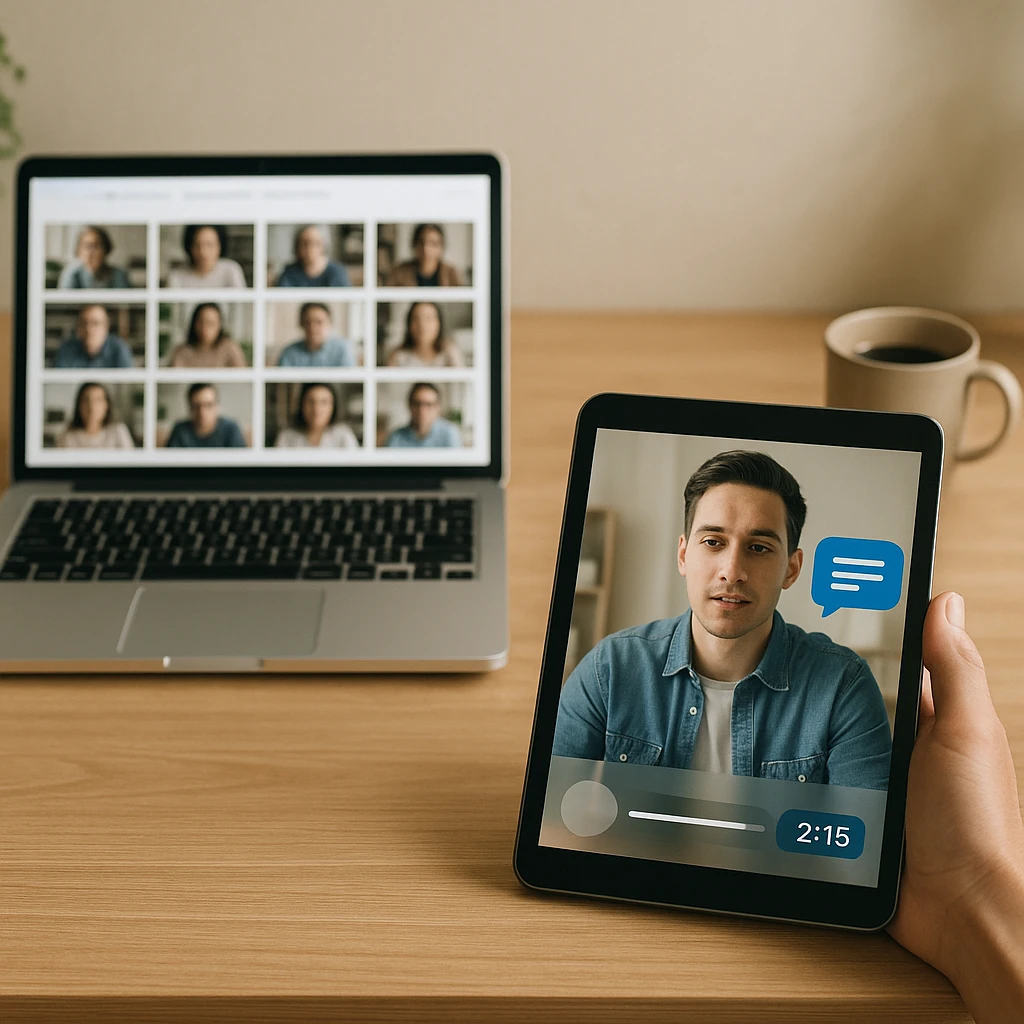
Ask YouTube is discovery. Point it at the catalogue when you do not know which video you need and the question is too human for a keyword box. It shines before you have committed to watching anything.
A single-video AI is extraction. You already have the video, or the meeting recording, or the lecture, and you need something specific out of it: the definition, the decision, the exact minute the argument turns. That is the job ScreenApp’s video answer AI does, and it works differently on purpose. It transcribes the one video end to end, on-screen text and speech included, then answers with timestamps you can click to jump to the moment and check it. And it is not limited to public YouTube: unlisted links and your own uploaded files work too, which is the part no YouTube-native feature can do, because your Zoom recording was never on YouTube to begin with. We walk through that whole workflow in the guide on chatting with a single YouTube video.
| What you want | Ask YouTube | Single-video AI (ScreenApp) |
|---|---|---|
| The core job | Find the right videos | Answer questions inside one video |
| Timestamped answers | Not the point | Yes, clickable |
| Your own uploads and meetings | No | Yes |
| Who can use it now | US Premium, 18+, staged | Anyone, free session on signup |
| Reach true | All of YouTube at once | One video at a time, in depth |
The honest read: these are complements, not rivals. Use Ask YouTube to land on the right lecture, then use a single-video tool to turn that lecture into notes, a summary, or exam questions. If Google widens Ask YouTube later to go deep on one video too, that line will blur. Right now it does not, and pretending otherwise just sends people to the wrong tool.
Ask YouTube FAQ
Is Ask YouTube free?
No, not for everyone. It launched as a test for YouTube Premium members in the US who are 18 or older, so it sits behind a paid subscription for now. Google has signalled wider availability over 2026, but at the moment it is not a free, everyone-has-it feature.
Is Ask YouTube powered by Gemini?
Yes. It runs on Google’s Gemini models, which is what lets it interpret a conversational question and reason across many videos to answer it rather than just matching keywords.
Why can’t I find the Ask button?
Almost always because your account is not in the rollout. You typically need Premium, a US account, and an eligible device, and Google staged it starting on desktop. If you do not meet those conditions, no setting or reinstall will surface it. It arrives when the staged rollout reaches you.
Can Ask YouTube summarize one long video for me?
That is not what it is built for. Ask YouTube finds videos across the catalogue; it does not sit inside a single two-hour video and pull out the section you need. For that, paste the link into a single-video tool like ScreenApp’s video answer AI or an AI that watches the video for you, which transcribe the whole thing and answer with timestamps.
Does Ask YouTube work on Shorts?
Yes. Its answers pull from both long-form videos and Shorts, so a good short clip can surface right next to a full tutorial in the same response.
Is Ask YouTube available outside the US?
Not at launch. It started as a US-only test. International availability has not been given a firm date, so for now, if you are outside the US, you will not see it regardless of Premium status.
Can I use Ask YouTube on my phone or TV?
It began on desktop, then expanded to smart TVs, gaming consoles, and streaming devices. Broad phone availability was not part of the initial rollout, so mobile access depends on where the staged rollout has reached.
How is Ask YouTube different from asking ChatGPT?
ChatGPT answers from text and often cannot actually watch a YouTube video, so it may describe one from its title and description. Ask YouTube is native to YouTube and reasons over real video content to point you at clips. For getting answers out of one specific video, a purpose-built video tool that shows timestamps is more reliable than either.
Can Ask YouTube answer questions about my own uploaded videos?
No. It only searches YouTube’s public catalogue. Your meeting recordings, lectures, and local files were never on YouTube, so a YouTube-native feature cannot reach them. Upload those to a tool that reads your own files instead.
So: Ask YouTube is a genuinely useful upgrade to finding things on YouTube, and worth trying the moment it reaches your account. Just keep the two jobs straight. To discover the right video, Ask YouTube. To wring a specific answer out of a video you already have, paste it into ScreenApp and ask it directly.
FAQ
Is Ask YouTube free?
No, not for everyone. It launched as a test for YouTube Premium members in the US who are 18 or older, so it sits behind a paid subscription for now. Google has signalled wider availability over 2026, but at the moment it is not a free, everyone-has-it feature.
Is Ask YouTube powered by Gemini?
Yes. It runs on Google's Gemini models, which is what lets it interpret a conversational question and reason across many videos to answer it rather than just matching keywords.
Why can't I find the Ask button?
Almost always because your account is not in the rollout. You typically need Premium, a US account, and an eligible device, and Google staged it starting on desktop. If you do not meet those conditions, no setting or reinstall will surface it. It arrives when the staged rollout reaches you.
Can Ask YouTube summarize one long video for me?
That is not what it is built for. Ask YouTube finds videos across the catalogue; it does not sit inside a single two-hour video and pull out the section you need. For that, paste the link into a single-video tool like ScreenApp's video answer AI or an AI that watches the video for you, which transcribe the whole thing and answer with timestamps.
Does Ask YouTube work on Shorts?
Yes. Its answers pull from both long-form videos and Shorts, so a good short clip can surface right next to a full tutorial in the same response.
Is Ask YouTube available outside the US?
Not at launch. It started as a US-only test. International availability has not been given a firm date, so for now, if you are outside the US, you will not see it regardless of Premium status.
Can I use Ask YouTube on my phone or TV?
It began on desktop, then expanded to smart TVs, gaming consoles, and streaming devices. Broad phone availability was not part of the initial rollout, so mobile access depends on where the staged rollout has reached.
How is Ask YouTube different from asking ChatGPT?
ChatGPT answers from text and often cannot actually watch a YouTube video, so it may describe one from its title and description. Ask YouTube is native to YouTube and reasons over real video content to point you at clips. For getting answers out of one specific video, a purpose-built video tool that shows timestamps is more reliable than either.
Can Ask YouTube answer questions about my own uploaded videos?
No. It only searches YouTube's public catalogue. Your meeting recordings, lectures, and local files were never on YouTube, so a YouTube-native feature cannot reach them. Upload those to a tool that reads your own files instead. So: Ask YouTube is a genuinely useful upgrade to finding things on YouTube, and worth trying the moment it reaches your account. Just keep the two jobs straight. To discover the right video, Ask YouTube. To wring a specific answer out of a video you already have, paste it