

Benefits of YouTube to Text Extension
ChatGPT cannot transcribe YouTube videos directly because it doesn’t access external video content or process audio files. This YouTube to text extension analyzes video audio in real-time and generates accurate transcripts with timestamps - capabilities that text-based AI chatbots don’t have for live YouTube video processing.
YouTube to text extension converts any YouTube video into searchable text transcripts. Install the Chrome extension and click one button to generate complete transcripts with timestamps. The tool processes videos of any length and exports text in multiple formats.
How fast is it?
Speed depends on the video. When a YouTube video already has a caption track, the extension reads that track straight from YouTube instead of transcribing the audio, so the text is ready in about 15 seconds (median 14.7 seconds across 1,774 production imports in July 2026), with nine in ten inside 29 seconds. That text is YouTube’s own, so the word error rates we publish describe our AI transcription rather than it. A video with no captions is transcribed from the audio, which takes longer.
Save hours taking manual notes from educational videos, webinars, and tutorials. The extension transcribes spoken content automatically with strong accuracy for clear English audio. Search through transcripts to find specific quotes or information without rewatching entire videos.
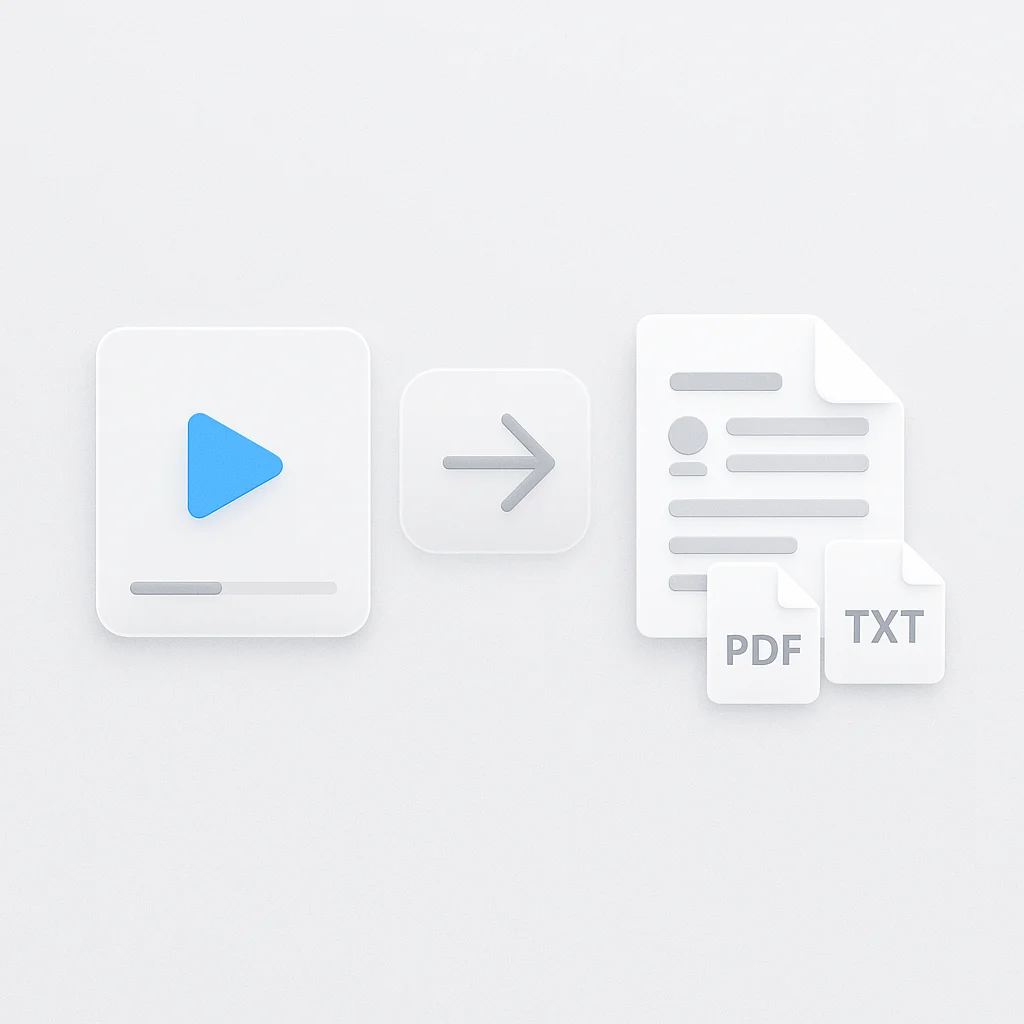
Turn YouTube content into blog posts, study notes, and documentation effortlessly. Copy transcripts to your clipboard, download as TXT or DOC files, or edit text directly in the side panel. The extension works on all public YouTube videos with no upload limits.
Key benefits include:
- One-click YouTube video transcription
- Automatic timestamps for easy reference
- Export transcripts in TXT and DOC formats
- No signup required to try
- Works on all public YouTube videos
How YouTube to Text Extension Works
YouTube to text extension works in three steps. Install the Chrome extension from the Web Store and navigate to any YouTube video. Click the transcribe button, and for a captioned video the text is back in about 15 seconds.
The extension processes video audio using speech recognition technology. It creates timestamped transcripts that appear in a side panel next to your video. Edit, search, or copy text while watching content.
Download completed transcripts or export to note-taking applications. The tool maintains accuracy across different accents and speaking styles. Transcripts sync with video playback for easy reference.
Steps to transcribe YouTube videos:
- Install Chrome extension from Web Store
- Open any YouTube video and click transcribe
- View timestamped transcript in side panel
- Download, copy, or edit text as needed
YouTube to Text Extension vs Other Tools
| Feature | ScreenApp | Glasp | Notta | Fireflies.ai |
|---|---|---|---|---|
| Free tier | 1 free recording + 7-day trial | Unlimited | 120 min/month | Unlimited |
| Timestamped transcripts | Yes | Yes | Yes | Yes |
| Export formats | TXT, DOC | Markdown, HTML, CSV, JSON | PDF, DOCX, SRT | PDF, DOCX, SRT, CSV, JSON |
| Languages supported | 99 | 100+ | 58 | 90+ |
| Pricing (paid) | $19/month annual | Free (premium features available) | $8.25/month annual | Free |
- vs Glasp: Both offer free transcription. ScreenApp focuses on simple YouTube transcription while Glasp includes AI summaries with ChatGPT, Claude, and Gemini integration. Glasp exports to more formats and note-taking apps.
- vs Notta: ScreenApp provides free transcription vs Notta’s 120 minutes/month limit and $8.25/month annual subscription for 1,800 minutes. Notta achieves high accuracy and offers more export formats including SRT subtitles.
- vs Fireflies.ai: Both offer free transcription. Fireflies.ai provides more export formats (5 vs 2) and automatically adds speaker names. ScreenApp specializes in YouTube-specific transcription.
Who Needs YouTube to Text Extension
Content creators repurposing video content need efficient transcription. Convert YouTube videos into blog posts, articles, and social media content without manual transcription. Save hours on content creation workflows.
Students and researchers processing educational videos need searchable transcripts. Create study notes from lecture videos, extract quotes for citations, and organize research materials. Search transcripts to find specific information quickly.
Journalists transcribing interviews and news segments need accurate text conversion. Generate transcripts from YouTube interviews and press conferences instantly. Focus on analysis instead of manual transcription.
Business professionals reviewing webinars and presentations need reference documentation. Convert training videos, product demos, and conference talks into searchable text. Share transcripts with team members efficiently.
FAQ
What is a YouTube to text extension?
A YouTube to text extension is a Chrome browser add-on that converts YouTube video audio into written transcripts automatically. Install the extension and click one button to generate timestamped text from any YouTube video.
Can I transcribe YouTube videos for free?
Yes, this YouTube to text extension is free to try with no signup. You get a free recording plus a 7-day trial to test it, then it moves to a paid plan.
Can ChatGPT transcribe YouTube videos?
No, ChatGPT cannot access or transcribe YouTube videos directly because it doesn’t process external video content or audio files. This extension analyzes YouTube video audio in real-time to generate accurate transcripts.
How accurate is the YouTube transcript extension?
The extension achieves strong accuracy for clear English audio and 90%+ accuracy for most supported languages. Accuracy varies based on audio quality, speaker accents, and background noise levels.
Does the extension work on all YouTube videos?
Yes, the extension works on all public YouTube videos regardless of length or language. Private or unlisted videos may have restrictions based on creator settings.
Can I download YouTube transcripts?
Yes, download transcripts as TXT or DOC files, or copy text directly to your clipboard. The extension exports complete transcripts with timestamps for easy reference.
Do I need to sign up to use the YouTube to text extension?
No, install the Chrome extension and start transcribing immediately without creating an account or signing up for any service.