Benefits of Audio Silence Remover
ChatGPT cannot remove silence from audio files because it only accepts text and image input. This audio silence remover processes MP3, MP4, WAV, and video files directly and removes dead air automatically - capabilities that text-based AI chatbots don’t have for audio and video editing tasks.
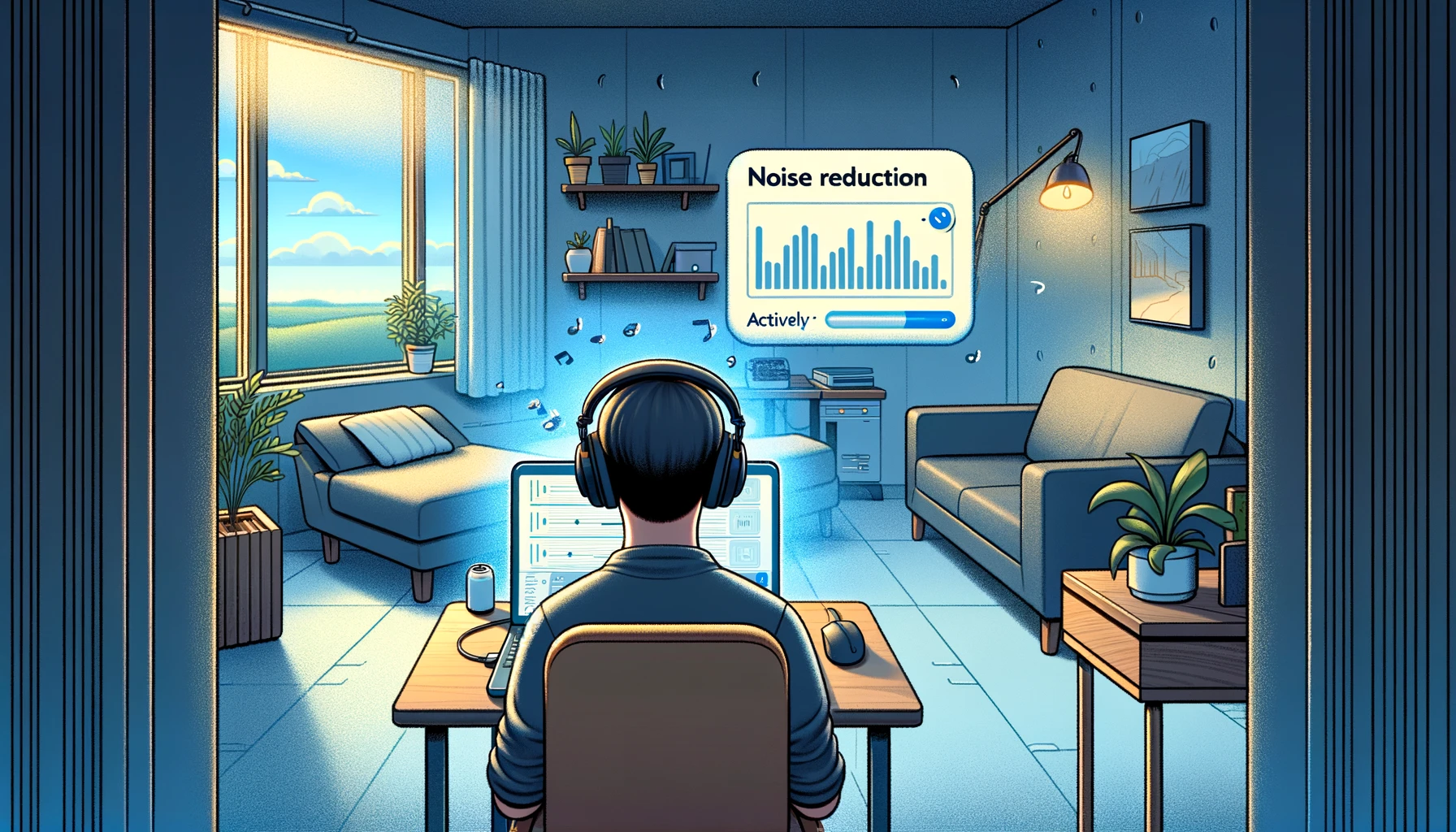
Audio silence remover automatically cuts dead air from your recordings with AI-powered detection. Upload your file and it analyzes audio patterns to identify silent segments, long pauses, and filler words. The tool processes content in minutes and reduces duration by 30-50% without losing important information.
Reduced Content Length
Remove silence from video to cut content duration significantly without losing message clarity. Perfect for creating concise, engaging content from long recordings, lectures, or podcasts.
Professional Audio Quality
Eliminate dead air, awkward pauses, and filler words like “um,” “uh,” and “like” for studio-quality audio. The silence remover creates polished, professional content that sounds broadcast-ready.
Time-Saving Automation
Automatically detect and remove silence instead of spending hours on manual editing. The AI-powered audio silence remover online free processes hours of content in minutes with precision.
Enhanced Viewer Engagement
Keep audiences engaged with tight, fast-paced content. Removing silence from video improves retention rates and creates more dynamic viewing experiences that hold attention.
How Audio Silence Remover Works
Audio silence remover works in with AI-powered detection. Upload your video or audio file and it analyzes content to detect silent segments automatically. Configure threshold settings to control what gets removed, then download your optimized file.
1. Upload Your Video or Audio
Upload your video or audio file to the silence remover. The tool supports all major formats including MP4, MP3, WAV, AVI, MOV, and more for flexible processing.
2. Configure Silence Detection
Adjust silence threshold and minimum duration settings to control what gets removed. The filler remover lets you customize detection sensitivity for optimal results based on your content type.
3. Download Processed Content
Download your optimized video or audio with all silence and filler words removed. The final output maintains natural speech flow while eliminating dead air for professional results.
Audio Silence Remover vs Other Tools
| Feature | ScreenApp | Descript | TimeBolt | Audacity |
|---|---|---|---|---|
| Free tier | Unlimited | 1 hour/month | Watermarked | 100% Free |
| Filler word removal | Yes | Yes | Yes (paid) | Manual only |
| Video support | Yes | Yes | Yes | Audio only |
| Cloud processing | Yes | Yes | No (local) | No (desktop) |
| Pricing (paid) | $29/month | $24/month | $17/month or $347 one-time | Free |
- vs Descript: ScreenApp offers free silence removal vs Descript’s 1 hour/month free tier at $24/month for unlimited, making it more accessible for occasional users.
- vs TimeBolt: ScreenApp works entirely online with cloud processing vs TimeBolt’s local-only processing at $17/month, offering convenience without software installation.
- vs Audacity: ScreenApp provides automatic AI-powered filler word removal vs Audacity’s manual-only approach, saving significant editing time despite being free software.
Who Needs Video Silence Remover
Podcast Creators
Remove silence and filler words from podcast recordings to create professional, engaging episodes. The audio silence remover helps maintain listener attention by cutting dead air and awkward pauses that cause drop-off.
YouTube Content Creators
Optimize YouTube videos by removing dead air and long pauses automatically. Create punchy, engaging content that keeps viewers watching longer and improves audience retention metrics.
Online Course Instructors
Remove silence from educational videos to create concise, focused learning materials. Students appreciate tight, efficient instructional content without unnecessary pauses or filler words.
Business Professionals
Polish presentations, webinars, and training videos by removing awkward pauses and filler words for professional communication. The video silence remover online free creates broadcast-quality content without editing experience.
FAQ
How does AI silence remover work?
The AI analyzes audio waveform patterns to identify silent segments, long pauses, and filler words. The audio silence remover then automatically cuts these sections while maintaining natural speech flow and transitions.
Can I remove silence from video for free?
Yes, ScreenApp offers free silence removal with unlimited usage. Upload your videos and remove dead air without software downloads, subscriptions, or watermarks on your content.
What file formats does the audio silent part remover support?
The silence remover supports all major audio and video formats including MP4, MP3, WAV, M4A, AVI, MOV, WebM, and more for flexible content processing across different recording sources.
Will removing silence affect video quality?
No, the audio silence remover maintains original video and audio quality while removing unwanted silent segments. The output preserves all visual fidelity and audio clarity at original resolution.
How much can silence removal reduce file size?
Typically, removing silence from audio reduces duration by 30-50% depending on original content density. This significantly decreases file size, upload times, and bandwidth costs for distribution.
Does the silence remover from audio work on all languages?
Yes, the tool uses waveform analysis rather than transcription, so it works on audio in any language. Silent segments are detected by volume threshold regardless of spoken language.
Can I adjust how much silence gets removed?
Yes, you can customize silence threshold and minimum duration settings to control detection sensitivity. Adjust parameters based on your content type for optimal results.