

Updated for 2026 with the latest Chrome audio capture features, competitor analysis, and pricing.
Benefits of Audio Recorder Extension
ChatGPT and other AI assistants can’t record audio from your browser tabs because they lack browser extension capabilities and can’t access system or tab audio. This audio recorder extension captures audio directly from Chrome tabs and provides automatic transcription with speaker identification - capabilities that text-based AI chatbots don’t have for browser audio recording.
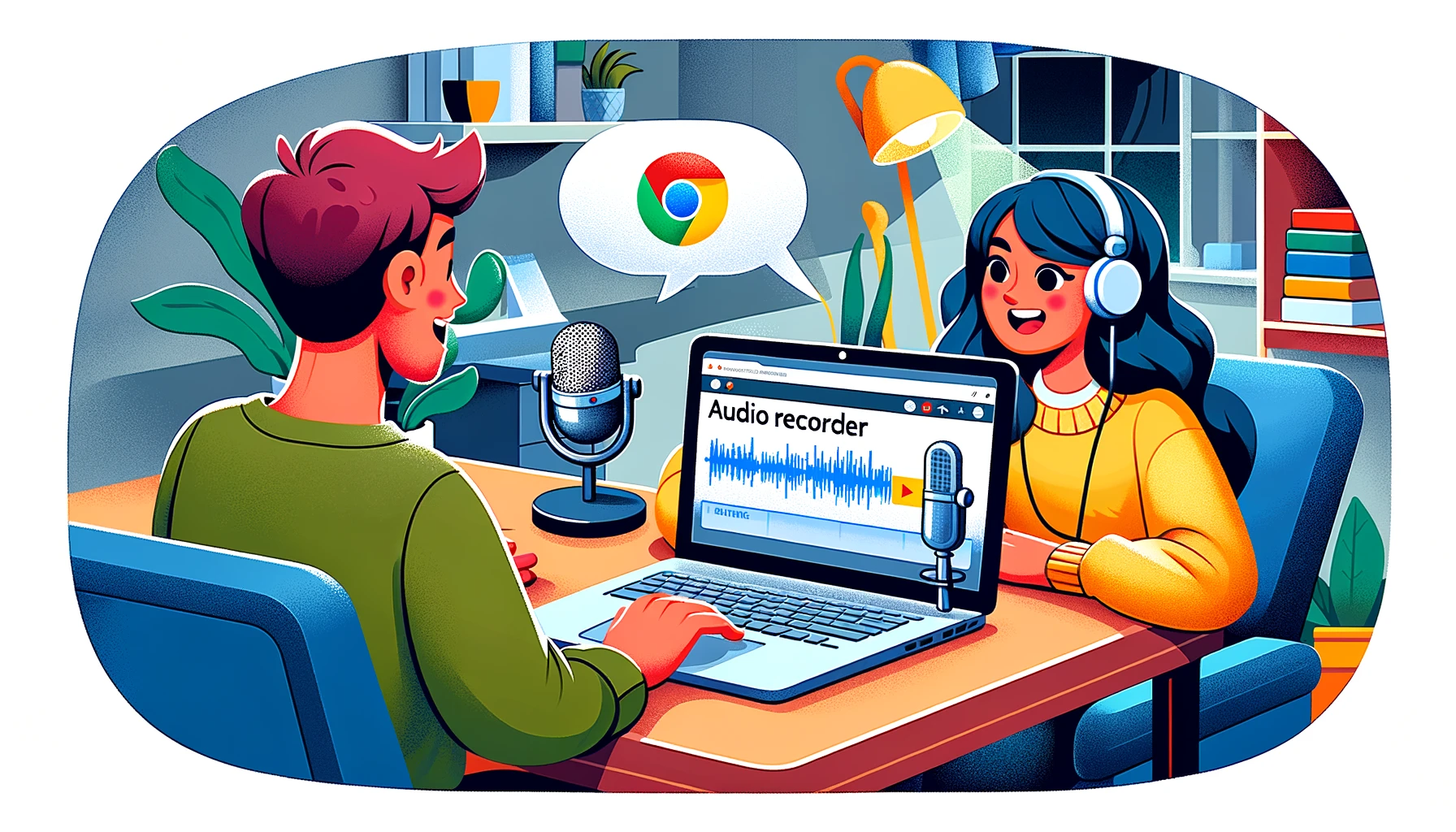
Audio recorder extension free tools let you capture high-quality audio from any Chrome tab instantly. ScreenApp’s chrome audio recorder extension records meetings, lectures, podcasts, and online tutorials with one click. The extension processes audio in real-time and automatically exports to MP3 or WAV format.
Voice recorder extension chrome users save hours by recording directly in the browser without external software. The tool captures both microphone input and system sound simultaneously. This chrome extension record audio capability works on YouTube, Zoom, Google Meet, and 1000+ websites.
Students record lectures for later review. Professionals capture client calls and team meetings. Content creators save podcast episodes and webinar audio. The chrome sound recorder extension handles all scenarios with zero configuration.
Add the extension to Chrome now and start recording in seconds. Free signup includes one recording (no credit card), then continue via the 7-day Growth trial or Growth at $19/month annual.
Key benefits include:
- One-click recording - Start capturing audio instantly from any Chrome tab
- Dual audio capture - Record microphone and system sound at the same time
- Automatic export - Files save as MP3 or WAV format to your downloads folder
- No time limits on paid plans - Free signup includes one recording (no card). Unlimited-length audio via the 7-day Growth trial or Growth at $19/month annual
- Multi-tab support - Capture audio from multiple tabs simultaneously
- Background recording - Audio captures even when tab is minimized
How Chrome Audio Recorder Extension Works
Chrome audio recorder extension operates in . Install the extension from Chrome Web Store and it appears in your toolbar. Click the icon to start recording audio from the active tab. The extension captures audio and exports the file automatically when you stop recording.
The chrome audio record extension uses Chrome’s built-in audio capture API to access tab audio streams. It processes audio in real-time and encodes to your preferred format (MP3 or WAV). All processing happens locally in your browser - no audio uploads to external servers for privacy.
Audio capture extension free versions offer unlimited recording length. You can configure output format, audio quality, and keyboard shortcuts in the settings. The extension supports muting tabs during recording and automatic file naming with timestamps.
Recording workflow:
- Install - Add extension from Chrome Web Store (takes 5 seconds)
- Click icon - Start recording from any tab with one click
- Capture audio - Extension records microphone and/or system sound
- Auto-export - Files download as MP3/WAV when you stop recording
Audio Recorder Extension vs Other Tools
| Feature | ScreenApp | Chrome Audio Capture | Screencastify | Loom |
|---|---|---|---|---|
| Recording time limit | Unlimited | 20 min max | 5 min free | 5 min free |
| Audio + transcription | Yes | No | No | No |
| Output formats | MP3, WAV, OGG | MP3, WAV | MP4, MP3 | MP4 only |
| Free tier | 1 free recording on signup, no card | Free | 10 videos | 25 videos (5 min each) |
| Pricing (paid) | Growth $19/month annual | Free | $7/month | $18/month |
- vs Chrome Audio Capture: ScreenApp gives a free first recording on signup, then unlimited recording via the 7-day Growth trial or Growth at $19/month annual, removing the 20-minute limit. It also adds automatic transcription that Chrome Audio Capture lacks.
- vs Screencastify: ScreenApp’s Growth plan starts at $19/month annual for unlimited audio recording with transcription, versus Screencastify’s $7/month after the first 10 videos. The free first recording on ScreenApp does not have the 5-minute cap.
- vs Loom: ScreenApp focuses on audio capture with transcription versus Loom’s video-first approach at $18/month. Try it with the free first recording, then continue via the 7-day Growth trial or Growth at $19/month annual.
Who Needs Voice Recorder Extension
Voice recorder extension chrome users include students, professionals, content creators, and researchers who need browser-based audio capture. The audio recorder extension chrome free tier serves anyone who records online audio regularly without wanting to install desktop software.
Students use the sound recorder extension to capture online lectures, educational videos, and study materials. They review recordings later and extract key points without manual note-taking during class.
Remote workers record Zoom calls, Google Meet sessions, and Microsoft Teams meetings. The chrome audio recorder extension captures both sides of the conversation for accurate meeting documentation and follow-up.
Content creators save podcast episodes, webinar audio, and YouTube videos for editing and repurposing. The extension works as a reliable audio capture extension for content workflows.
Researchers record interviews, focus groups, and qualitative research sessions conducted online. The automatic transcription feature helps with data analysis and coding qualitative data.
Language learners capture native speaker audio from online resources for pronunciation practice. The chrome extension record audio feature preserves audio quality for detailed listening exercises.
FAQ
What is an audio recorder extension for Chrome?
An audio recorder extension is a browser tool that captures audio from Chrome tabs, including meetings, lectures, and podcasts. It records system sound and microphone input simultaneously, then exports files as MP3 or WAV format automatically.
Is the audio recorder extension free?
Yes, ScreenApp’s audio recorder extension is free with unlimited recording time. Other extensions like Screencastify ($7/month) and Loom ($18/month) require paid subscriptions after short free trials.
Can I record audio from YouTube with a Chrome extension?
Yes, the audio recorder extension captures audio from any Chrome tab including YouTube, Spotify, and streaming platforms. It records the tab audio stream directly without external software or screen recording.
What audio formats does the extension support?
The extension supports MP3, WAV, and OGG formats. You can choose your preferred format in settings before recording or convert after capture. Files save automatically to your Chrome downloads folder.
Can I record microphone and system sound at the same time?
Yes, the chrome audio recorder extension captures both microphone input and system sound simultaneously. This dual recording feature is perfect for recording meetings where you need both your voice and other participants’ audio.
Is there a recording time limit for the audio extension?
ScreenApp has no recording time limits - capture audio as long as needed. Competing extensions like Chrome Audio Capture limit recordings to 20 minutes, while paid options like Screencastify restrict free users to 5-minute recordings.
How do I install the audio recorder extension?
Add ScreenApp to Chrome now - installation takes 5 seconds with no account required. The extension icon appears in your toolbar instantly and you can start recording audio from any tab immediately. No signup, free to use.