Free Automatic Meeting Minutes Generator
Upload a Zoom, Teams, or Google Meet recording and get structured minutes of meeting (MOM) with action items, decisions, and speaker labels in under 30 seconds. ChatGPT cannot process audio or video files. This tool can.
Free tier includes 3 meetings per month.
- Upload audio or video (MP4, MOV, M4A, MP3, WAV)
- Automatic transcription and speaker identification
- Action items and decisions extracted automatically
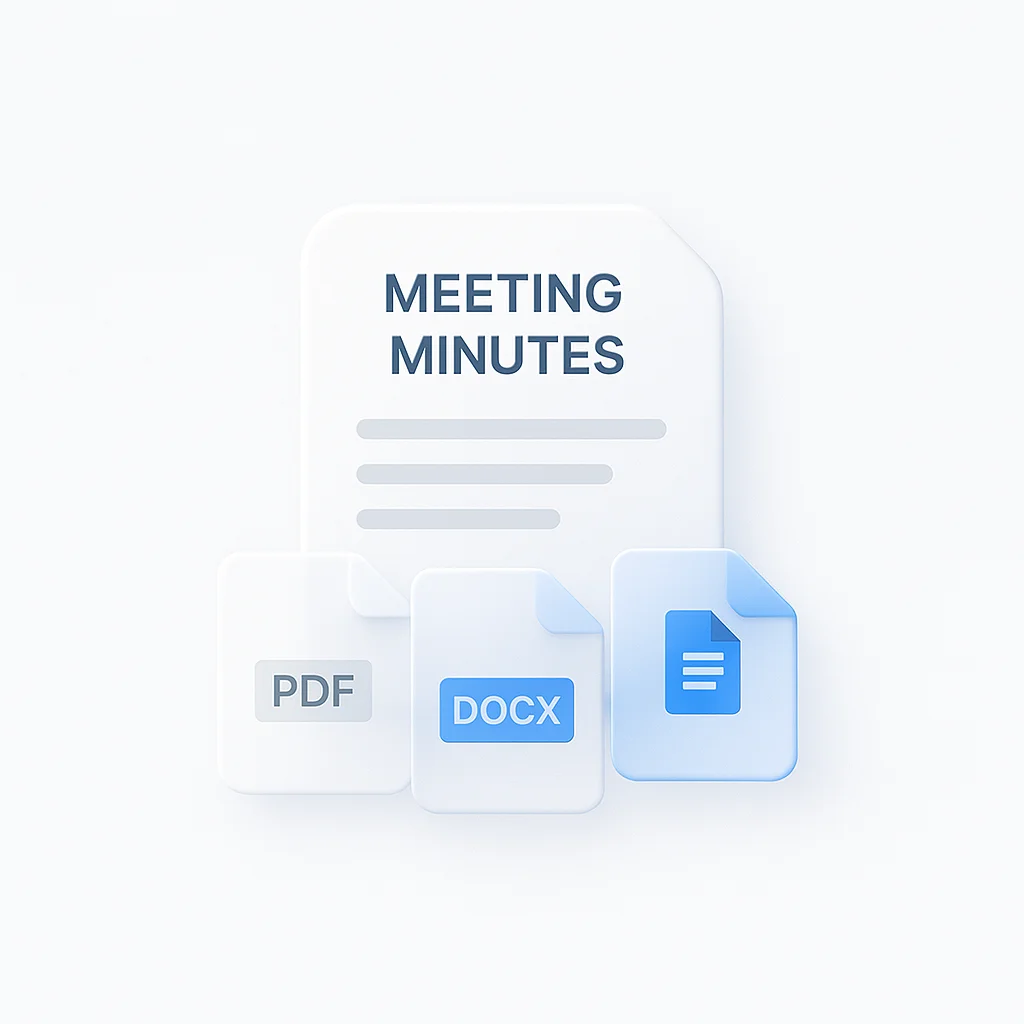
- Export to PDF, Word, TXT, or shareable link
- Works with recordings from any platform
- 99 languages supported
- strong accuracy on decisions and tasks
Convert Audio or Video to Meeting Minutes
Three steps to generate minutes from any recording:
- Upload the file or paste a transcript. Accepts MP4, MOV, M4A, MP3, WAV. You can also paste a URL or existing transcript text.
- AI extracts and formats. The tool transcribes, separates speakers, pulls out decisions and tasks with owners, then builds the document structure.
- Download or share. Export as PDF, Word, or TXT. Get a shareable link with timestamps and speaker labels.
No one has to take notes during the call. Processing takes under 30 seconds for most meetings and handles recordings up to 60 minutes on the free tier.
Output formats and meeting types
A standup needs different sections from a board meeting. The generator picks an output template based on the meeting type you select (or auto-detects from the transcript if you skip the step).
| Meeting type | Output template focus | Sections generated | Typical length |
|---|---|---|---|
| Standup, daily sync | Action items per person | Yesterday, Today, Blockers per attendee | 100-200 words |
| Planning, roadmap | Decisions and ownership | Decisions, action items, parking-lot items, owners, dates | 300-600 words |
| Client, sales call | Account state and next steps | Account update, customer asks, your commitments, next meeting | 300-500 words |
| Board, executive | Formal minutes | Attendees, agenda, motions, resolutions, action items | 400-800 words |
| 1:1, coaching | Growth and commitments | Topics covered, agreements, follow-ups | 150-300 words |
| Brainstorming, workshop | Idea clusters | Themes, top-rated ideas, ownership, parking lot | 200-500 words |
Length numbers are for the generated minutes document, not the source meeting length. A 60-minute board meeting produces a 400-800 word minutes doc because boilerplate is condensed and only decisions and action items survive. Speaker diarization runs the same way regardless of template, so attendee attribution stays accurate at 99 language coverage.
See a real summary (Meeting Minutes layout below)
Below is a real 5-page output ScreenApp generated from a 38-minute conversation. This sample uses the Standard summary layout, which works for interview-style calls and discussion meetings. For strict minutes format (attendees, agenda, decisions, action items in a top-to-bottom skeleton), the tool offers a Meeting Minutes layout option in the export settings. Same accuracy, same speaker handling, different document structure.
For the structured Meeting Minutes layout (attendees, decisions, action items), see the layout comparison on the video-to-PDF page. Same engine generates both.
MOM Generator vs Other Meeting AI Tools
| Feature | ScreenApp | Otter.ai | Fireflies.ai | Tactiq | Jamie |
|---|---|---|---|---|---|
| Upload recordings | Yes (audio/video) | No | No | No | Local only |
| Action items | Yes | Limited | Yes | Limited | Yes |
| Speaker ID | Yes | Yes | Yes | No | Yes |
| Free tier | 3 meetings/mo | 300 min/mo | Limited | Basic | 7-day trial |
| Works after meeting | Yes | No (live only) | No (bot joins) | No (extension) | Yes |
| Export formats | PDF, Word, Link | Limited | Limited | Limited | PDF, Markdown |
| Languages | 50+ | 3 | 69 | English-focused | Multiple |
| Paid plan (2026) | $19/mo annual | $16.99/mo | $10/mo annual | $8/mo | $25/mo |
The main difference is the workflow. Otter.ai, Fireflies, and Tactiq all require live participation — either a bot joining the call or a browser extension running during the meeting. Some IT teams block meeting bots, and extensions miss anything recorded outside the browser. ScreenApp takes a file you already have and produces the minutes after the fact. Jamie works offline on your Mac or PC but costs more and needs local installation.
What the Minutes Include
Every generated document contains:
- Section headers built from the discussion flow
- Decisions with context and reasoning
- Action items with owners and deadlines when mentioned
- Discussion highlights with speaker attribution
- Attendance list from speaker identification
- Follow-up items separated from completed decisions
The AI distinguishes between casual discussion and formal decisions. Teams report saving 2-3 hours per week on post-meeting documentation.
Who Uses It
Project managers tracking decisions and tasks across recurring meetings with distributed teams.
Business teams documenting board meetings, client calls, and stakeholder sessions without admin support.
Remote organizations maintaining clear records across time zones and platforms.
Compliance and legal teams producing timestamped, auditable documentation of regulatory meetings.
If full minutes are more than you need, pick the right sibling: the meeting summarizer returns a summary-only output without the formal MOM skeleton, the AI meeting assistant handles real-time participation during live calls, the iPhone meeting recorder captures from mobile when you’re not at a laptop, meeting followup focuses specifically on action items and owners, and the meeting recorder handles raw audio plus video capture for archiving.
Complete Meeting Recorder Platform
Want more than just minutes? The full meeting recorder platform adds automatic transcription, AI summaries, searchable meeting libraries, and action item tracking across every recording.
FAQ
What is an AI meeting minutes generator?
A tool that turns recordings or transcripts into structured meeting documentation automatically. Upload audio, video, or text and the AI extracts decisions, tasks, and discussion points, then formats them into MOM documents with speaker labels and timestamps.
How do AI minutes of meeting work?
The system transcribes your audio, identifies each speaker, extracts decisions and tasks using natural language processing, assigns owners, and formats the output. The whole process takes under 30 seconds for a typical meeting.
Can I generate meeting minutes free?
Yes. Three meetings per month are free with full features — transcription, task extraction, speaker ID, and all export formats.
Can I convert audio to minutes of meeting free online?
Yes. Upload any audio recording (M4A, MP3, WAV) or video file and the tool transcribes and structures it automatically. Works with recordings from Zoom, Teams, Google Meet, or any device. Free tier handles recordings up to 60 minutes.
What is a MOM generator?
A MOM (minutes of meeting) generator is an AI tool that creates structured meeting documentation from transcripts or recordings. It pulls out discussion points, decisions, and tasks, then formats them into professional minutes.
Can I convert video to minutes of meeting?
Yes. The tool handles MP4, AVI, MOV, and WebM files. You can also paste URLs from YouTube or Vimeo.
How accurate are AI meeting minutes?
The system hits strong accuracy on decisions and tasks. Speaker identification depends on audio quality and works best with clear audio from meeting platforms.
Can I create minutes from existing transcripts?
Yes. Paste any transcript or notes and the AI adds section headers, extracts tasks, and formats the output into MOM documentation.
What export formats are supported?
PDF, Microsoft Word (DOCX), plain text (TXT), and shareable links. SRT subtitles are also available for video captioning.