Benefits of Audio GPT
ChatGPT cannot upload and analyze your audio files directly. Standard ChatGPT only processes text and images. Audio GPT accepts MP3, WAV, and M4A uploads in your browser, transcribes them with AI, and lets you chat with the transcript to ask questions, extract insights, and get summaries.
Upload a meeting, an interview, a lecture, or a podcast, and ask it things. Hours of audio become answerable in minutes, and every answer points back at a timestamp so you can check it against the recording rather than take its word for it.
What it does:
- Chat with the transcript as soon as the upload finishes
- Transcribe MP3, WAV, M4A, and 20+ other formats (see the word error rates)
- Pull action items, quotes, and key points out of a meeting
- Run in the browser, with nothing to install
The free tier is 1 recording plus a 7-day Growth trial, then Growth at $19/month annual. It is not unlimited, and anyone telling you their AI audio tool is unlimited and free is either burning investor money or about to change the terms.
How Audio GPT Works
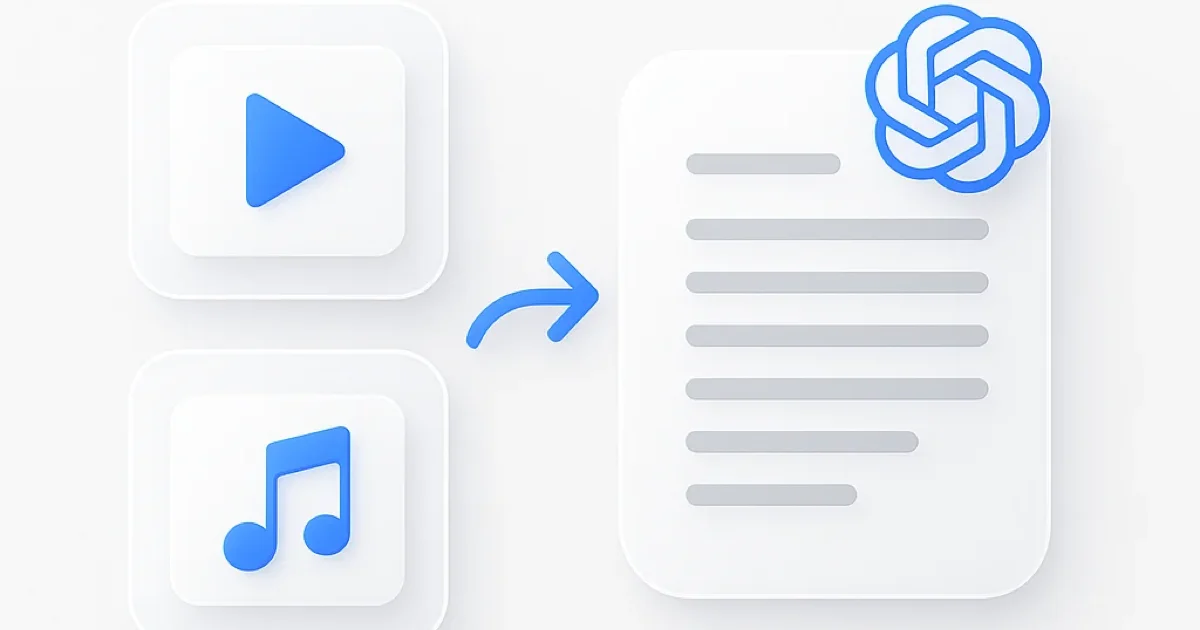
Audio GPT works in three steps. Upload your recording and it transcribes automatically, then you chat with the transcript to find exactly what you need.
- Upload your audio file - drag and drop MP3, WAV, M4A, or paste a URL. The GPT audio tool accepts recordings of any length.
- AI transcribes and indexes - speech recognition processes your audio with speaker identification and timestamps.
- Chat with your recording - ask questions like “What were the action items?” or “Summarize the first 10 minutes” and get instant answers with timestamp references.
Audio GPT vs Other Tools
| Feature | ScreenApp | OpenAI Whisper API | Google Gemini | AssemblyAI |
|---|---|---|---|---|
| Free tier | 1 recording + 7-day Growth trial | $5 credit (830 min) | 1,000 requests/day | $50 credit (185 hours) |
| Chat with transcript | Yes | No (transcription only) | Yes (with prompts) | No (transcription only) |
| Audio file upload | Browser-based | API integration required | API integration required | API integration required |
| Speaker identification | Yes | No | Limited | Yes (paid add-on) |
| Pricing (paid) | $19/month annual | $0.006/minute | $1/1M tokens | $0.15/hour |
The comparison is a bit unfair in both directions, so read it honestly. Whisper, Gemini, and AssemblyAI are APIs. You need a developer and some code to use them at all, and in exchange they are cheap at volume. Audio GPT is a browser page you drop a file into.
- vs OpenAI Whisper API: Whisper is transcription only, no Q&A layer, and at $0.006/minute it is far cheaper than $19/month if you are transcribing at scale and can write the code. Pick Whisper if you have engineers. Pick this if you have a file and a question.
- vs Google Gemini: Gemini will chat about audio, but you are wiring up an API at $1/1M tokens to get there. This is the same idea without the integration work.
- vs AssemblyAI: Strong transcription with speaker labels at $0.15/hour, but it hands you a transcript, not a conversation. Speaker diarization is a paid add-on on top.
Who Needs Audio GPT
Students and researchers transcribe lectures, interviews, and research recordings with interactive Q&A. Find specific information in hours of audio without listening to everything. Ask “What did the professor say about quantum entanglement?” and get the answer with timestamps.
Business professionals use GPT audio for meeting notes and conference call analysis. Upload a recording and ask for action items, decisions, and deadlines. Skip the manual note-taking entirely.
Podcasters and content creators extract quotes, topics, and talking points from recordings. Generate show notes and summaries from episodes automatically with audio GPT.
Journalists chat with interview recordings to locate specific statements, verify facts, and organize story elements from long conversations.
FAQ
Can ChatGPT analyze audio files?
No. Standard ChatGPT cannot upload or analyze audio files directly. It only processes text and image input. Audio GPT is built specifically for audio analysis, letting you upload MP3, WAV, or M4A files and chat with the transcribed content.
How does audio GPT work?
Upload an audio file or paste a URL. The tool transcribes your recording with speaker identification and timestamps, then lets you ask questions about the content in a chat interface. Responses include timestamp references so you can jump to specific moments.
Is audio GPT free?
There is a free tier: 1 recording plus a 7-day Growth trial, which is enough to find out whether it works for you. It is not unlimited. After that it is Growth at $19/month annual. No per-minute charge either way, which is the difference from Whisper API ($0.006/minute) and AssemblyAI ($0.15/hour), though at high volume those work out cheaper.
How accurate is GPT audio transcription?
Around 2-3% word error rate on clear speech, and worse on noisy audio or heavy accents. Every answer is timestamped, so the practical answer is that you can go check the moment yourself instead of trusting a number. Per-language figures are on the accuracy page.
Can ChatGPT do this?
No, and that is most of why this page exists. ChatGPT will not accept an MP3 upload for analysis. If you searched “chat gpt audio” looking for ChatGPT’s own voice mode, that is a different thing: voice mode is you talking to ChatGPT live. This is you uploading a recording of something that already happened and asking about it.
Can I download transcripts from audio GPT?
Yes. Download transcripts in TXT, DOCX, PDF, and SRT formats. Edit the transcript directly in the tool before exporting for sharing or integration with other applications.
Is my audio data secure?
Audio processing happens with encrypted storage and confidential handling. Your recordings and transcripts are not shared with third parties or used for training purposes.