Einstein AI vs ScreenApp: Best Free AI Lecture Note Taker (2026)


On this page
Search “best AI lecture note taker” and you hit the same wall I did: everyone swears by something different. Two names come up more than the rest. Einstein AI, the mobile app built on the Feynman technique (also sold as Feynman AI), and ScreenApp, the web tool that turns any video into notes. Same goal, opposite approaches. Which is exactly why choosing one is a headache.
So I ran both. Real university lectures, a couple of YouTube tutorials, one painfully long Zoom seminar. Here is the short version. ScreenApp wins if you study from online or recorded video and want a free plan with nothing hidden behind a paywall. Einstein AI wins if you record in-person classes on your phone and want quizzes built for you afterward. The rest of this compares them on what students actually type into Google: transcription accuracy, YouTube support, pricing, and privacy.
And the stakes are not small. According to Statista, the global AI in education market is projected to reach $20.5 billion by 2027, with note-taking and transcription tools leading how students adopt it.
For more, see our best AI transcription tools roundup, our walkthrough on recording lectures and turning them into text, and our guide to AI meeting assistants for Teams.
Try ScreenApp's AI note taker free
ScreenApp handles what Einstein AI cannot. Paste any YouTube URL, upload a video, or record your screen, and get instant AI transcription, summaries, and searchable notes.
- Works with any video source (YouTube, Zoom, uploaded files)
- Free transcription and AI summaries, no subscription to start
- Action items and speaker labels, not just a wall of text
- A transcript archive you can actually search later
Quick picks
Best for online and recorded lectures. Free plan, works with any video source, and no constant upsell.
Best for recording in-person classes on your phone. Feynman-technique app with quizzes. Most features need a subscription.
Do You Need an AI Lecture Note Taker?
Traditional note-taking can’t keep up with fast-talking professors and complex terminology. Three factors are driving the shift to AI-powered lecture tools:
Lecture speed vs writing speed: Professors speak at 150-200 words per minute while students write 30-40 words per minute. AI transcription captures everything at 95%+ accuracy, eliminating the “did I miss that?” panic.
Multimodal learning: Students consume lectures across platforms (Zoom recordings, YouTube tutorials, uploaded video files, live in-person classes). AI tools that handle all formats win over single-purpose apps.
Privacy matters: Students are uploading sensitive academic content. Tools that process locally or with clear data policies outperform those with vague privacy terms and aggressive upsells to “premium” features.
Feature-by-Feature Comparison
| Feature | Einstein AI | ScreenApp | Winner |
|---|---|---|---|
| Platform | Mobile app (iOS, Android) | Web app (works on any device) | Tie |
| Video Sources | Upload files, record audio | Any video URL, screen recording, uploads, live meetings | ScreenApp |
| Transcription Quality | Good for audio, limited video analysis | 95%+ accuracy across all content types | ScreenApp |
| AI Note Generation | Feynman technique-based notes, mind maps, flashcards | Structured summaries, action items, key points extraction | Einstein AI |
| PDF Support | Yes, read and summarize PDFs | Yes, via upload or URL | Tie |
| Quiz Generation | Auto-generates quizzes from notes | Q&A chatbot, but no quiz format | Einstein AI |
| Free Tier | Limited features, trial only | Free transcription and summaries, no card needed | ScreenApp |
| Pricing | Free trial, then subscription (pricing varies) | Free plan, $19/mo Pro (no upsell pressure) | ScreenApp |
| Privacy | Uploads to cloud for processing | Transparent data policy, no reselling | ScreenApp |
| Offline Mode | Yes (mobile app) | No (web-based) | Einstein AI |
Einstein AI: Detailed Review
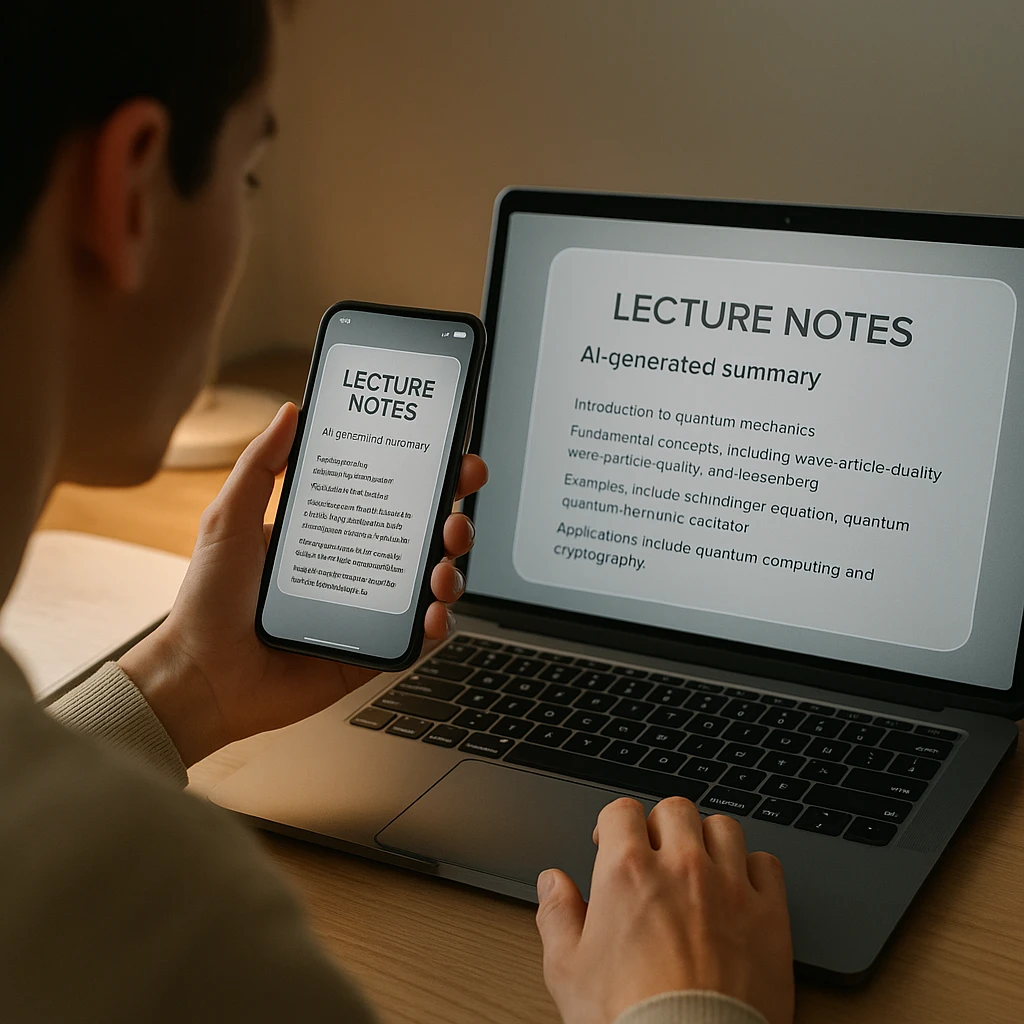
Einstein AI (also marketed as Feynman AI) is a mobile app designed around the Feynman learning technique, where you learn by explaining concepts in simple terms. It creates notes, mind maps, quizzes, and flashcards from recorded lectures, PDFs, and audio files.
Type: Mobile app (iOS, Android) | Price: Free trial, subscription for full features
Pros
Feynman technique built in, quiz and flashcard generation, works offline, mind maps, clean mobile interface.
Cons
Mobile only, subscription for most features, no direct YouTube or URL import, smaller feature set, unclear pricing tiers.
What it does well
Einstein AI's strength is its educational focus. The Feynman technique forces you to simplify complex ideas, which research shows improves retention. It auto-generates quizzes and flashcards, so studying after a lecture is less work, and the mobile interface is clean and made for learning on the go.
Where it falls short
You are limited to what you can upload or record inside the app. No pasting a YouTube lecture URL, no importing a Zoom recording link. For pre-recorded online lectures, that means downloading the file first, then uploading it, which adds friction. The subscription also gates most of the useful features behind a paywall.
ScreenApp: Detailed Review
ScreenApp is a web-based AI transcription and note-taking tool that works with any video source. Paste a YouTube URL, upload a file, or record your screen, and get instant AI-generated notes, summaries, and searchable transcripts.
Type: Web app (no install needed) | Price: Free plan (no card required), $19/mo Pro
Pros
Any video source (YouTube, Vimeo, uploads, screen recordings), free transcription, no upsell pressure, privacy-focused, AI summaries and action items, searchable transcripts, works on any device.
Cons
No mobile app (web only), no offline mode, no automatic quiz generation, needs an internet connection.
What it does well
Flexibility is the big one. Transcribe a YouTube lecture by pasting the URL, record a live Zoom class with screen recording, or upload an MP4 from your phone. The free plan gives you real transcription and AI summaries with no subscription, and it does not bury the useful parts behind a constant upsell. Privacy is plain: your content is not resold or used to train AI models.
Where it falls short
There is no native mobile app, so on a phone you are in a browser. It works, but it is not as polished as Einstein AI's app. It also does not auto-generate quizzes or flashcards, though the AI chatbot will answer questions about your content if you ask.
Which Tool for Which Student
| Your situation | Winner | Why |
|---|---|---|
| Watching YouTube lectures and online courses | ScreenApp | Paste the URL and get notes. Einstein AI needs the file downloaded first. |
| Recording in-person classes on your phone | Einstein AI | Mobile app plus offline mode for lecture halls with no Wi-Fi. |
| You want quizzes and flashcards | Einstein AI | Auto-generates study materials with the Feynman technique. |
| Transcribing meetings and webinars | ScreenApp | One click on Zoom, Teams, or Google Meet recordings. |
| On a tight budget | ScreenApp | Free plan covers transcription and summaries, no subscription. |
| Privacy matters most | ScreenApp | Transparent data policy with no reselling. |
Pricing Breakdown
Einstein AI
- Free trial with limited features
- Subscription for full access (pricing varies by region and promo)
- Charges apply for AI processing, note generation, and quizzes
ScreenApp
- Free plan with transcription, AI summaries, and searchable transcripts, no card required
- Pro at $19/month for longer recordings, priority processing, and API access
- No hidden fees, no upsell pressure
For most students, the free plan handles the day-to-day: transcribe a lecture, summarize it, and search it back before an exam.
Privacy and Data Security
Einstein AI processes content on external servers for AI analysis. The app’s privacy policy isn’t as detailed as larger platforms, and there’s no clear statement about whether transcripts are used to improve AI models.
ScreenApp has a transparent privacy policy: content is processed for transcription and summarization, but not resold or used for AI training. Data is encrypted in transit and at rest.
Record Lectures with ScreenApp
ScreenApp’s lecture AI note-taker handles any video format. No software install needed.
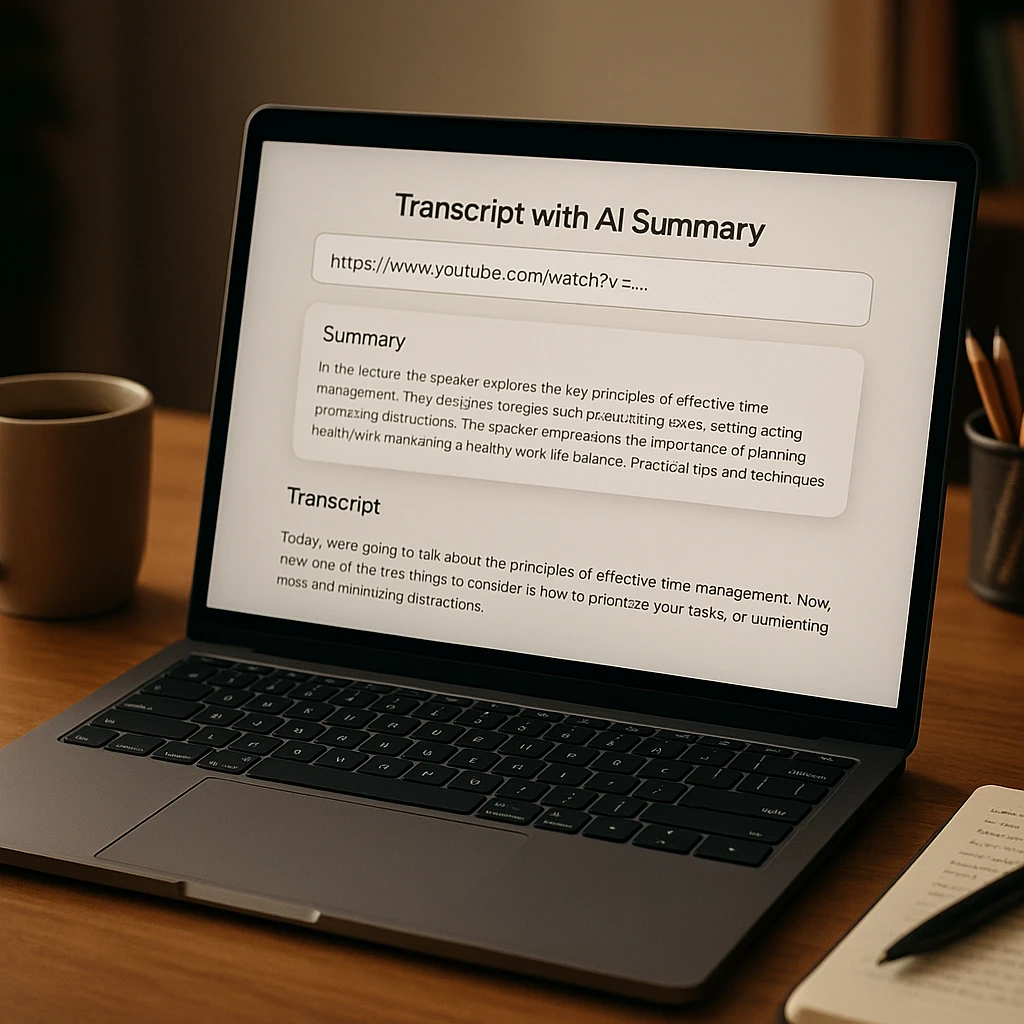
- Paste your lecture URL at screenapp.io/features/lecture-ai-notetaker or upload the file directly.
- Get instant transcription and AI notes. Search the transcript or export as text.
- Optional: Chat with your content. Ask the AI specific questions about the lecture.
Already leaning on AI for study help? Our guide to AI tools that listen and take notes covers what actually works, and what does not.
Después de Obtener Tus Notas
- Resumidor de IA: Condensa conferencias de una hora en resúmenes de 2 minutos
- Video a Documento: Exporta transcripciones completas con marcas de tiempo
- Asistente de Reuniones con IA: Elementos de acción automáticos y seguimientos para reuniones grabadas
Preguntas Frecuentes
¿Cuál es el mejor tomador de notas de conferencias con IA gratuito?
Para la mayoría de los estudiantes, ScreenApp es el mejor tomador de notas de conferencias con IA gratuito en 2026. Transcribe cualquier fuente de video, YouTube, Zoom o un archivo subido, en un plan gratuito sin necesidad de tarjeta, y luego añade resúmenes de IA y notas con capacidad de búsqueda. Einstein AI es la mejor opción gratuita solo si grabas clases presenciales en tu teléfono y quieres que se generen cuestionarios automáticamente.
¿Es ScreenApp o Einstein AI mejor para las notas de conferencias?
Depende de cómo asistas a clase. ScreenApp es mejor para conferencias en línea, grabadas y de YouTube, porque pegas un enlace y obtienes notas en aproximadamente un minuto. Einstein AI es mejor para conferencias presenciales en vivo, porque su aplicación móvil graba sin conexión y convierte el audio en tarjetas de estudio y cuestionarios.
¿Qué es Einstein AI?
Einstein AI, también comercializado como Feynman AI, es una aplicación móvil para tomar notas de conferencias para iOS y Android. Graba o importa audio, PDFs y video, luego genera notas, mapas mentales, tarjetas de estudio y cuestionarios utilizando la técnica de aprendizaje Feynman. La mayoría de esas funciones están detrás de una suscripción.
¿Es Einstein AI gratuito?
Einstein AI tiene una prueba gratuita con funciones limitadas, pero la generación completa de notas, cuestionarios y tarjetas de estudio requiere una suscripción de pago. ScreenApp mantiene la transcripción y los resúmenes de IA en su plan gratuito sin necesidad de tarjeta, por lo que los estudiantes preocupados por el presupuesto suelen recurrir a él.
¿Puede la IA tomar notas de una videoconferencia?
Sí. Un tomador de notas con IA como ScreenApp transcribe una videoconferencia y crea un resumen estructurado para ti. Pega la URL del video o sube el archivo, y obtendrás una transcripción completa más puntos clave, elementos de acción y un archivo con capacidad de búsqueda, generalmente en menos de un minuto.
¿Puede Einstein AI transcribir videos de YouTube?
No. Einstein AI requiere que descargues y subas archivos de video. No es compatible con la importación directa de URL de YouTube como ScreenApp.
¿Funciona ScreenApp en dispositivos móviles?
Sí, ScreenApp es una aplicación web y funciona en cualquier navegador móvil. No hay una aplicación nativa, pero la versión web es adaptable a dispositivos móviles.
¿Qué herramienta es mejor para estudiantes con un presupuesto limitado?
ScreenApp. El plan gratuito cubre transcripción y resúmenes de IA sin suscripción. Einstein AI necesita una suscripción para la mayoría de sus funciones.
¿Puede Einstein AI generar cuestionarios a partir de notas de clase?
Sí. Einstein AI autogenera cuestionarios y tarjetas didácticas utilizando la técnica de aprendizaje Feynman. ScreenApp no tiene esta característica.
¿Requiere ScreenApp instalación de software?
No. ScreenApp es completamente web. Abre el sitio, pega la URL de tu video o sube un archivo, y comienza a transcribir de inmediato.
¿Qué herramienta tiene mejor precisión de transcripción?
ScreenApp. Maneja terminología técnica, habla rápida y múltiples oradores con una precisión superior al 95%. La precisión de Einstein AI varía según la calidad del audio.
¿Puedo usar Einstein AI sin conexión?
Sí. La aplicación móvil de Einstein AI es compatible con el modo sin conexión para grabar y tomar notas básicas. ScreenApp requiere una conexión a Internet.
Nota de transparencia: Nosotros construimos ScreenApp. Lo incluimos porque realmente ganó en nuestra rúbrica de puntuación en cuanto a flexibilidad, precio y privacidad, pero ten en cuenta nuestra calificación y prueba Einstein AI también si el aprendizaje móvil y la generación de cuestionarios son prioridades para ti.