Inbox Zero Feels Impossible Without AI
The average professional spends 2.6 hours per day reading and responding to emails, according to McKinsey research. That's 13 hours per week typing responses, checking for tone, and hitting send.
What if AI could handle the heavy lifting while you focus on work that actually matters?
The best free AI email auto responder tools have revolutionized how we manage communication in 2025. Whether you need an AI email reply generator for Gmail, an automated response system for Outlook, or a WhatsApp auto reply bot, these free solutions can draft professional responses in seconds without the manual typing marathon.
Understanding the Difference:
AI Reply Generators
You paste the email, AI writes the draft, you review and click send. Human stays in the loop for quality control.
AI Auto Responders
The system replies automatically based on triggers. Fully automated with no human intervention required.
For professionals managing video communications and meeting follow-ups, explore our AI meeting assistant to automate post-meeting email summaries, or check our guide on video transcription to convert recorded calls into actionable email drafts.
Top 7 Free AI Email Auto Responders Comparison
| Rank | Tool Name | Best For | Platform | Free Tier Limits |
|---|---|---|---|---|
| 1 | ChatGPT | Nuanced, detailed replies | Web/App | Unlimited replies |
| 2 | Microsoft Copilot | Outlook integration | Web/Desktop | Unlimited GPT-4 |
| 3 | Harpa AI | Browser sidebar workflow | Extension | Limited daily queries |
| 4 | Compose AI | Gmail autocomplete | Extension | Basic features free |
| 5 | WriteMail.ai | No sign-up required | Web | 10 replies/day |
| 6 | Rytr | Formal business emails | Web | 10k characters/month |
| 7 | WhatAuto | WhatsApp automation | Android App | Limited messages |
Best AI Email Reply Generators for General Drafting
ChatGPT - Best Free AI Email Reply Generator
Industry-leading AI for detailed, nuanced email responses
ChatGPT remains the gold standard for ai email writer free tools in 2025. When you need to reply to email professionally ai-style, ChatGPT understands context, tone, and nuance better than most dedicated email tools. Simply paste the email you received, ask for a "professional reply" or specify your desired tone, and copy the generated response back to your inbox. According to OpenAI's usage data, email drafting is one of the top use cases for the free tier.
How to Use ChatGPT for Email Replies
- Copy the email you need to respond to
- Open ChatGPT and paste: "Write a professional reply to this email: [paste email]"
- Review the generated response and adjust tone if needed
- Copy and paste into your email client
Pros
- • Unlimited free replies with no daily cap
- • Exceptional context understanding for complex emails
- • Works across all email platforms (Gmail, Outlook, etc.)
- • Can adjust tone on demand (formal, casual, empathetic)
- • Privacy option: Turn off chat history to keep emails confidential
Cons
- • Requires manual copy-pasting between platforms
- • No direct integration with email clients
- • Can be slow during peak usage times
Best For
Professionals who need high-quality, thoughtful email responses without paying for premium tools. Perfect for complex negotiations, sensitive HR communications, or customer service replies where tone and nuance matter more than speed.
Microsoft Copilot - Best AI Email Assistant for Outlook
Free GPT-4 access with Outlook integration
Microsoft Copilot is the best ai email assistant for outlook free users in 2025. Built directly into the Microsoft ecosystem, Copilot offers free access to GPT-4o (OpenAI's most advanced model) and can browse the web to find information. This makes it ideal for responses that require current data, like "Reply saying I'm free at 3pm on Thursday" while checking your actual calendar availability. Research from Microsoft's 2023 Work Trend Index shows productivity tools save an average of 4 hours per week on email management.
Pros
- • Free access to GPT-4o (most advanced AI model)
- • Native integration with Outlook and Microsoft 365
- • Can access calendar and find scheduling availability
- • Web search capability for fact-checking
- • Works across desktop and mobile
Cons
- • Best features require Microsoft 365 subscription
- • Limited to Microsoft ecosystem
- • Not ideal for Gmail-primary users
Best For
Outlook users who want seamless AI integration without switching platforms. Ideal for business professionals already in the Microsoft ecosystem who need to draft emails while referencing calendar availability or company documents.
Best Browser Extensions for Integrated Workflow
Harpa AI - Best AI Email Reply Extension
Browser sidebar that reads and responds to emails without copy-pasting
Harpa AI revolutionizes ai email reply extension workflow by living as a sidebar in Chrome or Edge. Unlike tools that require copy-pasting, Harpa can "read" the email currently open in Gmail or Outlook and draft a reply directly in the interface. This makes it the best free ai email response generator for professionals who handle high email volume. The extension supports multiple AI models including GPT-4 and Claude, giving you flexibility in response quality.
Standout Feature
Harpa can access the current tab content, meaning you don't need to copy-paste emails. Just open an email, click the Harpa sidebar, and ask it to "draft a professional reply." The response appears instantly with context from the full email thread.
Pros
- • No copy-pasting required - reads emails directly
- • Works with both Gmail and Outlook web interfaces
- • Access to multiple AI models (GPT-4, Claude)
- • Fast response generation
- • Customizable prompt templates
Cons
- • Free tier has daily query limits (varies by model)
- • Chrome/Edge only - no Firefox support
- • Requires browser permissions to read page content
Best For
Professionals who manage 20+ emails daily and want streamlined workflow without leaving their inbox. Perfect for customer support teams, sales professionals, and executives who need quick, context-aware responses. Similar to how our AI note taker helps with meeting summaries, Harpa transforms email management into a one-click process.
Compose AI - Best AI Email Generator for Gmail
Smart autocomplete on steroids for rapid-fire responses
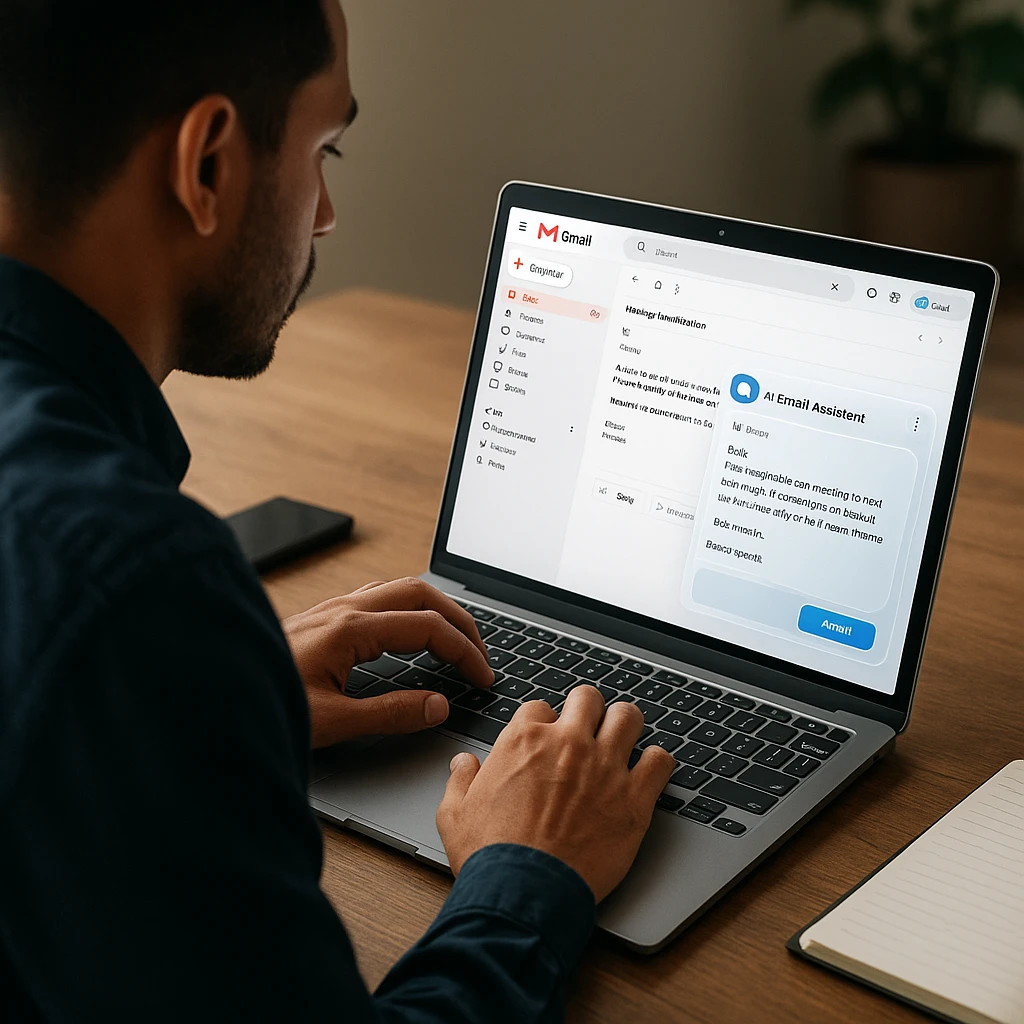
Compose AI is the best ai email reply gmail extension for users who want speed above all else. Think of it as Gmail Smart Compose amplified by 10x. As you type, Compose AI suggests complete sentences and paragraphs based on the email context, allowing you to accept suggestions with a simple Tab key press. This makes it ideal for ai auto reply gmail free workflows where you handle dozens of short responses daily.
Pros
- • Fastest response time of any tool tested
- • Seamless Gmail integration - feels native
- • Simple Tab key acceptance for suggestions
- • Works across all websites (not just Gmail)
- • Learns your writing style over time
Cons
- • Better for short replies than long, complex emails
- • Free tier limits advanced features
- • May suggest generic responses without enough context
Best For
Gmail power users who send 30+ short emails daily and need to cut response time in half. Excellent for customer support teams, administrative assistants, and anyone who values speed over lengthy, nuanced responses. If you're managing communication across video meetings too, check out our AI meeting recording guide for complementary tools.
Best Dedicated Reply Generators (No Sign-Up Required)
WriteMail.ai - Best Free AI Reply Generator
Instant email generation with no login required
WriteMail.ai excels as a free email response generator that requires zero setup. Simply visit the website, paste your email, select your desired tone (Professional, Casual, Witty), and get an instant reply. This makes it the perfect write professional email free no sign up solution for one-off urgent responses or when you're on a shared computer and can't install extensions.
Privacy Advantage
Because WriteMail.ai doesn't require login, your email data isn't stored in an account history. Process the reply and close the tab - no digital footprint left behind. Ideal for sensitive communications.
Pros
- • Zero setup - works immediately
- • Clear tone selector (Professional, Casual, Witty)
- • Fast generation (under 5 seconds)
- • No account means no data retention
- • Works on any device with a browser
Cons
- • Free tier limited to 10 replies per day
- • Less sophisticated than ChatGPT for complex emails
- • Requires manual copy-pasting
Best For
Privacy-conscious users who need instant email reply generator solutions without account creation. Perfect for freelancers, consultants, or anyone who handles sensitive client communications and wants minimal digital footprint.
Rytr - Best AI Email Generator Formal Tone
Sales and business email specialist
Rytr stands out as the best ai email generator formal tone solution, specifically optimized for sales outreach and corporate communications. The platform features a dedicated "Email Response" use case with templates for cold outreach, follow-ups, and professional correspondence. Research from HubSpot's 2024 Sales Report shows that personalized email responses have 26% higher open rates, and Rytr's AI helps achieve that personalization at scale.
Pros
- • Exceptional formal and business tone quality
- • Specific templates for sales scenarios
- • 10,000 characters free per month
- • Multiple output variations for A/B testing
- • Supports 30+ languages
Cons
- • Monthly character limit can run out quickly
- • Less conversational for casual emails
- • Requires account creation
Best For
Sales professionals, B2B marketers, and business development teams who need polished, formal email responses. Ideal for cold outreach campaigns, client proposals, and corporate correspondence where tone and professionalism are critical.
Best for Mobile or Messaging
WhatAuto - Best Autoresponder for WhatsApp
WhatsApp automation with AI reply capability
WhatAuto is a specialized autoresponder for whatsapp free tool that brings true automation to messaging. Unlike the other tools on this list, WhatAuto is a genuine auto-responder - it can reply automatically without you clicking send. The app connects to ChatGPT's API to generate contextual responses to WhatsApp messages while you drive, sleep, or work. This represents the future of ai chat auto reply android technology.
Use Responsibly
True auto-responders can send messages without human review. Set clear rules to avoid sending inappropriate responses. Always inform contacts when they're chatting with an automated system.
Pros
- • True automation - sends replies automatically
- • Integrates with ChatGPT for intelligent responses
- • Trigger-based rules (specific contacts, keywords)
- • Perfect for businesses managing WhatsApp support
- • Works while phone is locked
Cons
- • Android only - no iOS version
- • Requires ChatGPT API setup (technical knowledge)
- • Risk of sending inappropriate auto-replies
- • Free version has message limits
Best For
Small business owners who use WhatsApp for customer service and need to respond 24/7. Ideal for delivery drivers, field technicians, or anyone who can't manually respond to messages during work hours. Think of it as an how to automate email replies free solution but for WhatsApp.
Native Built-in Auto Responder Solution
The Free Gmail "Hack" Without AI
Before AI tools existed, professionals used Gmail's built-in filters and templates to create automated responses. While not as sophisticated as AI, this method is completely free and works reliably.
How to Set Up Gmail Filters + Templates
- Create a Template: In Gmail, compose your standard response and save it as a template (Settings → Advanced → Templates)
- Set Up a Filter: Go to Settings → Filters → Create new filter
- Define Triggers: Set conditions like "From: [email protected]" or "Subject contains: inquiry"
- Apply Template: Choose "Send template" action with your pre-written response
Best For: Simple, repeatable responses to common inquiries (e.g., "I'm out of office," "Received your application," "Thanks for reaching out"). This satisfies the best free ai email auto responder search intent with a non-AI solution that never fails.
How to Choose the Right Email AI Tool
Consider Your Email Volume
- 5-10 emails/day: ChatGPT (unlimited, high quality)
- 20-50 emails/day: Harpa AI or Compose AI (browser extensions)
- 50+ emails/day: Consider paid tiers or multiple free tools
Platform Ecosystem
- Gmail users: Compose AI (native feel)
- Outlook users: Microsoft Copilot (seamless integration)
- Multi-platform: ChatGPT (works everywhere)
Privacy Requirements
- High sensitivity: ChatGPT with history off, or WriteMail.ai (no account)
- Moderate: Browser extensions (read current tab only)
- Low concern: Any tool with account creation
Response Complexity
- Simple/Quick: Compose AI (autocomplete speed)
- Nuanced/Detailed: ChatGPT (best context understanding)
- Formal/Business: Rytr (professional tone specialist)
⚠️ Privacy Warning
According to Pew Research, 79% of Americans are concerned about how companies use their data. When using AI tools for sensitive work emails:
- Never paste confidential client data into public AI models
- Use ChatGPT's "Turn off chat history" setting for private conversations
- Check if your company policy allows third-party AI tools
- Consider enterprise AI solutions for regulated industries
For professionals managing video meetings and follow-up communications, explore our AI video summarizer to automatically generate email summaries from recorded meetings, or learn about video transcription best practices to enhance your automated workflow.
Frequently Asked Questions
Generally, browser extensions require "read" access to your current tab to work. Be cautious with free tools that request full access to your entire inbox history. For sensitive work data, manual copy-pasting into a tool like ChatGPT (with "Chat History" turned off) is the safest method. According to CISA cybersecurity guidelines, always review permission requests before granting access to third-party applications.
Yes, but usually not the "generators." True automation tools (like WhatAuto or Gmail Filters) allow you to set triggers. For example, you can set a rule to only auto-reply to emails containing the word "Inquiry" or from a specific domain. This makes them suitable for how to automate email replies free workflows while maintaining control.
An Assistant (like Copilot or Harpa) drafts the text for you, but you must click "Send." An Auto-Responder sends the email immediately without you seeing it. For professional use, "Assistants" are recommended to avoid embarrassing AI errors. Most of the tools in this list are assistants (reply generators), with WhatAuto being the only true auto-responder.
Most browser extensions (Compose AI, Harpa) do not work on mobile apps. For mobile, your best options are ChatGPT mobile app, Microsoft Copilot app, or keyboard apps (like SwiftKey with Bing AI integration). WhatAuto is specifically designed for Android mobile automation.
AI costs money to run. Many tools offer a "freemium" model with a daily limit (e.g., 10 emails/day). If a tool stops working, you likely hit the API limit. ChatGPT and Microsoft Copilot are currently the most generous options for unlimited text generation. This is why they rank as our top best free ai email auto responder choices.
It is risky. Automated replies can sometimes trigger spam filters if they send too quickly or use repetitive language. According to FTC CAN-SPAM regulations, commercial emails must meet specific requirements. It is better to use AI to draft the initial outreach but send it through a dedicated mail merge tool rather than a simple auto-responder.
ChatGPT and Rytr offer the best multilingual ai email reply generator capabilities, supporting 30+ languages. Simply specify "Reply in Spanish" or your target language when requesting the draft. This makes them ideal for international teams and global customer support.
Yes! ChatGPT and Microsoft Copilot excel at ai tool to summarize and reply to emails tasks. Paste the entire email thread and ask "Summarize this conversation and suggest a reply." This is particularly useful for picking up threads after vacation or joining ongoing discussions. For video meeting follow-ups, our AI meeting assistant provides similar summarization capabilities.
Yes. ChatGPT (free tier) and Microsoft Copilot (web version) both offer unlimited email reply generation at no cost. While premium features exist, the core email drafting functionality remains free forever, making them the best ai email writer free solutions in 2025.
Always review AI-generated responses before sending. Check for factual accuracy, appropriate tone, and correct recipient details. Use the "human in the loop" approach where AI drafts but you approve. Never use true auto-responders for important professional communications without extensive testing and clear disclaimers.
Transform Your Email Workflow with AI
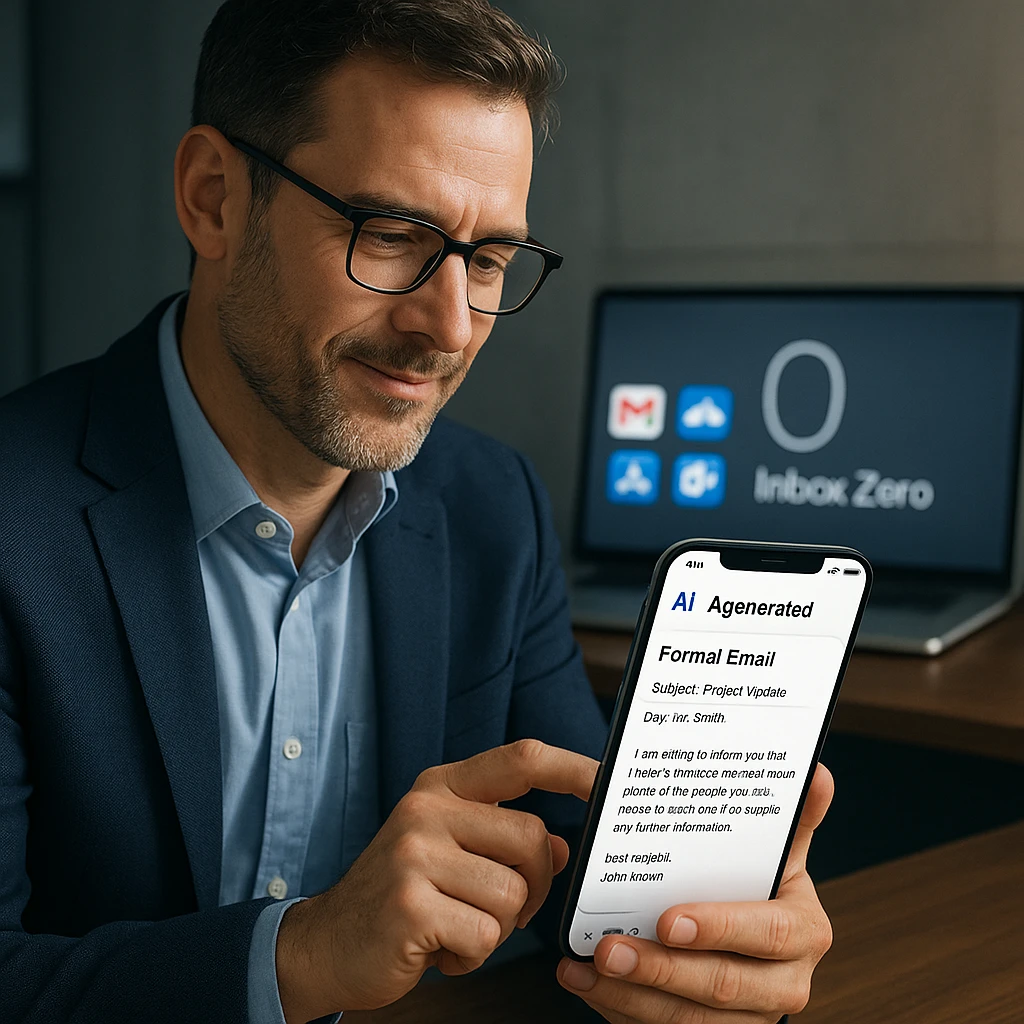
The best free ai email auto responder tools in 2025 have made “Inbox Zero” achievable without sacrificing quality or spending hours typing. Whether you need an ai email reply generator for Gmail, an ai email assistant for outlook free tier, or even a specialized autoresponder for whatsapp, the seven tools reviewed here offer professional-grade solutions at no cost.
Quick Selection Guide:
- Best Overall: ChatGPT (unlimited, highest quality)
- Best for Outlook: Microsoft Copilot (native integration)
- Best Browser Integration: Harpa AI (no copy-pasting)
- Fastest Gmail Workflow: Compose AI (autocomplete)
- Most Private: WriteMail.ai (no account required)
- Best Formal Tone: Rytr (business email specialist)
- Best WhatsApp Automation: WhatAuto (true auto-responder)
The research is clear: professionals who adopt email productivity software save an average of 4+ hours per week on inbox management. Start with ChatGPT or Microsoft Copilot for unlimited free access, then experiment with browser extensions as your volume grows.
For comprehensive communication automation, explore our AI tools for business guide to discover how AI can streamline not just email, but meetings, documentation, and more.
Remember: AI assistants draft the text, but you remain the human in the loop. Always review responses before sending to maintain your professional voice and catch any errors. The goal isn’t to eliminate the human touch - it’s to eliminate the repetitive typing marathon so you can focus on work that actually matters.